Export User Information
You can export the registered user information to a CSV file.
You can also edit the exported CSV file and import it to update user information in bulk. See Import User Information.
- Click CONFIG → User → Export.
- Click "Select data to export", and then select "User Information" from the drop-down menu.
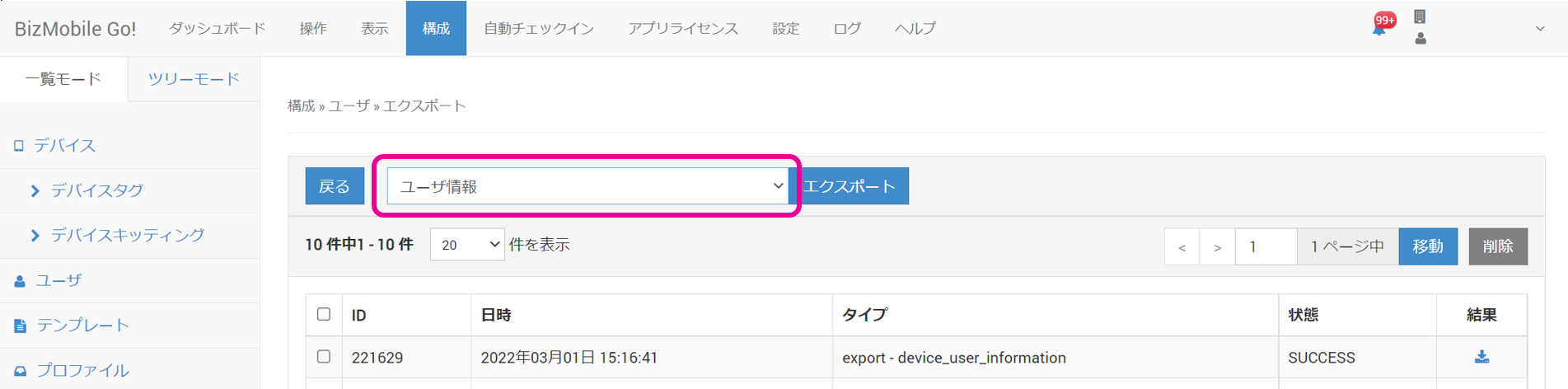
- Click Export, and then click OK in the "Do you want to create the download data?" pop-up.
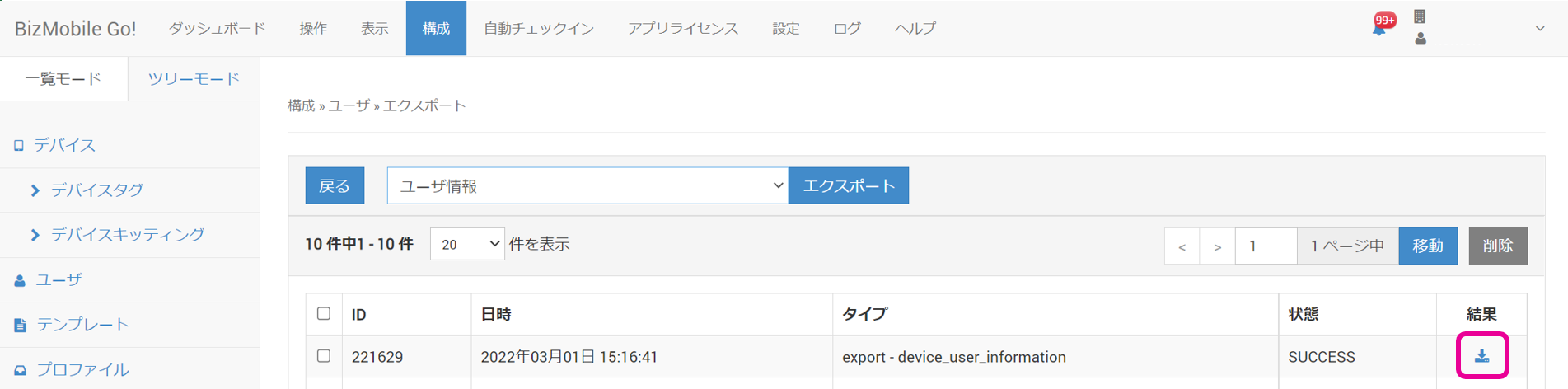
- Click the generated hyperlink to download the file. (Type: "export - device_user_information")