Import User Information
By uploading a CSV file of user information, you can create and edit multiple users in bulk.
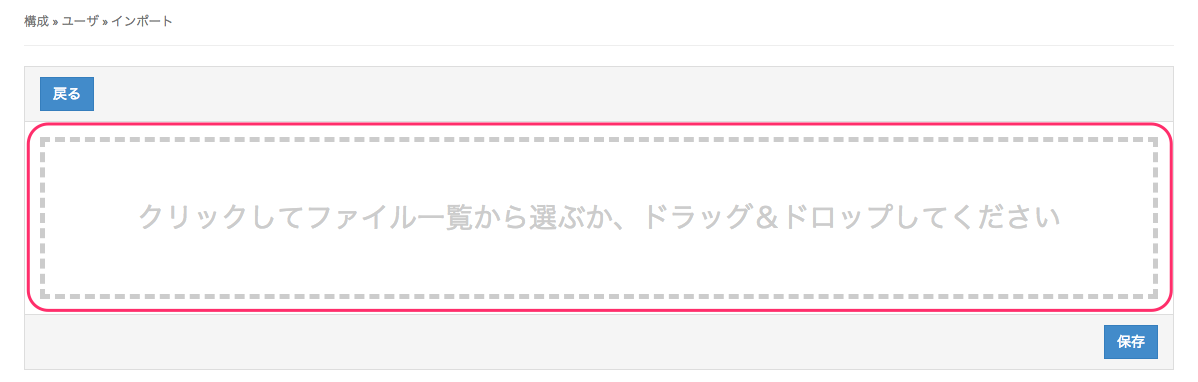
- Click CONFIG → User → Import.
- Specify the CSV file to use for creating and editing users, and then click Save.
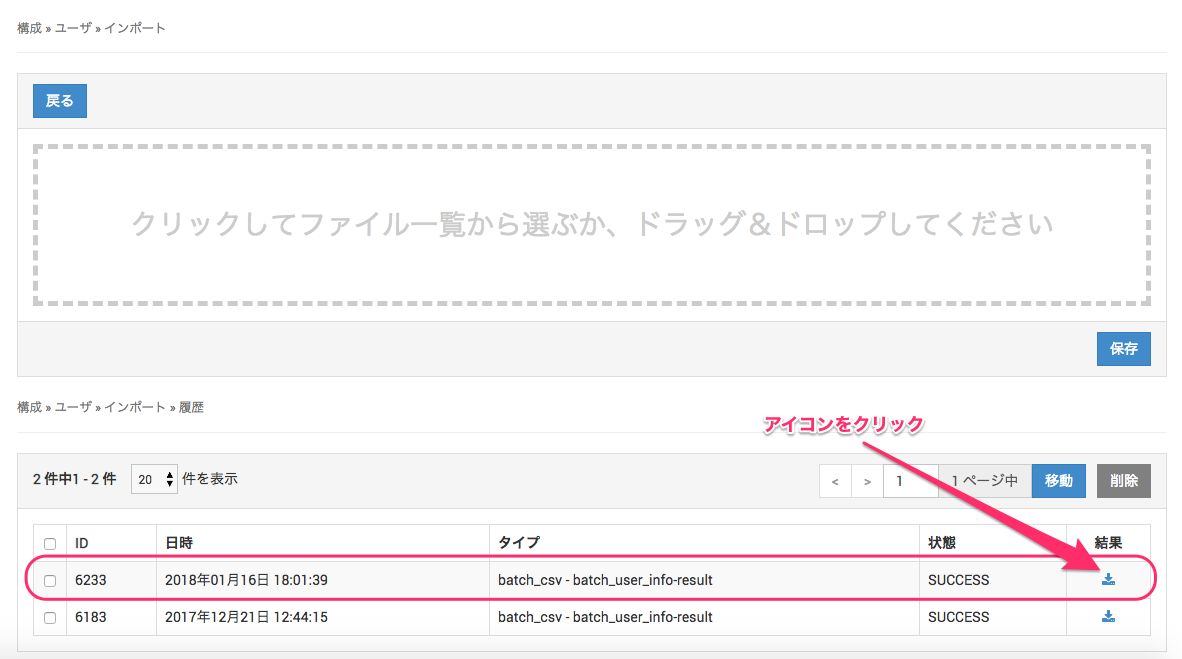
- A CSV file with the upload results is created. If creating or editing user information fails, the CSV file shows where and why it failed.
Click the icon to download the CSV file. (Type: "batch_csv - user_info-result")
UserName,Name,EmailAddress,UserDescription,SendVPPInvitationEmail,Organizations