Schedule (One Time Only)
Create a schedule (one time only)
-
Select CONFIG > Template Switching.
-
On the page that opens, enter the schedule and save it.
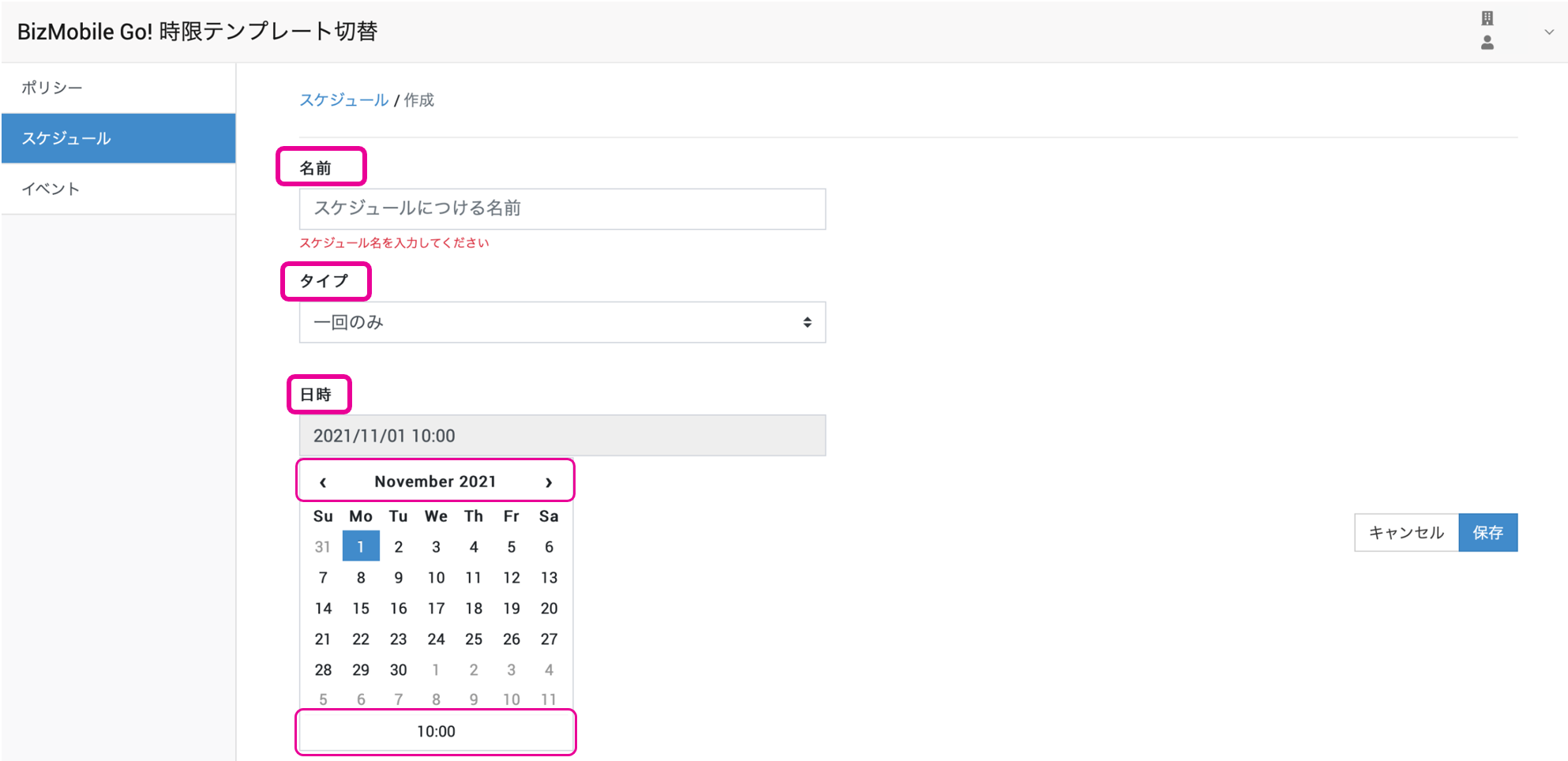
Input fieldsName Name for the schedule Type One time only Date and time Date and time of the template switch