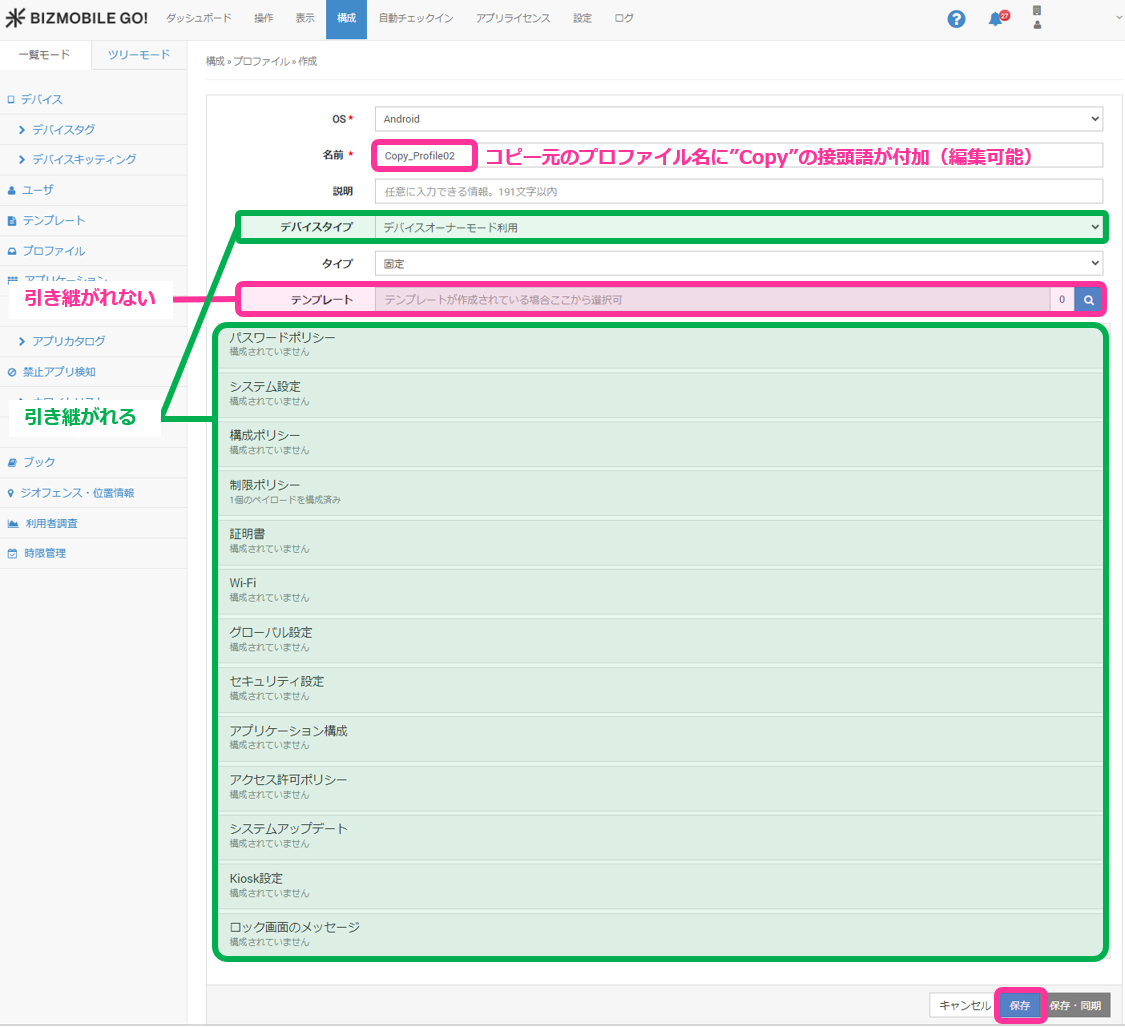
Copy a Registered Profile
You can copy the settings of a profile that is already registered to create a new profile.
info
The following profiles cannot be copied.
- Profiles whose
Typeis notStatic
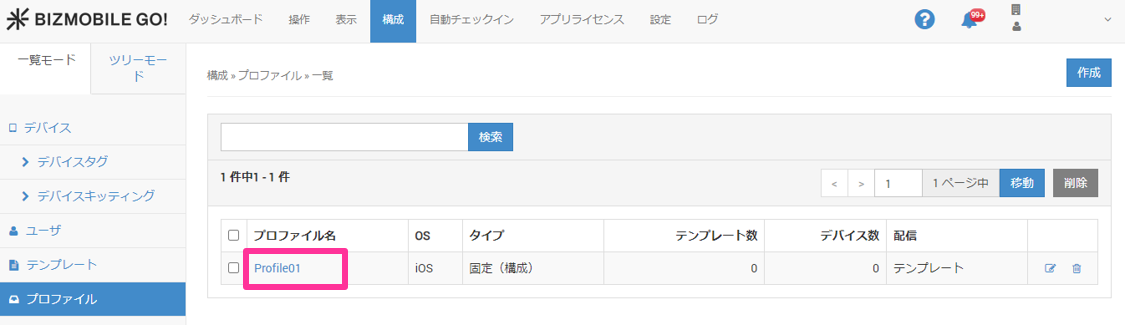
- On the CONFIG → Profile screen, click the name of the profile you want to copy.
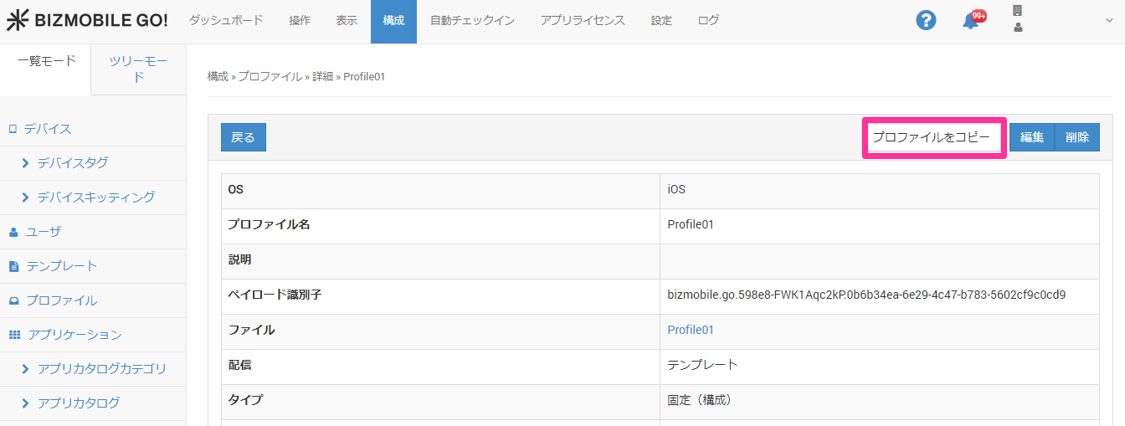
- Click Copy Profile.
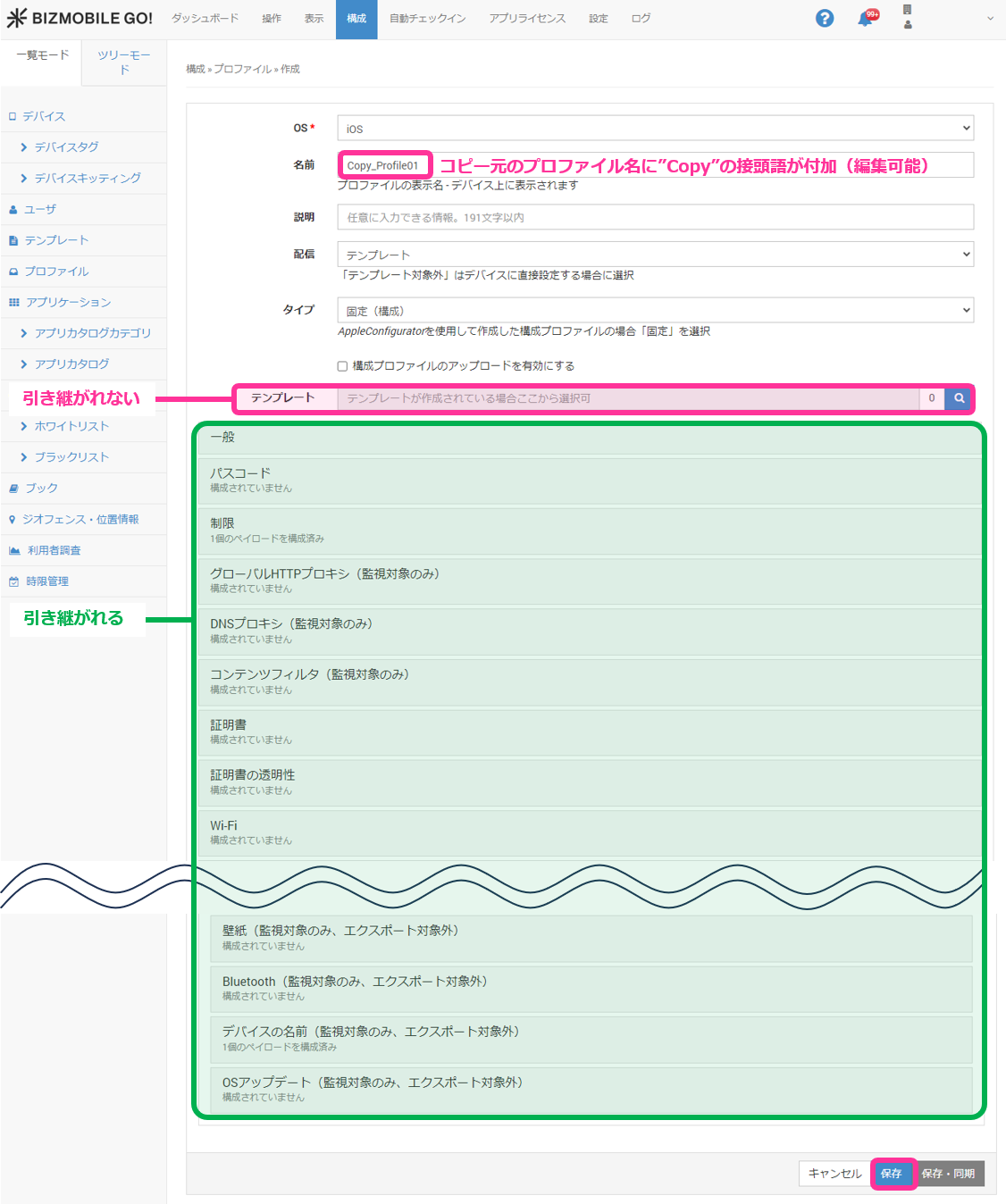
- The profile creation screen opens. Configure the required settings and click
Save.
info
The settings in the source profile are carried over and can be edited.
However, the template specified in the source profile is not carried over, so you must specify a template again.
For iOS
For Android