Create an Organizational Unit
Create an organizational unit for issuing a VPP token.
warning
Manage BizMobile Go! units and organizational units in a one-to-one relationship.
note
If you are using a Windows PC, use Google Chrome or Microsoft Edge for this procedure.
| Step | Screen |
|---|---|
| 1. Sign in to Apple Business (https://business.apple.com/login). | 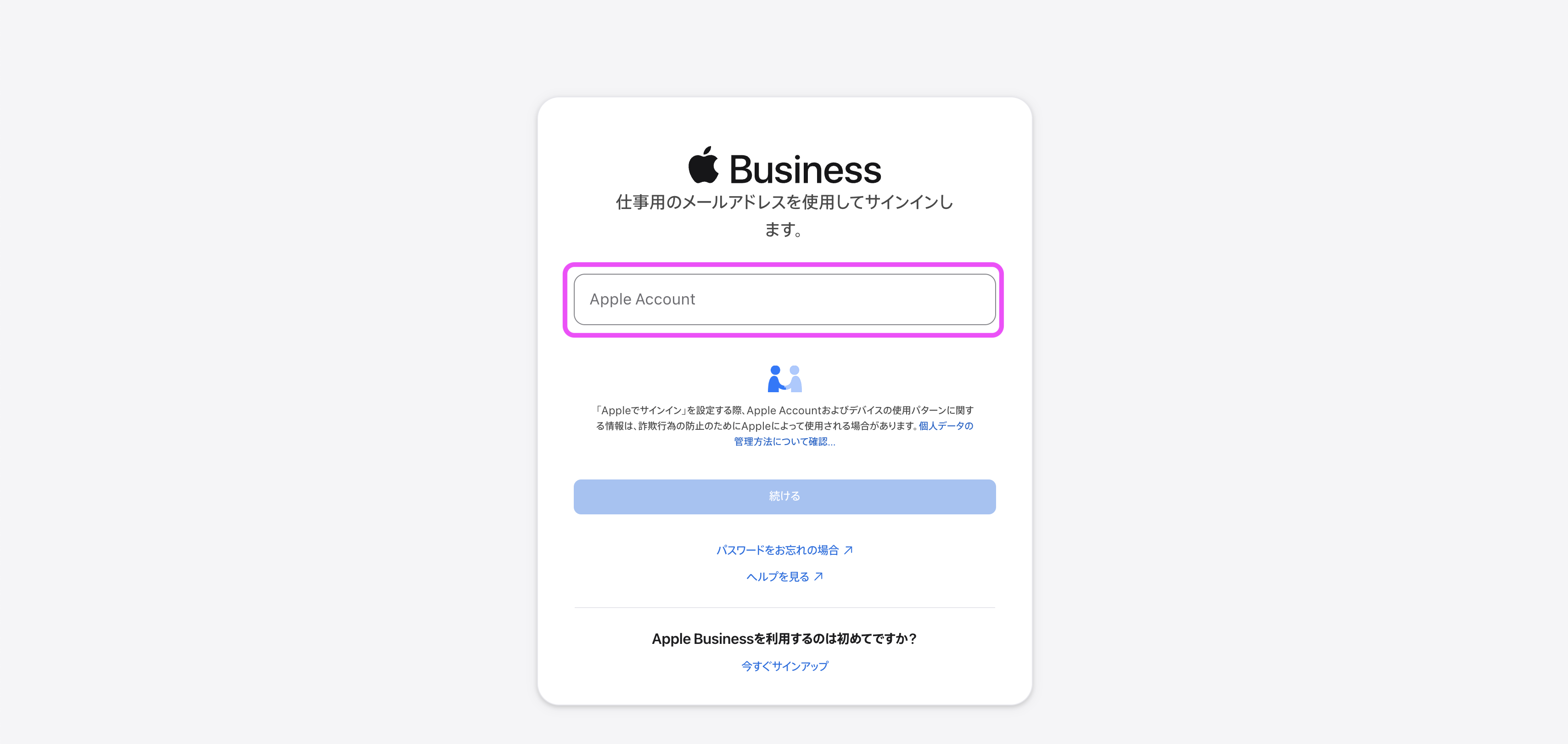 |
2. Click the organization name at the upper right of the screen → Settings → Organizational Units → Add. | 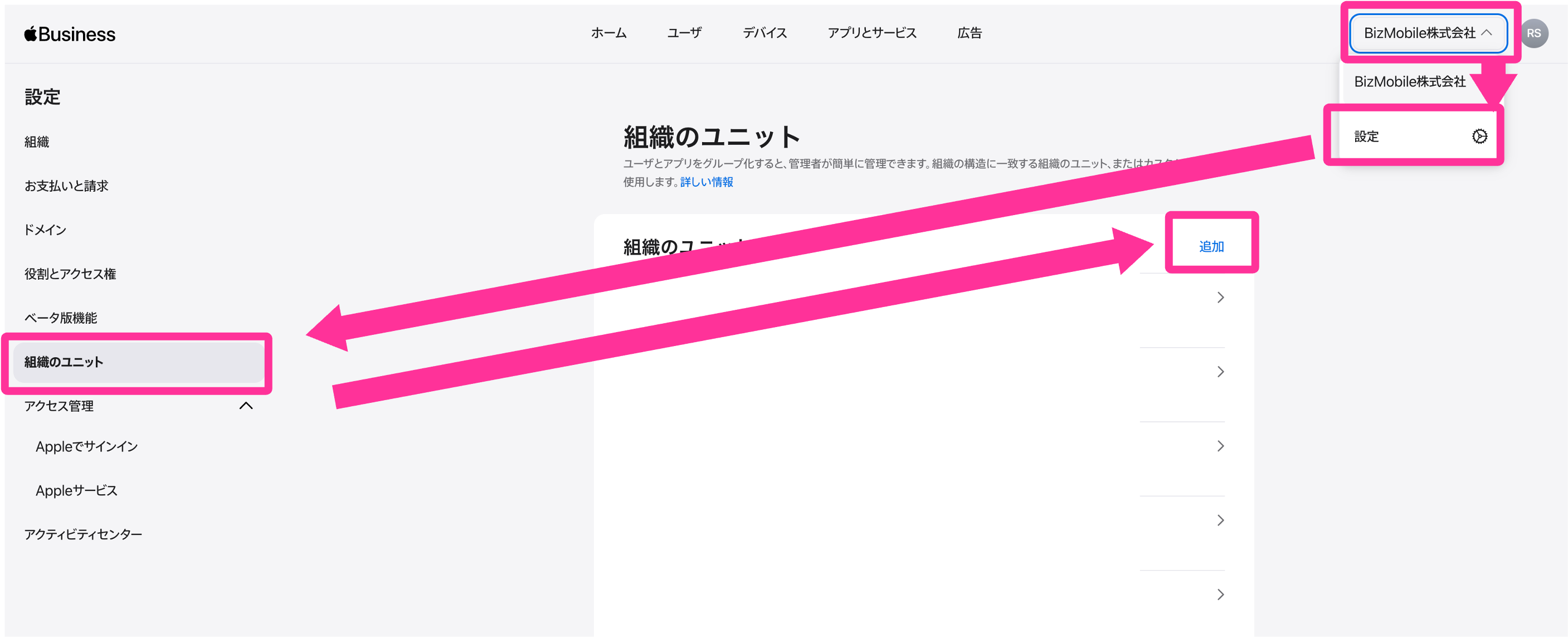 |
3. Enter any unit name (we recommend the BizMobile Go! unit ID) and click Done. | 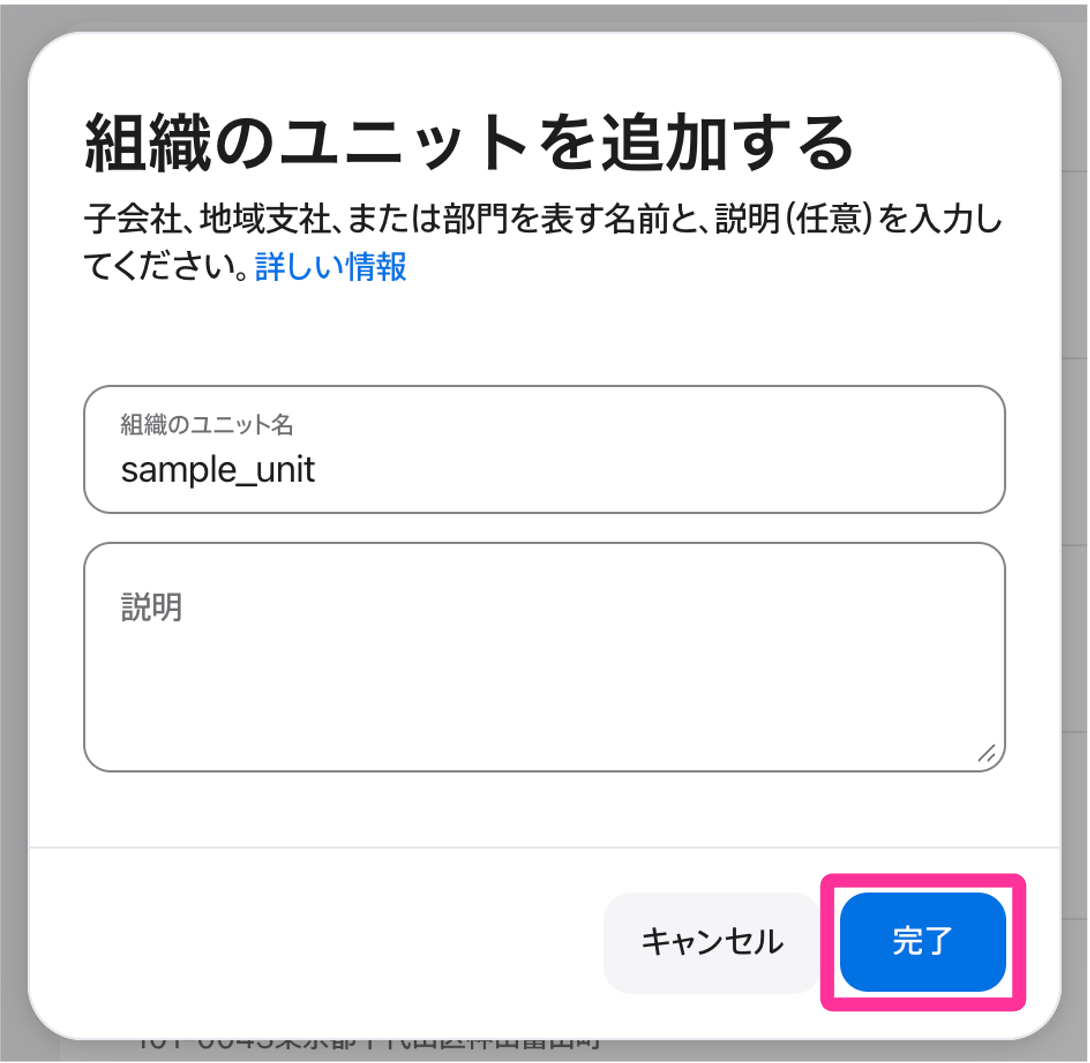 |
| 4. Follow Enable VPP Features to download the token and link it to the BizMobile Go! unit. |