BizGo! Message app operations for users
Activate the BizGo! Message app
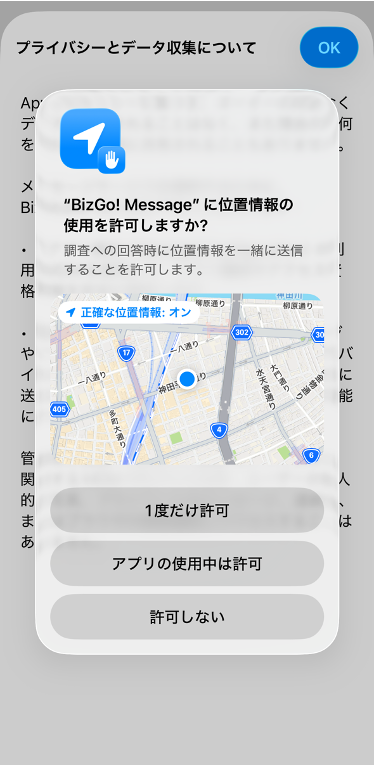
To receive messages from the administrator, you must launch the app for the first time and allow notifications. To send your location with your answers, you must also allow location access.
-
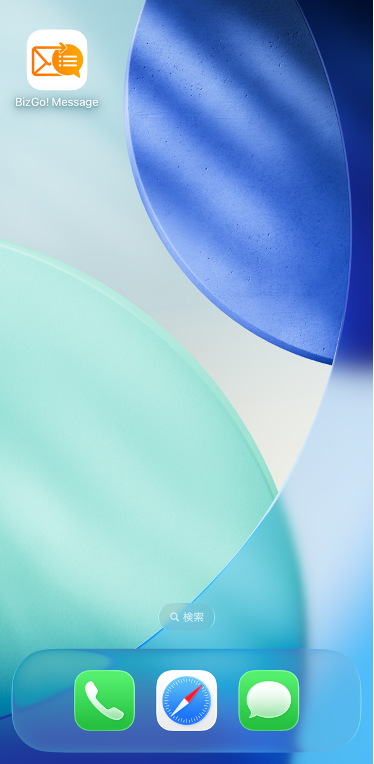
Launch the "BizGo! Message" app from the Home Screen.
-
Tap [Allow While Using App] to allow location access.
-
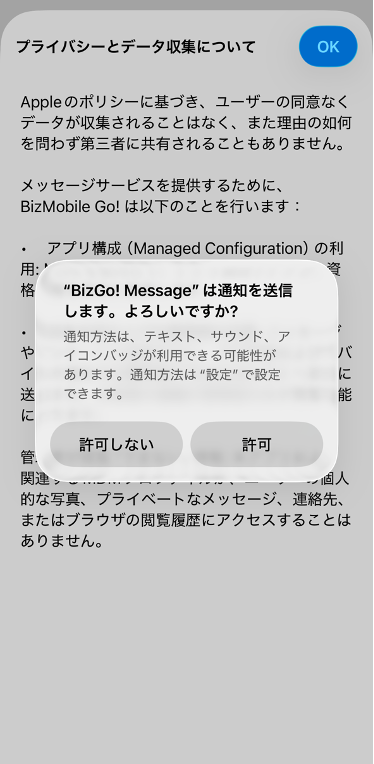
Allow notifications.
You can skip this step by configuring the Notifications payload in the profile.
-
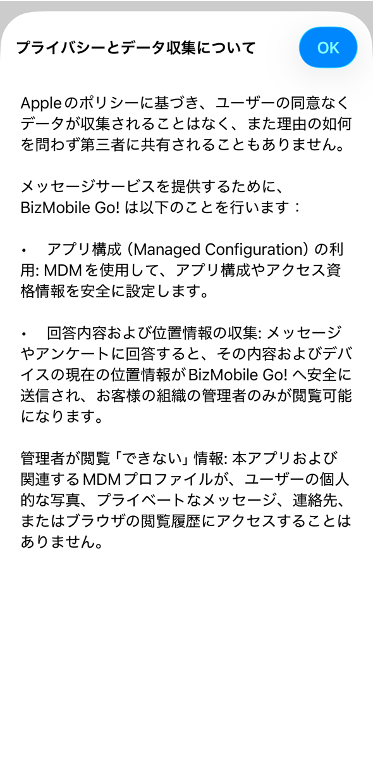
Tap [OK] to agree to the privacy policy.
-
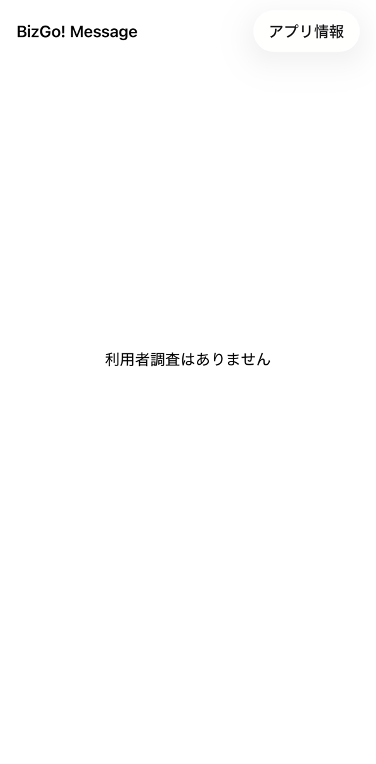
When the message [No surveys for users] is displayed, activation is complete.
Receive and answer a message
Check the message from the administrator and answer it.
-
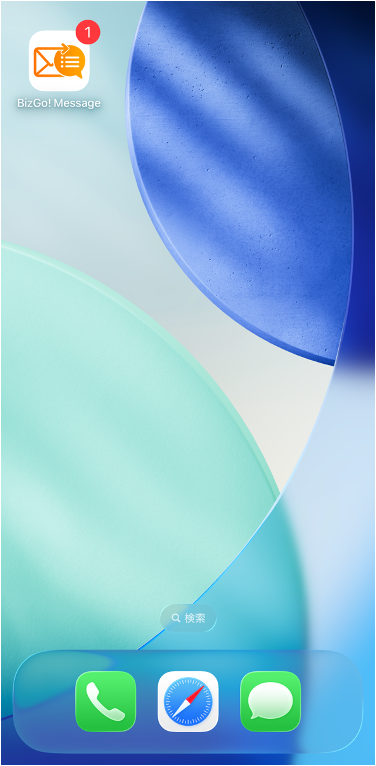
You receive a notification for the message.
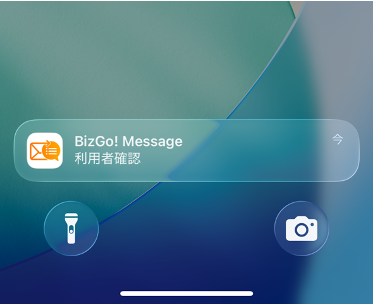
The notification bar shows the survey name.
-
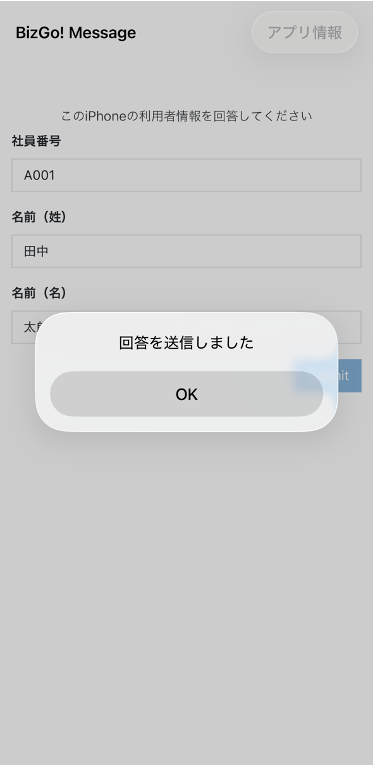
When you launch the BizGo! Message app, the message and the answer input screen are displayed.
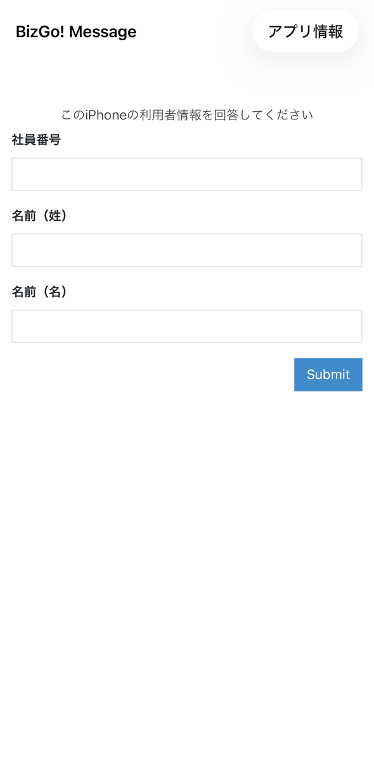
Enter your answer and tapSubmit. -
When [Your answer has been sent] is displayed, your answer has been submitted.