Change the authentication password
If device users forget their password, they ask the administrator, who then changes the password in the admin console.
- The authentication password must be changed for each user individually. You cannot change the passwords of multiple users at once.
-
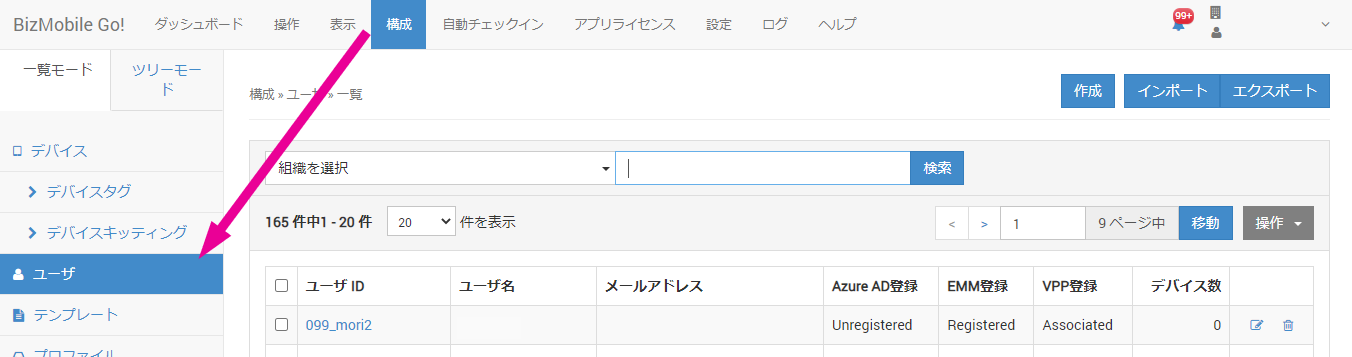
Open the CONFIG → User screen in the admin console.
-
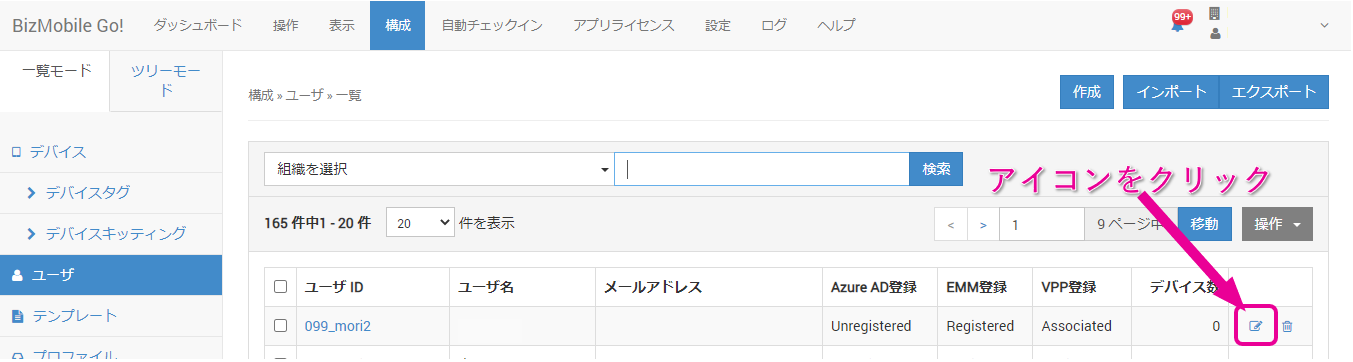
In the user list, click the edit icon at the right end of the row of the user whose password you want to change.
-
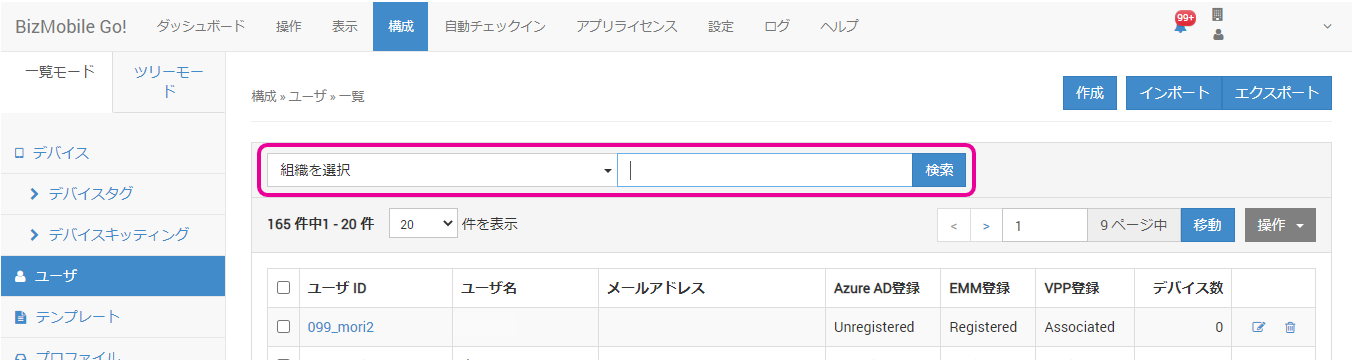
You can filter users by search. To search, enter a keyword in the search field at the top of the list and click the [Search] button.
-
The user edit screen opens. Enter the new authentication password in
Password for Personal Weband click the [Save] button. The password change is now complete.
Notify the device user of the new authentication password.