Device Tags
You can use Device Tag to manage devices as a group.
You can use the device tags you create here to filter managed devices on screens such as the device control screen.
Create a device tag
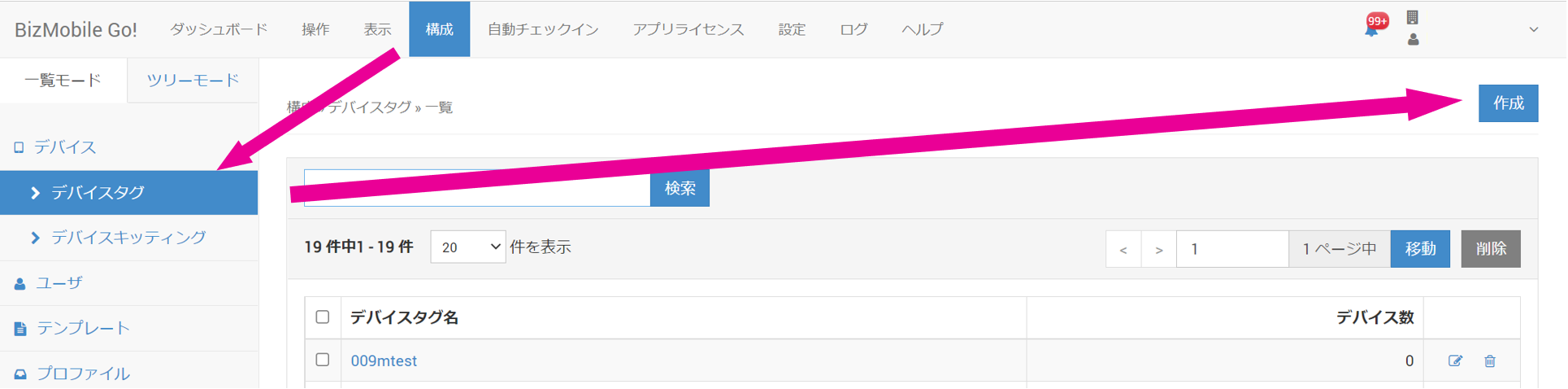
- Click Create on the CONFIG → Device Tag screen.
- Enter the required information on the device tag input screen that appears.
Input fields (★ indicates a required field)
Device Tag Name★ | Enter the name of the device tag you want to create. |
Device | If devices have been created, you can select them here. |
- To discard your entries, click Cancel. To create the device tag, click Save.
When the device tag is created, it appears at the top of the screen as shown below.

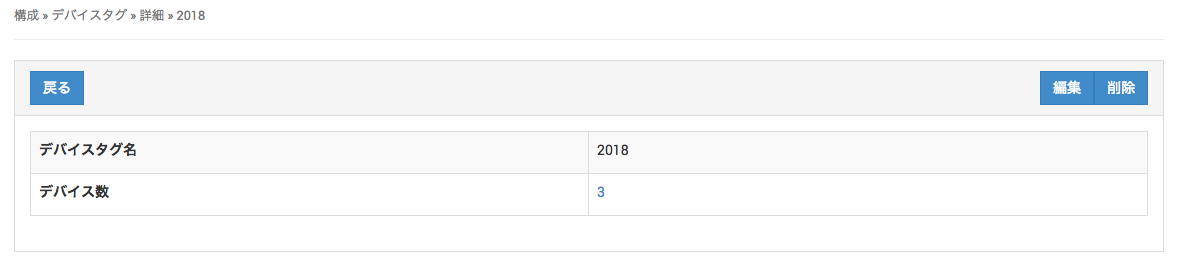
The device tag name is a link. Click it to go to the device tag details page.