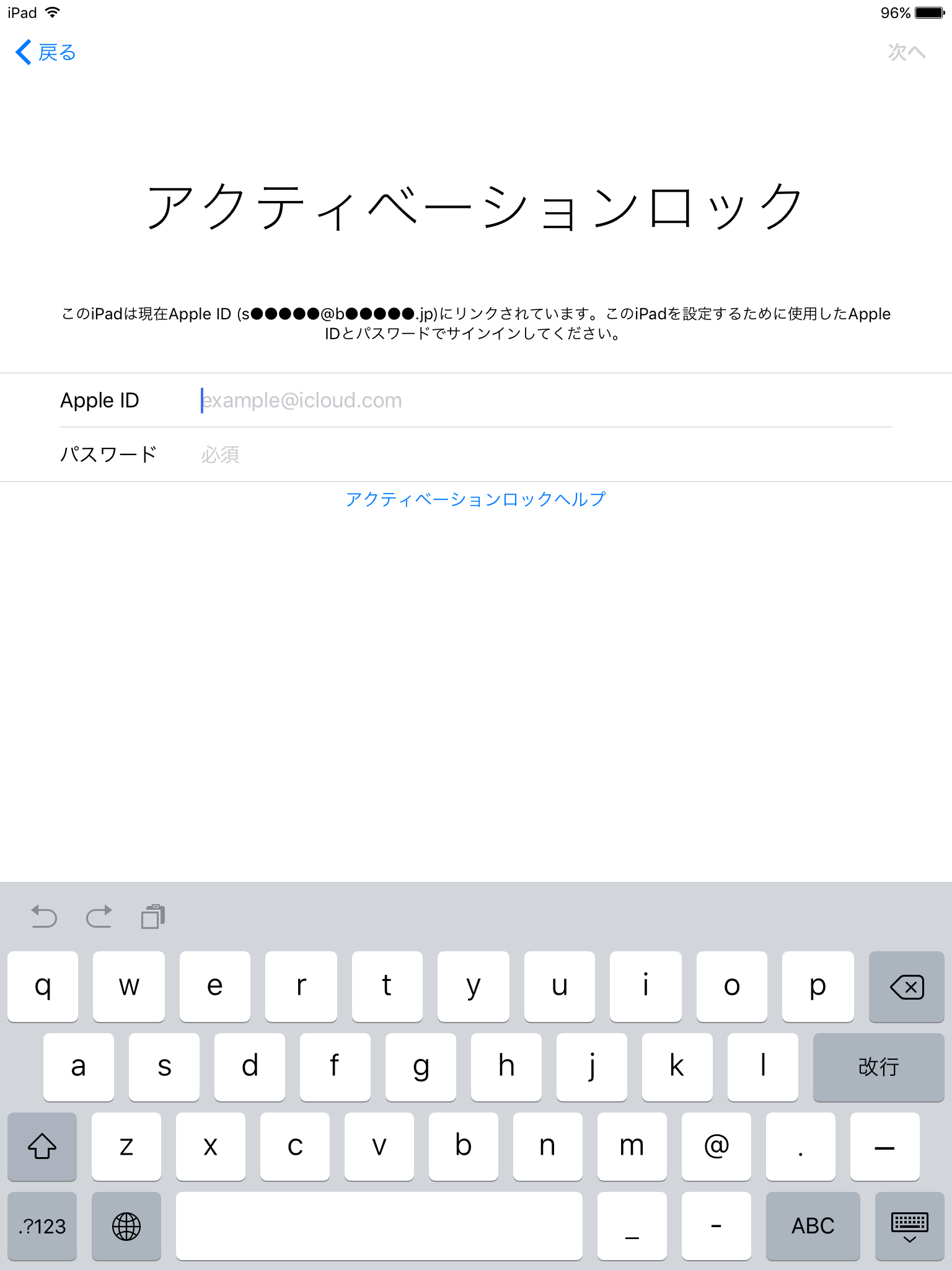
Enter an Activation Lock Bypass Code on a Device
iOS 7.0-
Managed
On the Activation Lock screen on the device, you can release Activation Lock by entering the release code obtained from BizMobile Go!.
You can view the release code for a specific device, or obtain the release codes for all applicable devices in the unit at once.
Click [Show Activation Lock Bypass Code] in the "Activation Lock Bypass" field on the Device Detail screen.
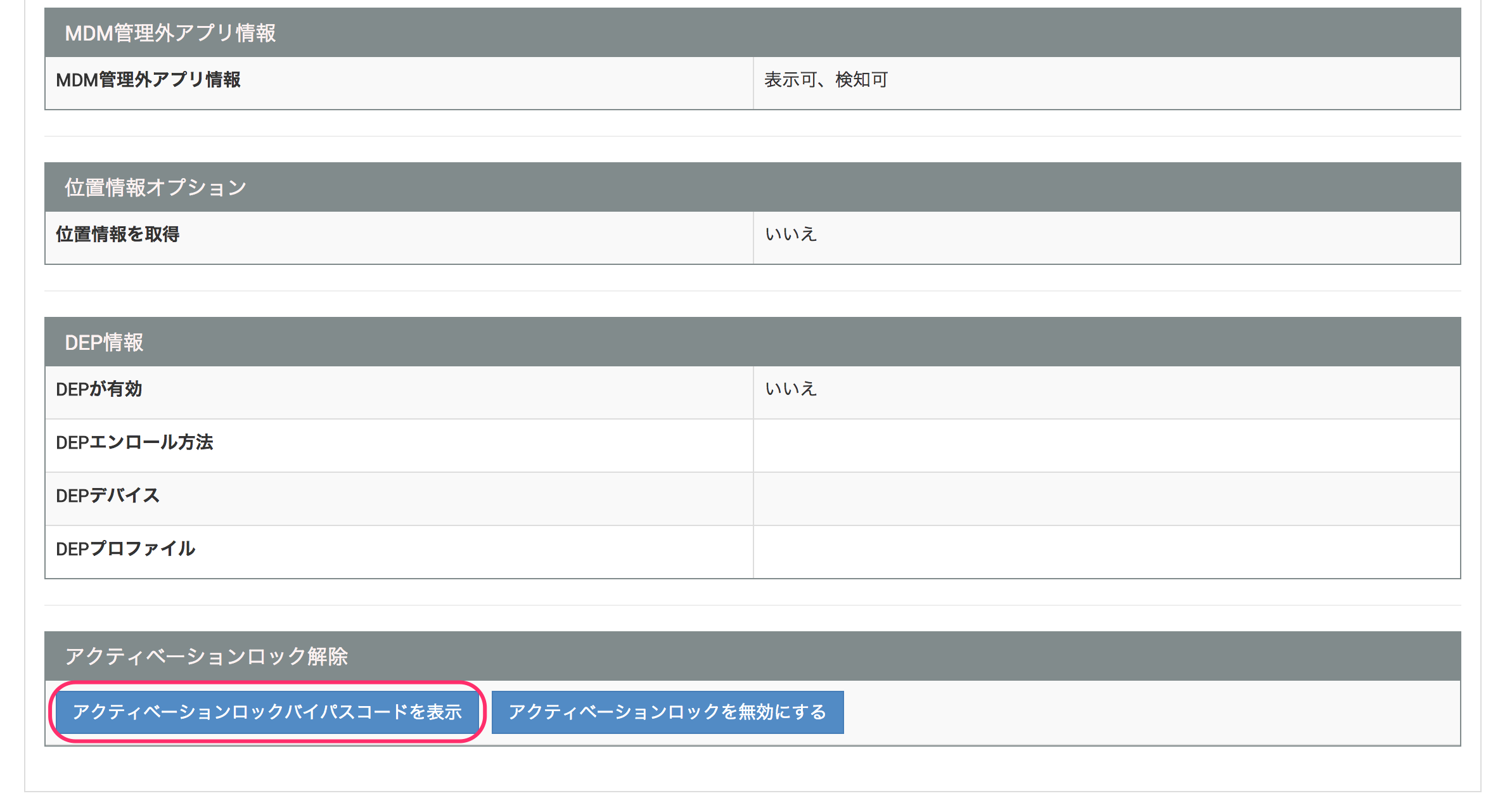
A 26-digit Activation Lock bypass code is displayed.
Give this code to the device owner.

On the SETTING → Unit Detail screen, under "Apple Information", click [Download] in the "Activation Lock Bypass" field.
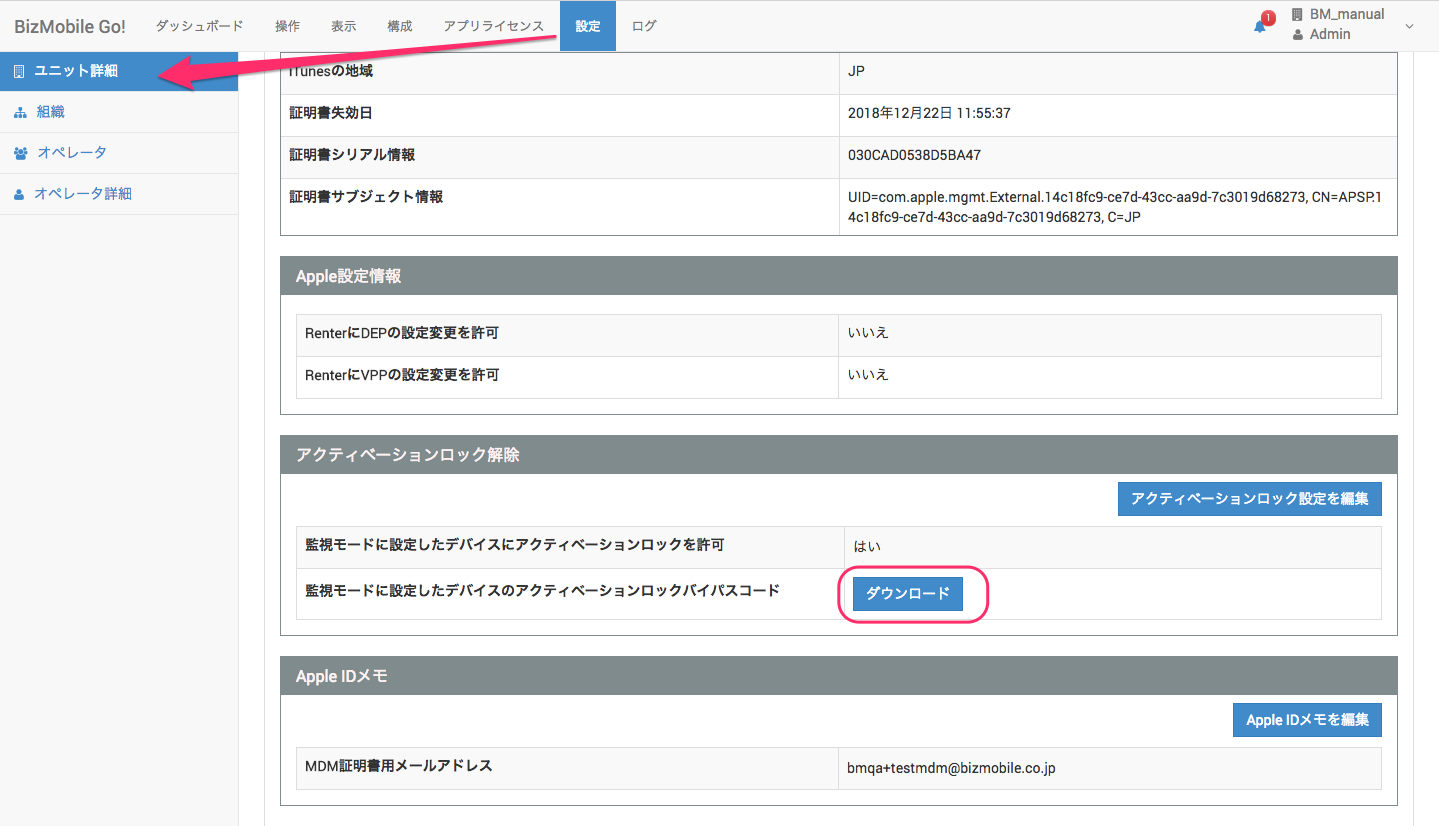
The serial numbers, identifiers, and Activation Lock bypass codes of all Supervised devices managed in the current unit are downloaded in CSV format.
Enter the release code on the device
On the Activation Lock screen on the device, leave the Apple ID field blank and enter the Activation Lock bypass code obtained from BizMobile Go! in the password field.
Tap [Next] to continue with the activation steps.