Assign application catalog information to a template
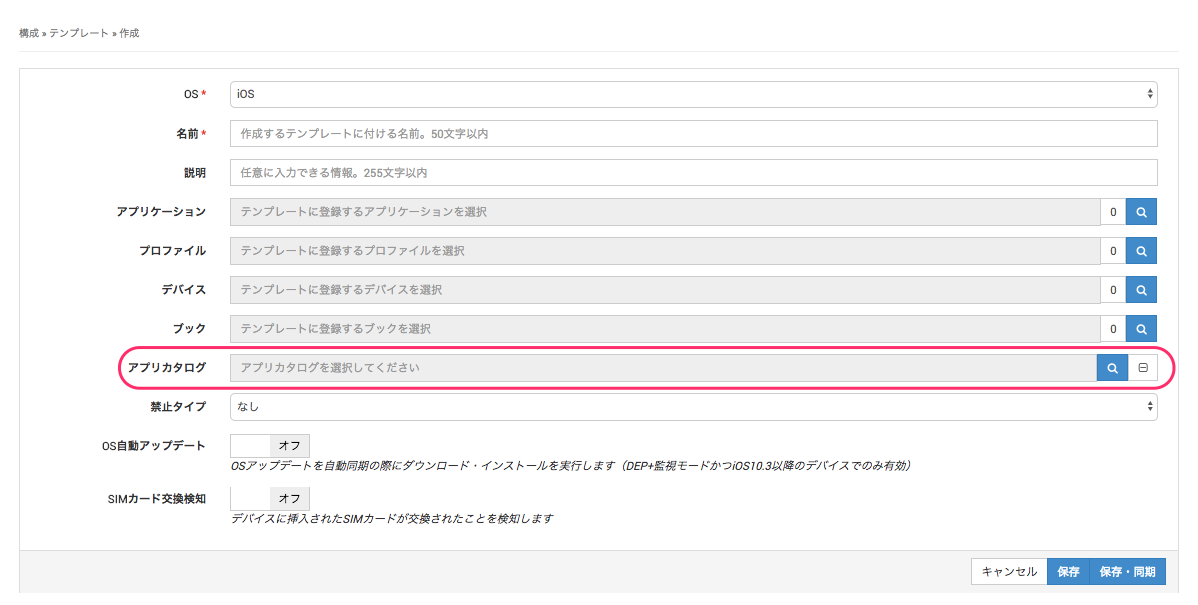
On the template creation/edit screen, assign the application catalog information you created.
BizGo! Catalog on the devices assigned to this template displays the applications selected in the application catalog information assigned here.
You can assign one set of application catalog information to each template.
For how to create a template, see Create a template.
Distribute the BizGo! Catalog app, which is required to use the application catalog. For details, see Distribute the BizGo! Catalog app to devices.