[Geofence v1] Export the device list information as CSV
You can export the information displayed on the device list screen as a CSV file.
Note: The filtering feature for the displayed devices does not affect the exported data, so the exported data includes the information of all devices.
- On the Device screen, click [Export].
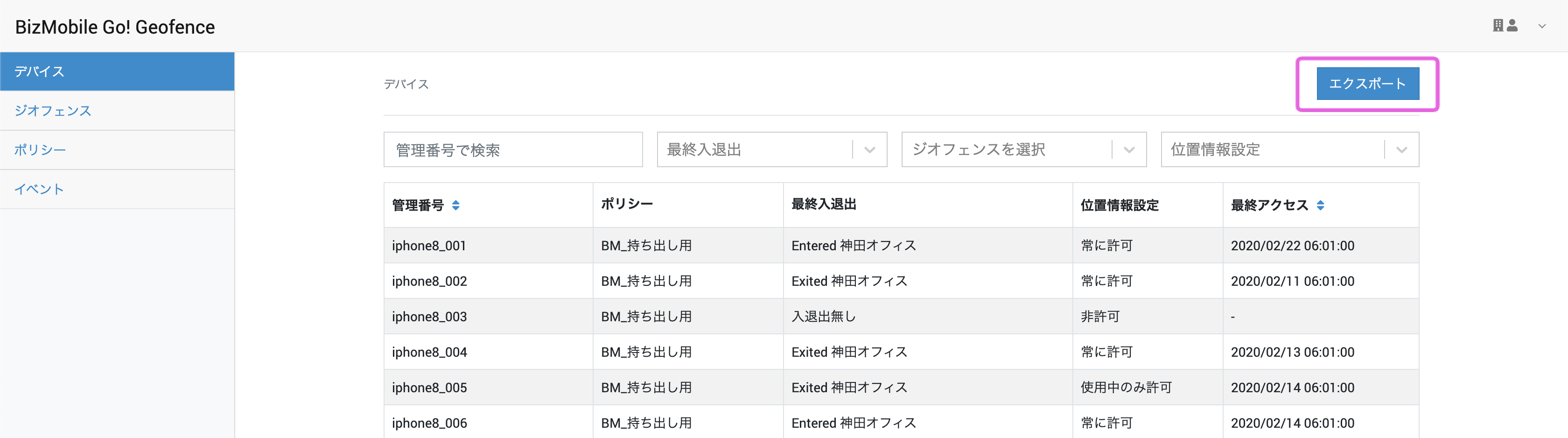
- When the spinner on the export button stops, the CSV file is downloaded.
Contents of the exported CSV file
| Header | Value |
|---|---|
| Identifier | Identifier of this device |
| Policy | Name of the policy assigned to this device |
| Last Geofence Event | Name of the geofence most recently entered or exited |
| Location Service Status | The most recently detected entry to or exit from a geofence by this device - no event: Neither a geofence enter or exit nor a manual location check by an app operation has ever been detected. Possible causes include that the BizGo!Geofence app has never been launched, or that the location setting is disabled. |
| Last Access | Time when Last Geofence Event was last updated |