Launch the app on the device and enable location retrieval and notifications
Configure the settings of the app that is installed on the device.
The screen transitions and displays may differ depending on the Android device and OS version you use.
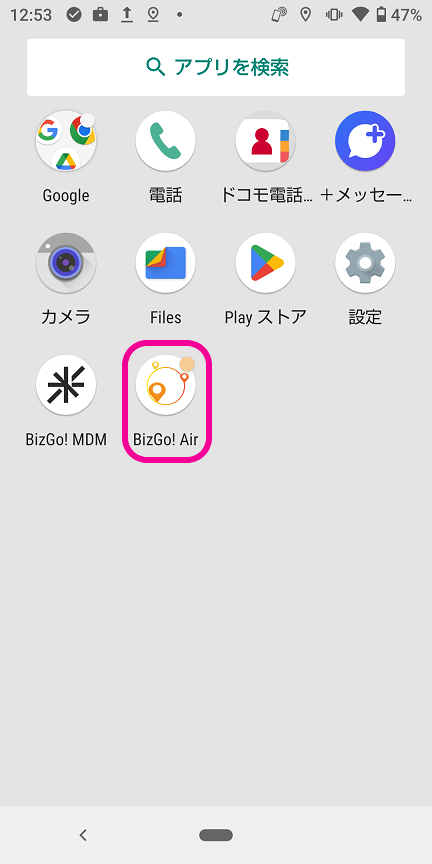
- Tap the BizGo! Air app to launch it.
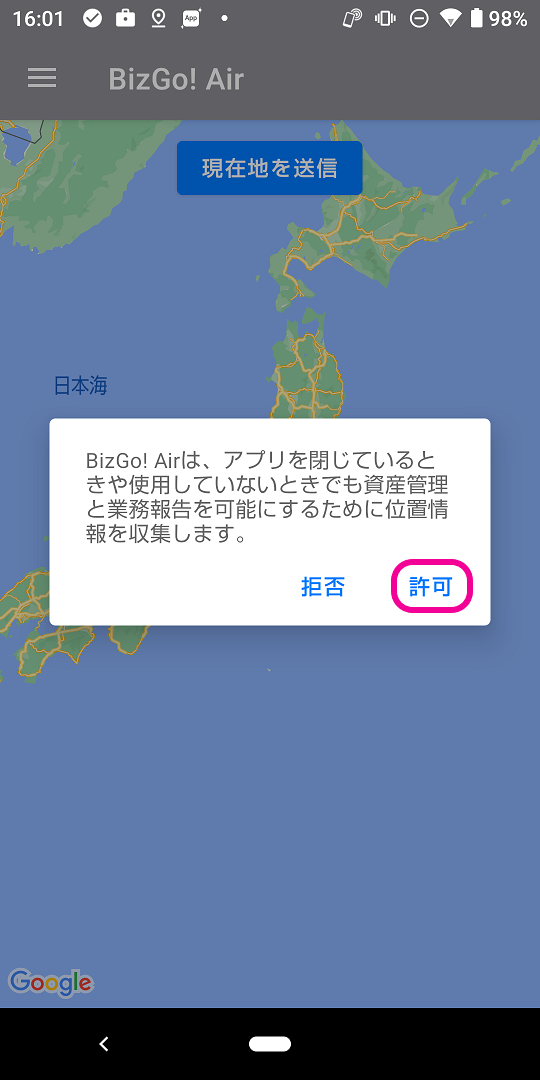
- The first time you launch the app, a pop-up like the following appears. Tap
Allow.
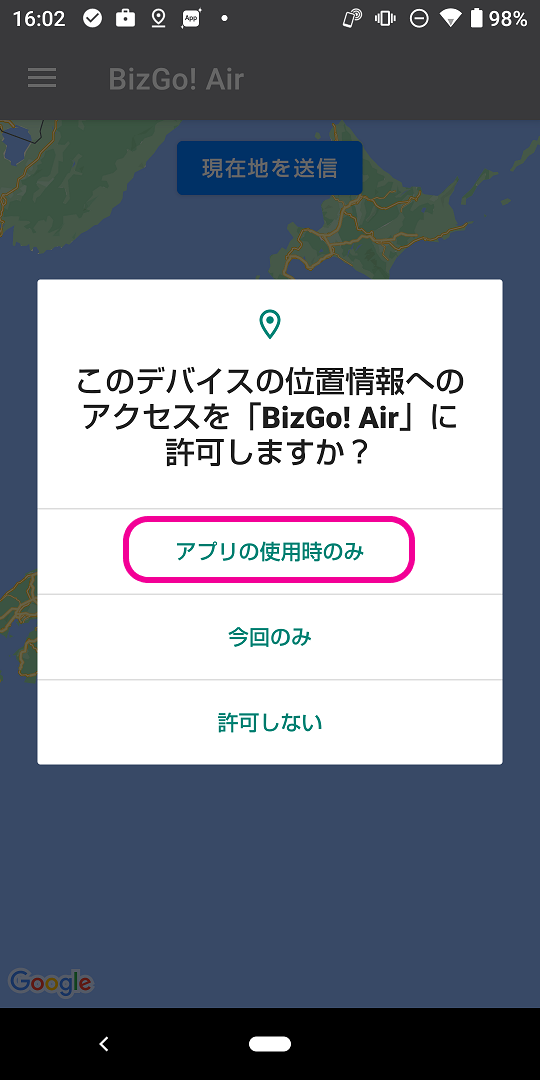
- Next, tap
While using the app.
You can now check location in the admin console.
- Tap
OKto open the settings screen.
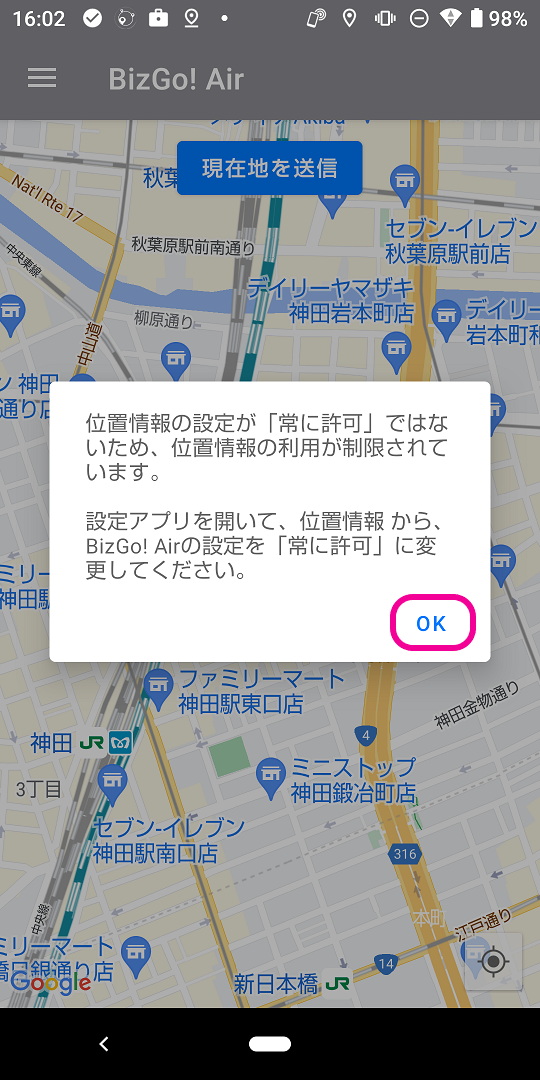
- Tap
Permissions.
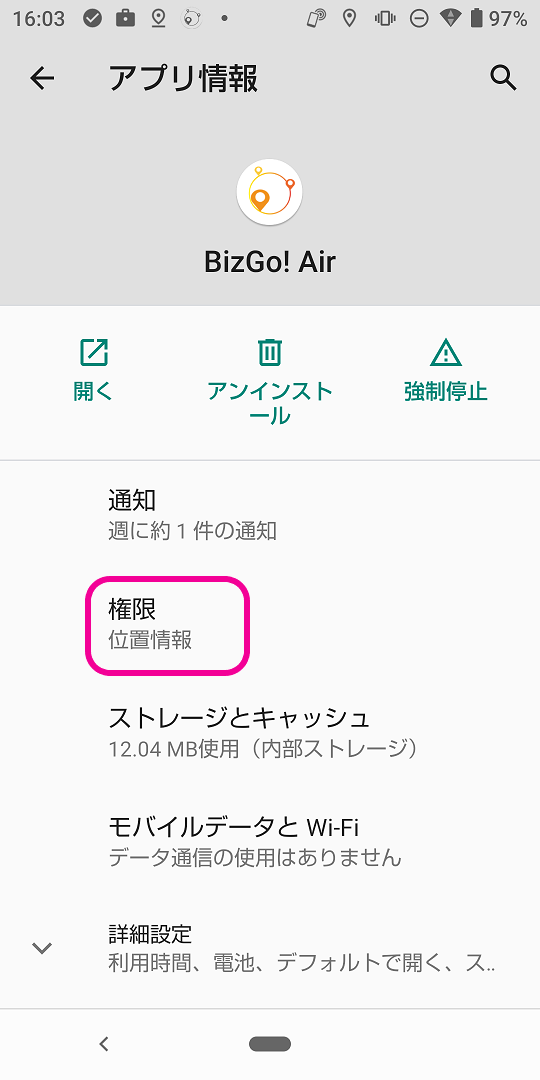
- Tap
Location.
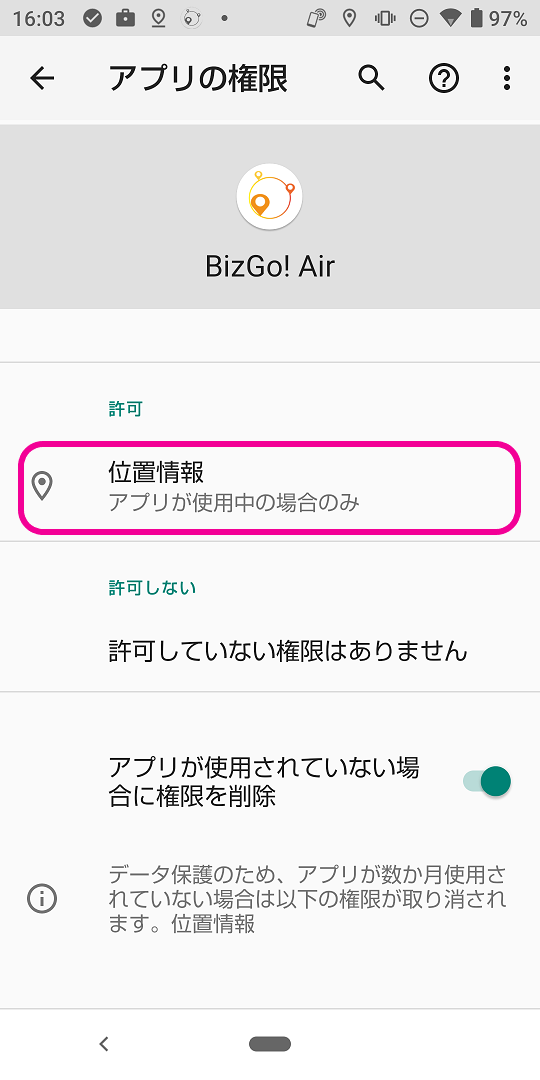
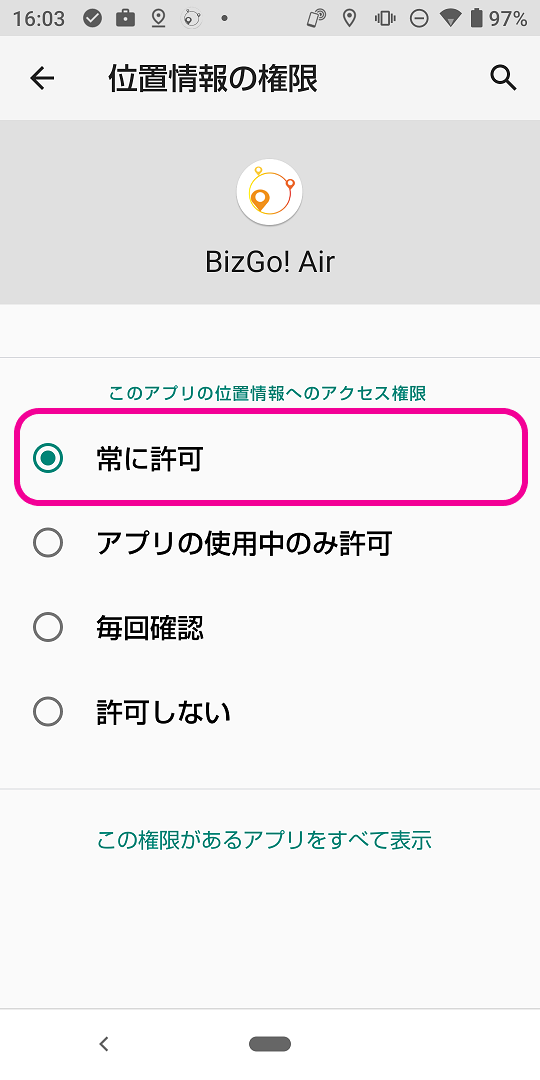
- Change the access permission to
Allow all the time. You are done.