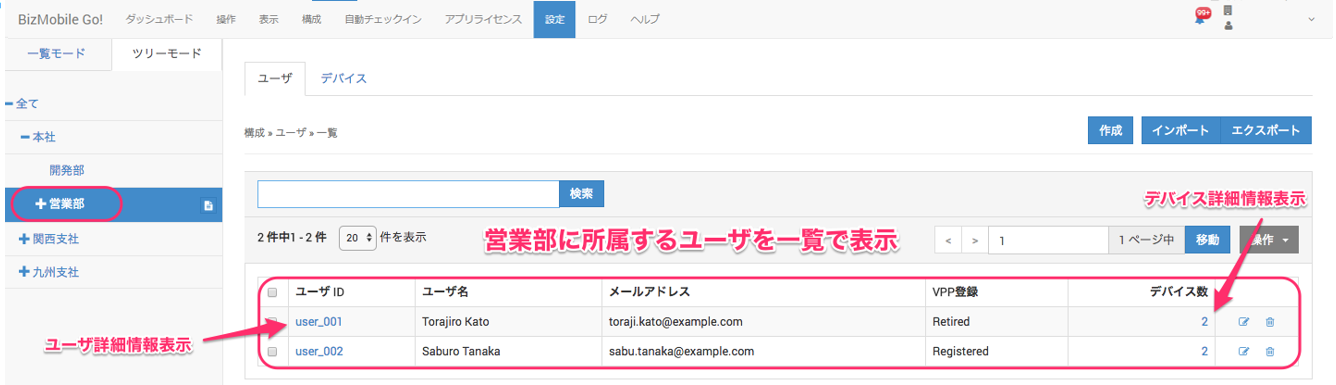
Organization Information
You can use Organization to manage users together.
You can use organization information to filter devices on screens such as the device operation screen.
Create and edit organization information.
Create and edit organization information in bulk by importing a CSV file.
Restrict what each operator can access, by organization.
When you set managed devices and user information in an organization you created, each managed device is linked to the organization that its configured user belongs to.
To export the organization information you created, see Export Registered Information.
You can check the links as follows.
- On the menu bar, click CONFIG →
User. - Switch from
List Mode(the default view) toTree Mode. - Tree Mode shows an organization-based view of the users in each organization and the managed devices linked to those users.
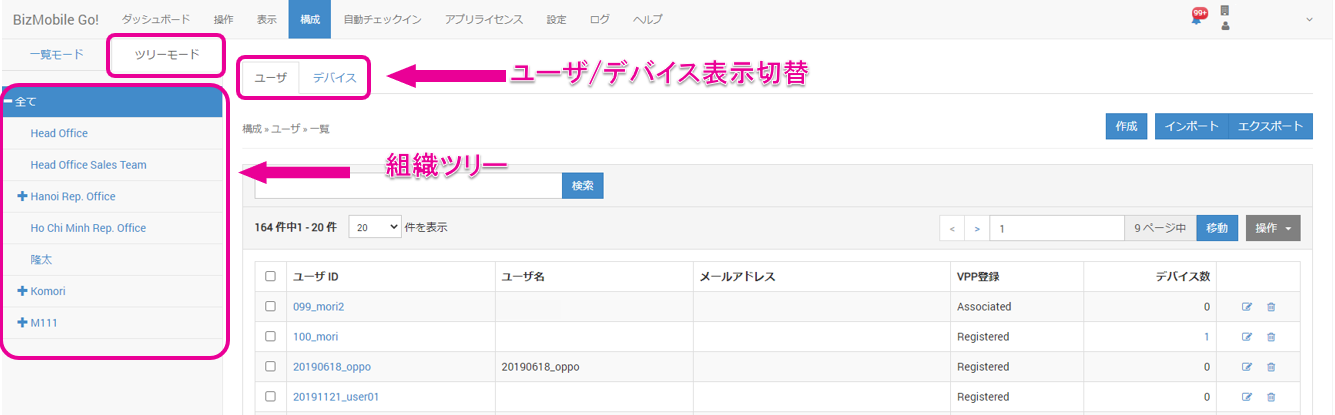
- Select an organization to display its users and their managed devices.
Click the User ID or the number of devices to view detailed information.