Prepare for Version Control
This page explains the steps administrators take before starting to use Version Control.
Register a device tag
You use a device tag to specify the devices that Version Control targets. See Device Tags, create one device tag in advance, and assign it to the target devices.
Distribute the BizGo! Update app
The BizGo! Update app is provided as a Custom App. For how to use Custom Apps, see Purchase and Register Custom Apps, and then notify BIZMOBILE of your Apple Business (formerly Apple Business Manager) information.
After you purchase the app licenses, register the following value in the default configuration and distribute the app.
| Key | Type | Value |
|---|---|---|
| svm_url | String | For the Tokyo region: https://svm.bizmo.in For the Singapore region: https://as-svm.bizmo.in |
Configure the target devices and app
Register the devices and app that Version Control targets. The information about the devices and app registered here is displayed on the dashboard.
-
Select [Version Control] in the top menu.
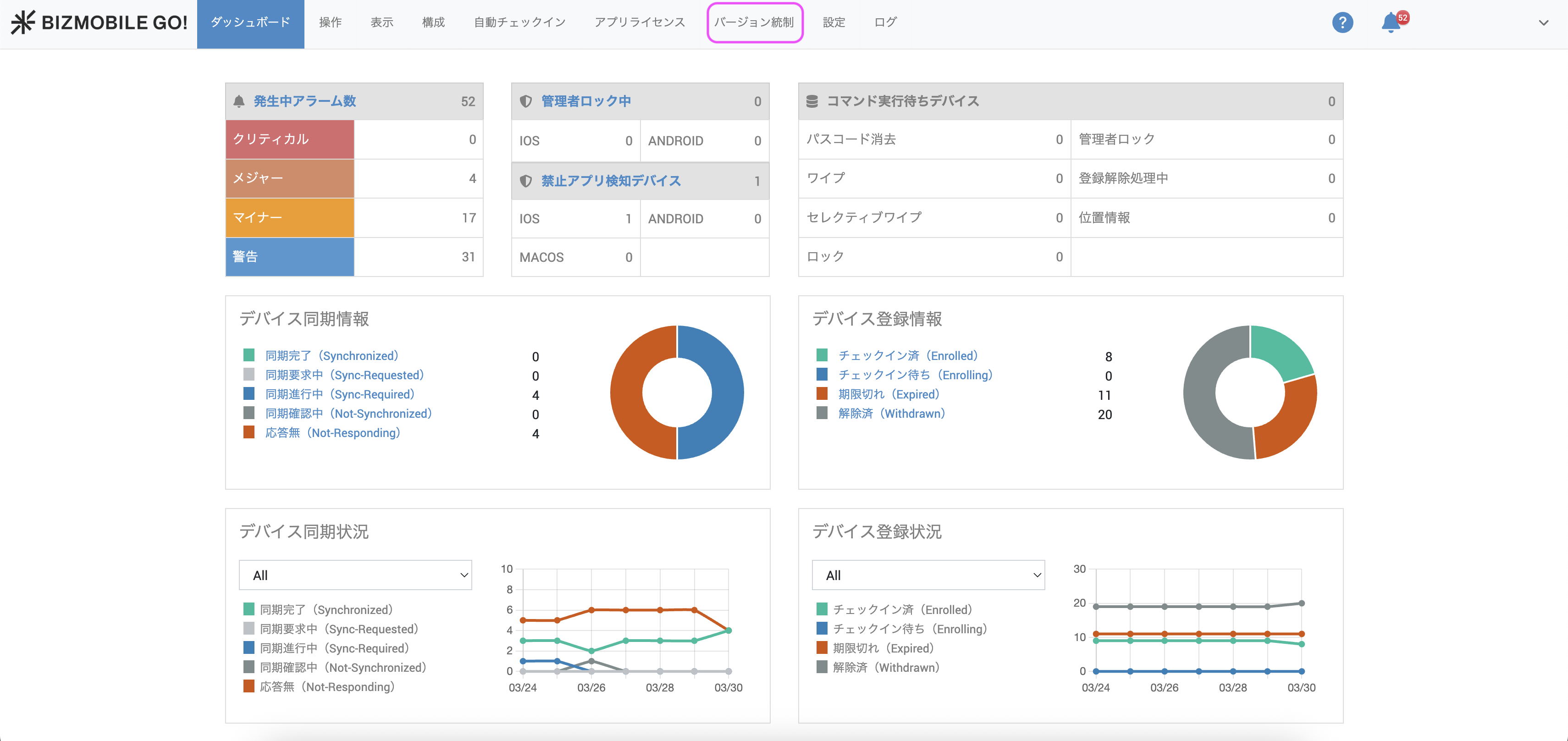
-
On the [Version Control > Settings] screen, select a device tag.
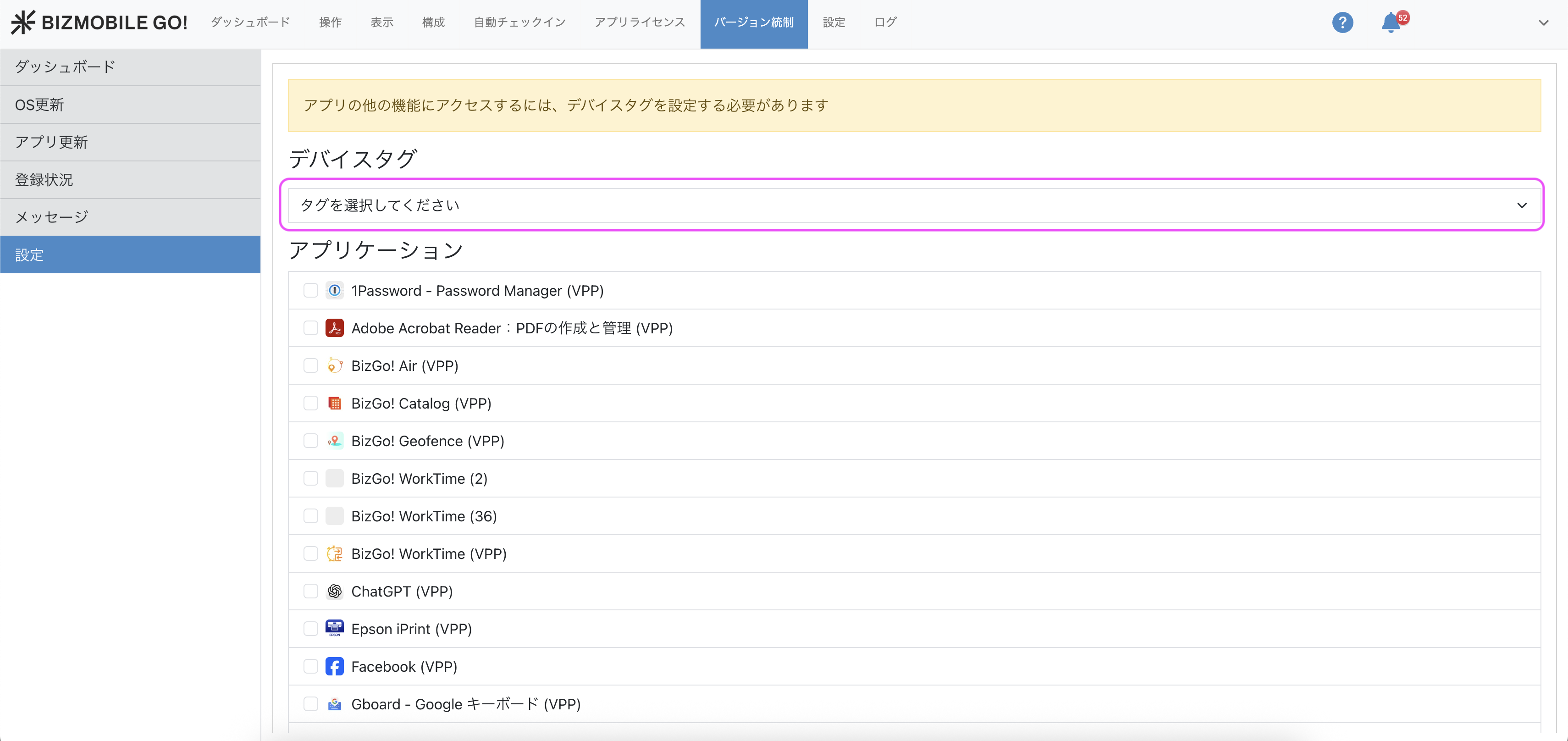
-
On the same screen, select an application.
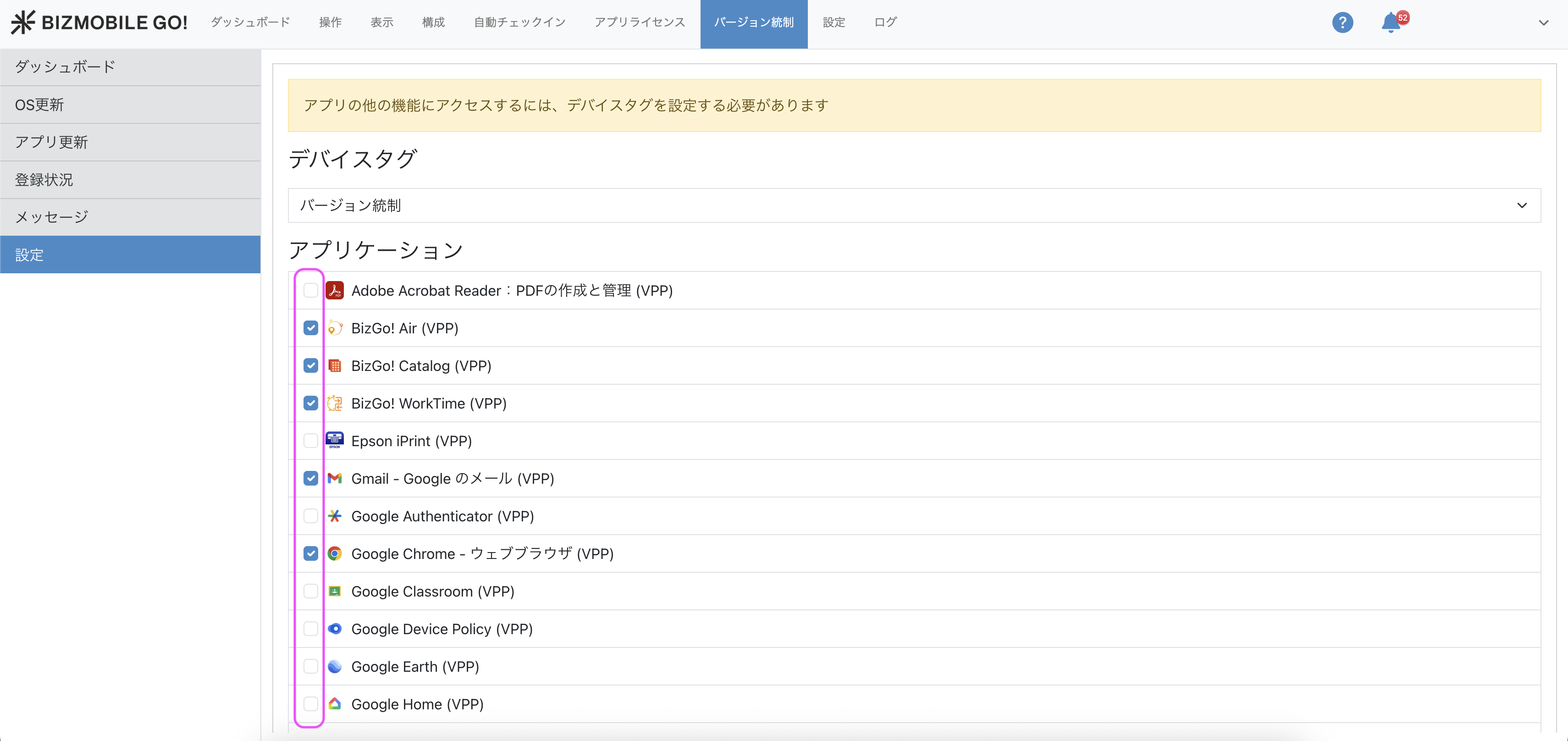
-
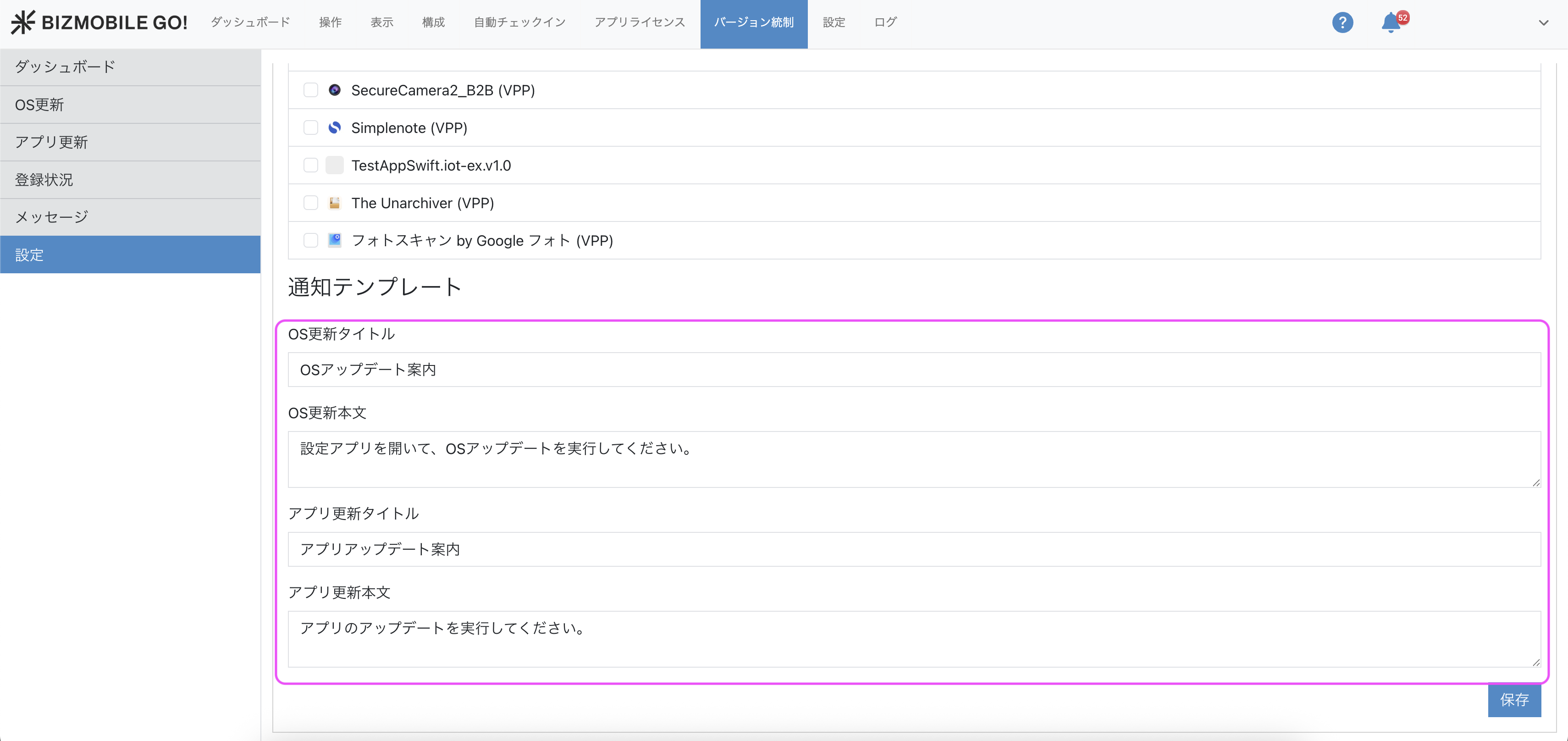
Enter the [Notification Template], and then click the
Savebutton to finish.
This is the message text that is set by default when you send a message to the BizGo! Update app.