The screenshots in this manual show the Japanese version of each screen.
Lock and Wipe a macOS Device
On the CONTROL screen, select the devices to lock or wipe by using the check boxes, and then click Execute.
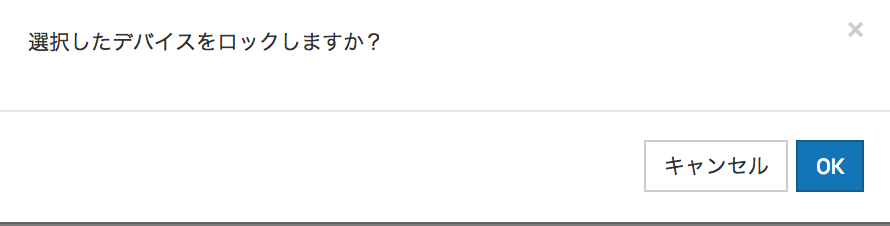
On the following screen, click OK.
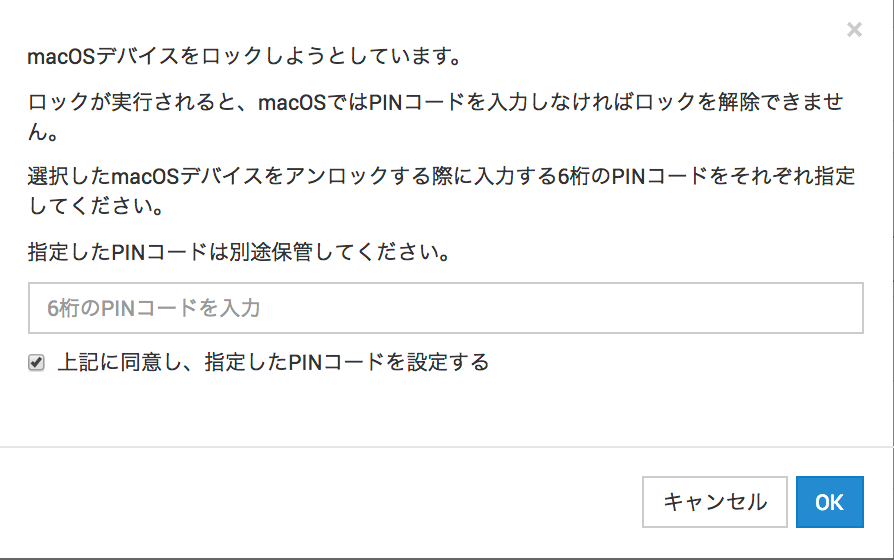
Enter the 6-digit PIN code that is required to unlock the managed device, select I agree to the above and set the specified PIN code, and then click OK.
For a wipe, this 6-digit PIN code is required for activation after the device restarts.
Note: The PIN code you specify is not registered in the BizMobile Go! admin console.
Note: Store it securely in a separate location and tell the device owner.