Wipe (Reset a Device)
Returns a managed device to its factory default state.
When a wipe is executed, the device status automatically changes to Withdrawn.
For an Android work profile, only the work area (work profile) is deleted. The device is not returned to its factory default state.
- On the CONFIG → Device screen, click the identifier of the device you want to wipe.
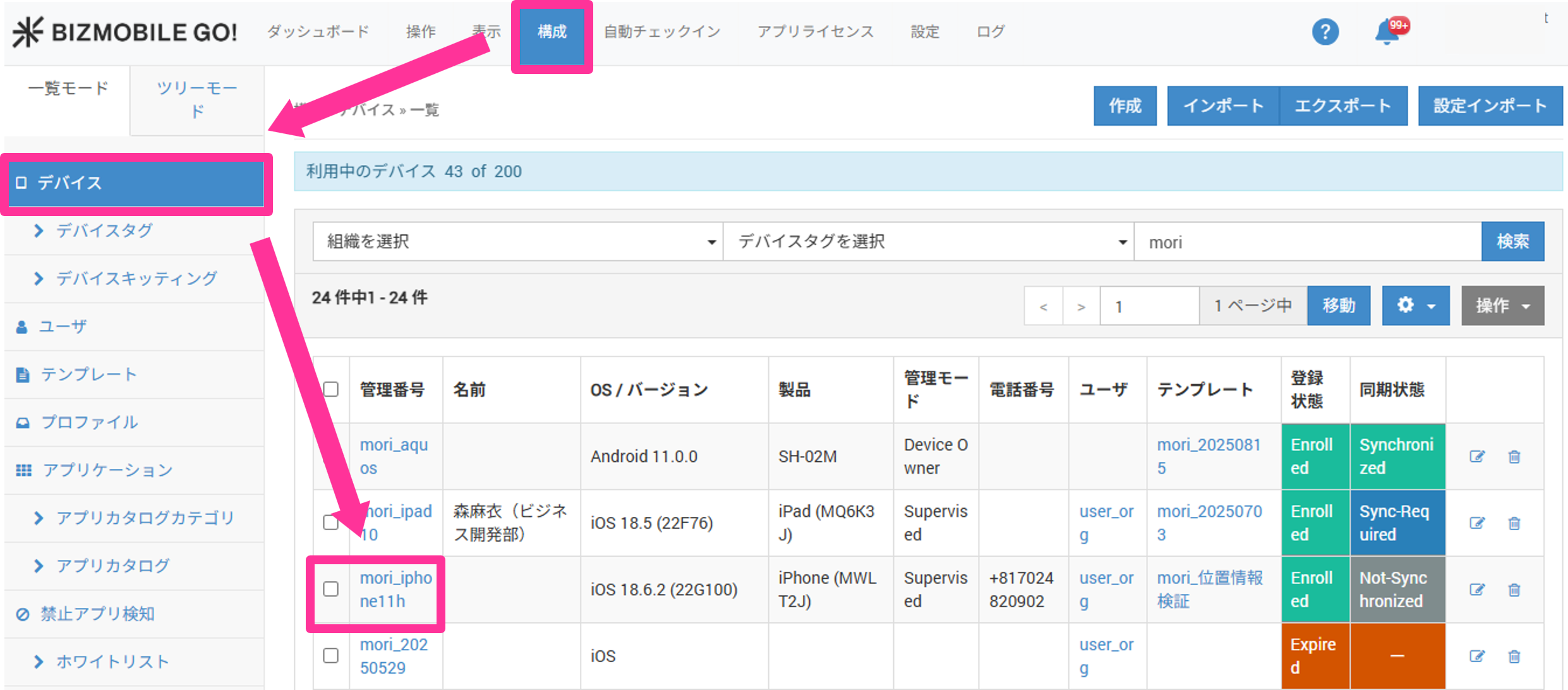
- Click
Command, and then selectWipe.
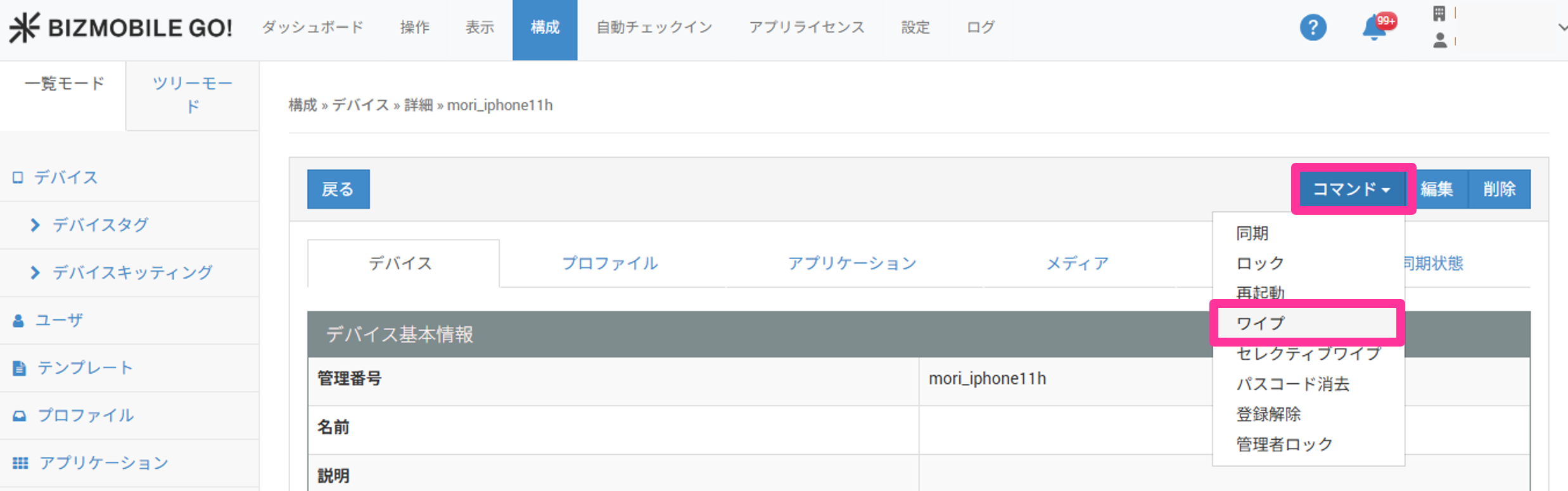
- The following pop-up appears. Click
OK.
If the devices selected for the wipe include iOS devices, a screen appears asking whether to retain the eSIM settings.
To retain them, select the check box and click [OK]. The eSIM retention setting is available for devices running iOS 11 or later.
A normal wipe is executed on all other devices.

- When the command is executed, a message appears at the top of the screen.

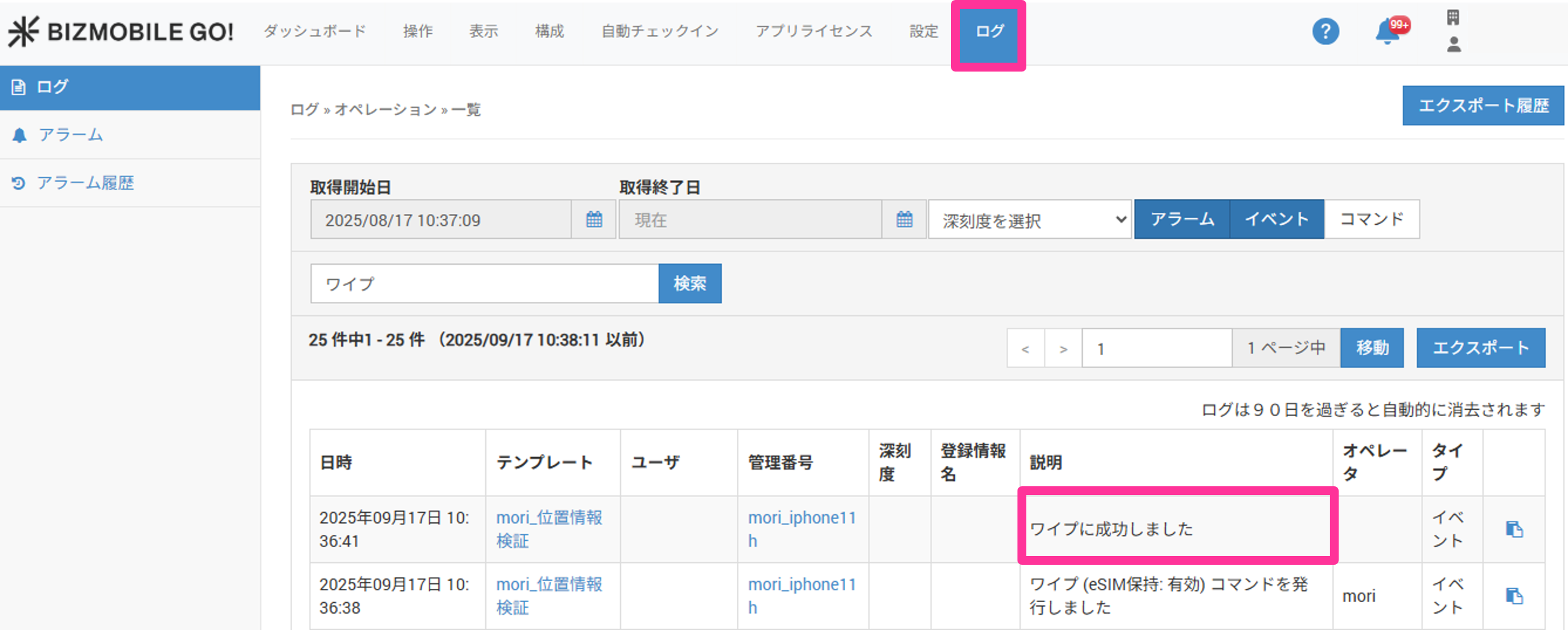
- You can check whether the command has completed in the
Logmessages.
info
Commands are executed while the managed device is connected to the internet.
If you send a command to a managed device that is offline, the command is held as a pending command and is executed automatically the next time the device connects to the internet.
If you delete the device information, the pending commands are deleted at the same time, so the commands are not executed.