Update or Reinstall Apps on a Specific Device Individually
You can send an app update command or a reinstall command individually for an app installed on a specific device.
To automatically update apps on all devices assigned to a template, use the auto update setting.
To update an app
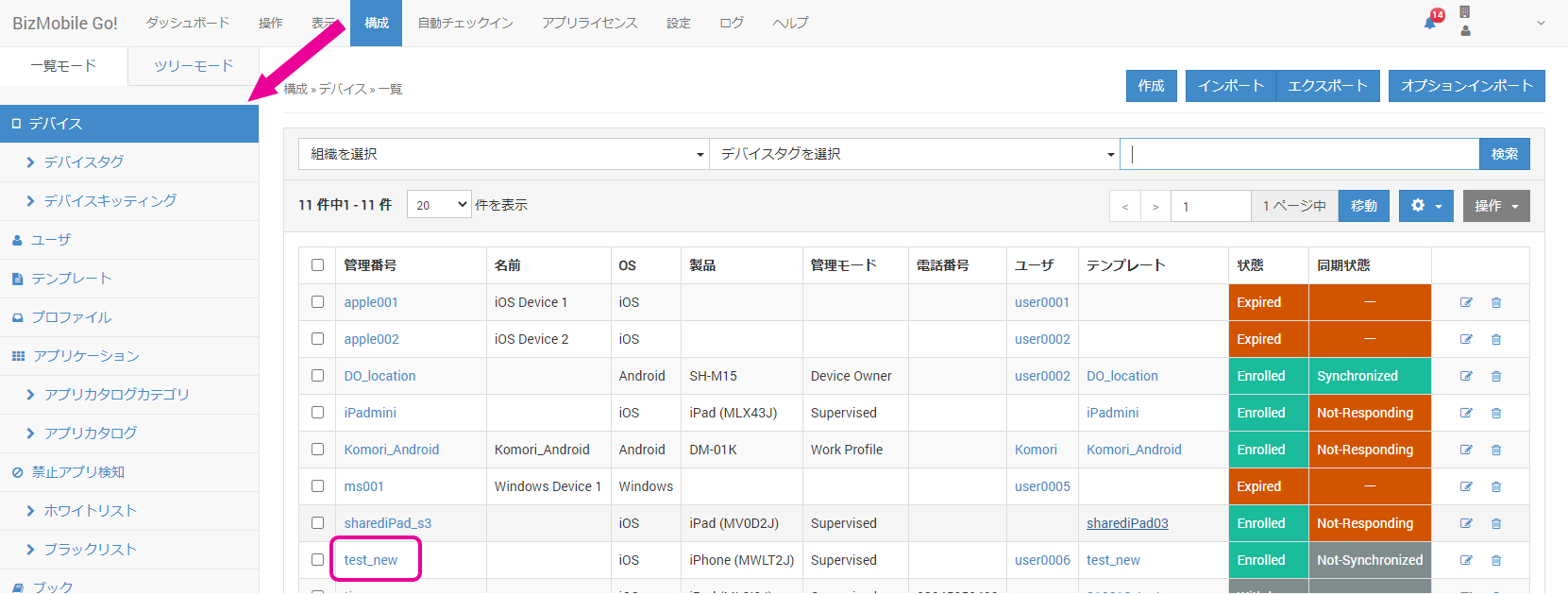
- From CONFIG → Device, select the target device on the device list screen.
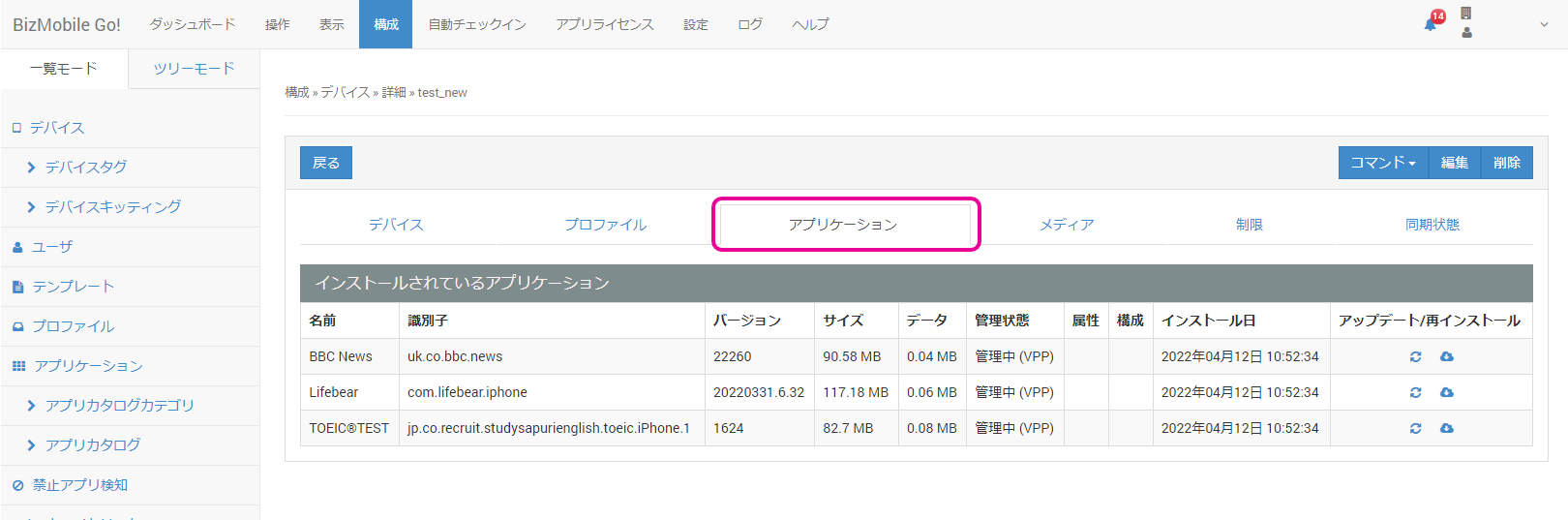
- Open the
Applicationtab under Device > Detail.
Click the icon to the right of the app.
- Select
OK.

- When the message appears, the update command has been sent.

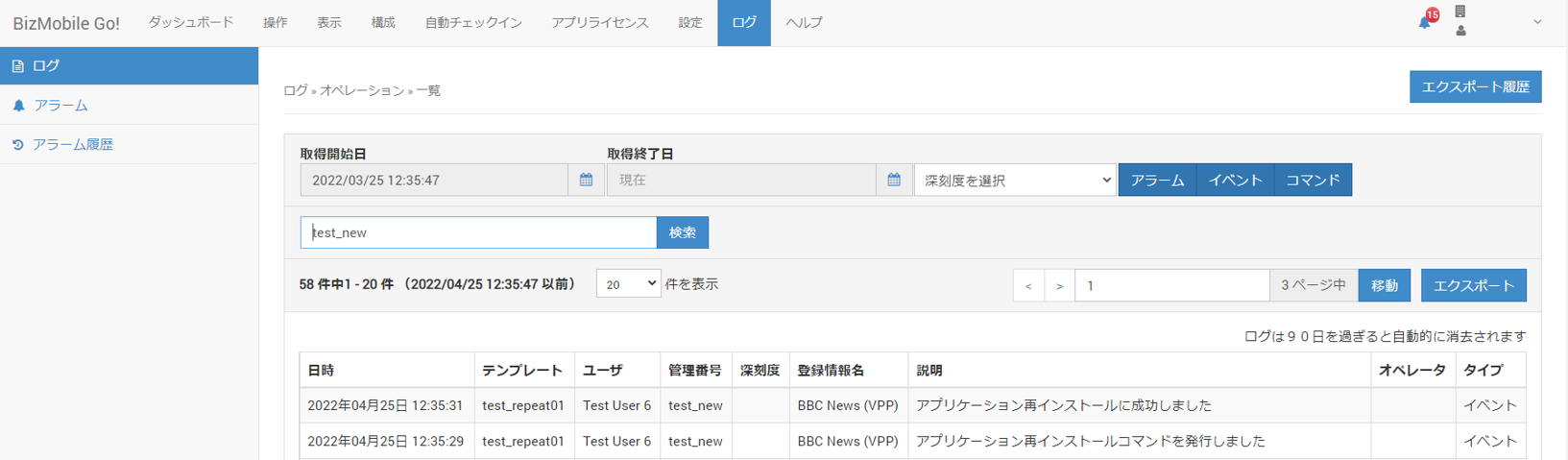
- You can check the operation log on the Log page.
ClickCheck logon theSync Statustab under Device > Detail to go to the log list screen filtered by this device.
IfUpdate succeededis displayed, the device received the command correctly.
After the next sync, you can confirm on theSync Statustab under Device > Detail that the app update on the device is complete.
To reinstall an app
-
From CONFIG → Device, select the target device on the device list screen.
-
Open the
Applicationtab under Device > Detail.
Click the icon to the right of the app.
-
Select
OK.
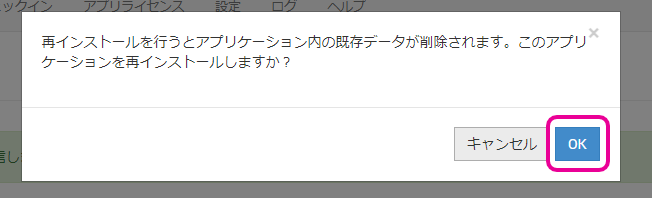
-
When the message appears, the reinstall command has been sent.

-
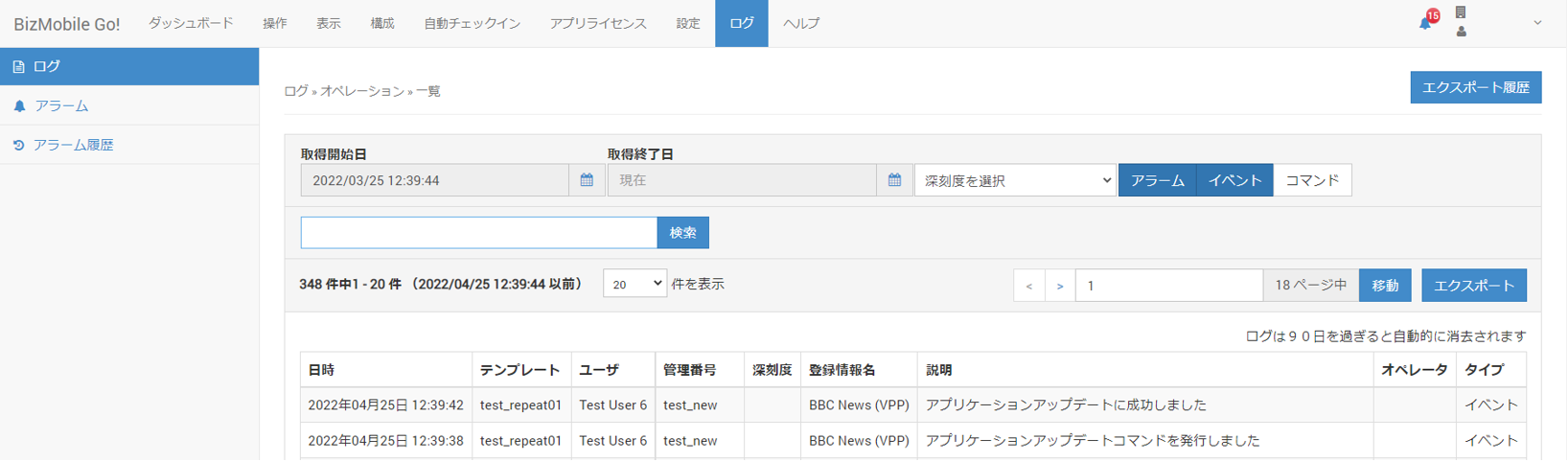
You can check the operation log on the Log page.
ClickCheck logon theSync Statustab under Device > Detail to go to the log list screen filtered by this device.
IfReinstall succeededis displayed, the device received the command correctly.
After the next sync, you can confirm on theSync Statustab under Device > Detail that the app reinstallation on the device is complete.