Check the event log
Event log
On the Event page, you can check the log of operator actions in the admin console and of events detected from devices.
Logs are retained for 3 months.
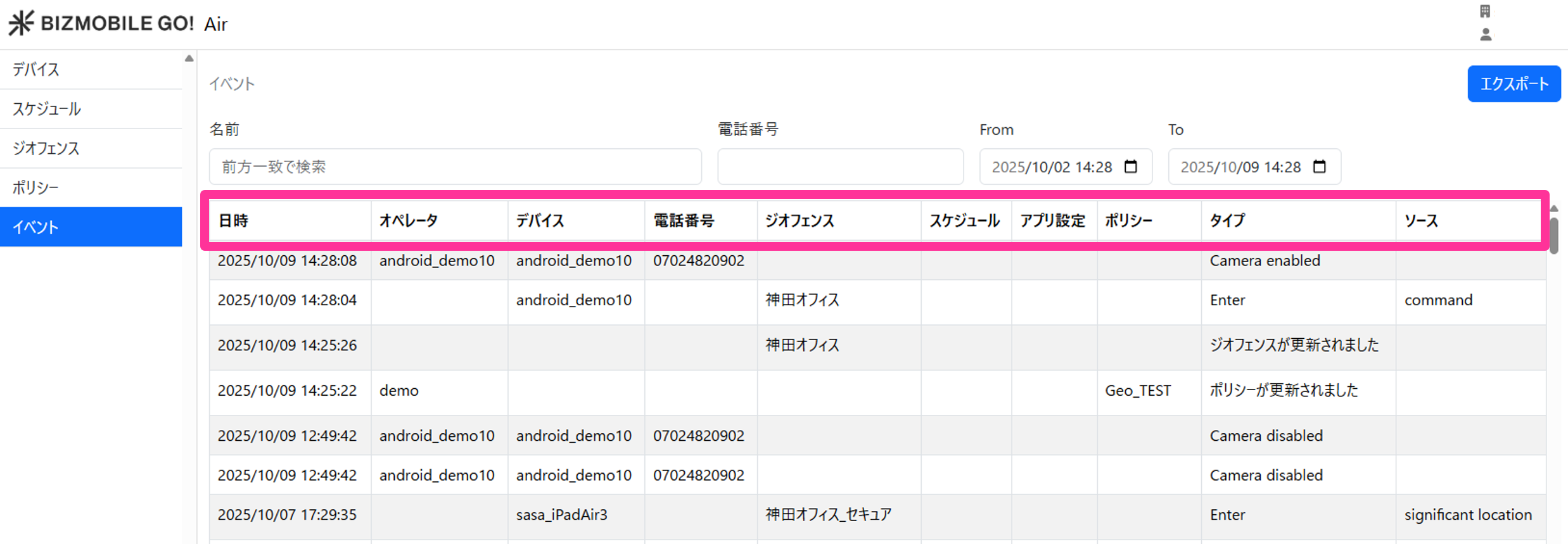
For the trigger and details of each event, see the table below.
| Trigger | Date | Operator (search filter target) | Device (search filter target) | Geofence (search filter target) | Policy (search filter target) | Type | Geofence | Camera Restriction |
|---|---|---|---|---|---|---|---|---|
| Geofence created | Date and time the event occurred | ID of the operator who created the geofence | - | Name of the created geofence | - | Geofence has been created | Yes | Yes |
| Geofence edited | Date and time the event occurred | ID of the operator who edited the geofence | - | Name of the edited geofence | - | Geofence has been updated | Yes | Yes |
| Geofence deleted | Date and time the event occurred | ID of the operator who deleted the geofence | - | Name of the deleted geofence | - | Geofence has been deleted | Yes | Yes |
| Policy created | Date and time the event occurred | ID of the operator who created the policy | - | - | Name of the created policy | Policy has been created | Yes | Yes |
| Policy edited | Date and time the event occurred | ID of the operator who edited the policy | - | - | Name of the edited policy | Policy has been updated | Yes | Yes |
| Policy deleted | Date and time the event occurred | ID of the operator who deleted the policy | - | - | Name of the deleted policy | Policy has been deleted | Yes | Yes |
| Enter detected for a geofence | Date and time the event occurred | - | Identifier of the device | Name of the target geofence | - | enter | Yes | Yes |
| Exit detected for a geofence | Date and time the event occurred | - | Identifier of the device | Name of the target geofence | - | exit | Yes | Yes |
| Reminder sent | Date and time the event occurred | ID of the operator who sent the reminder | - | - | - | Reminder has been sent | Yes | Yes |
Date and time the location setting changed to Offline | Device offline | - | - | - | Yes | Yes | ||
| Camera prohibited | Date and time camera prohibition was detected | - | Identifier of the device | - | - | Camera disabled | Yes | |
| Camera allowed | Date and time camera permission was detected | - | Identifier of the device | - | - | Camera enabled | Yes |
Export the event log
On the Event page, you can export all logs as a CSV file.
Logs are retained for 3 months.
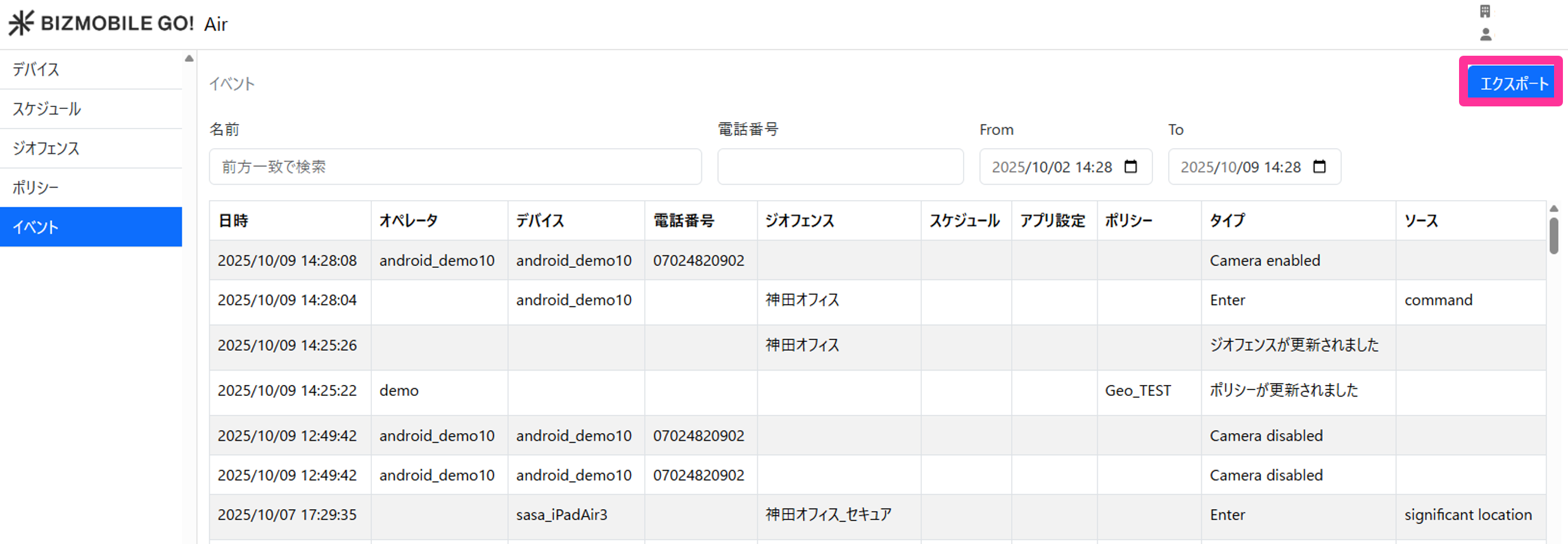
For the information included in the CSV export, see the table below.
Date | Date and time the event occurred |
Operator | Operator name |
Device | Identifier |
Type | Event type |
Geofence | Target geofence |
Source | Trigger of the geofence Enter / Exit detection |