Retrieve location from the admin console
You can remotely retrieve a device's current location from the BizMobile Go! admin console.
If you issue a command while the device is not connected to the internet, for example because it is powered off, the server holds the command and notifies the device the next time it connects to the internet.
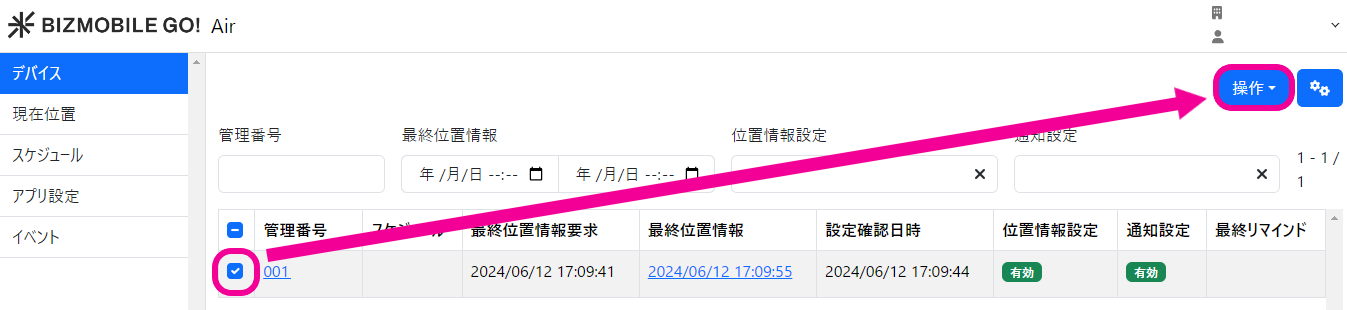
- Click CONFIG → Geofence and Location to display the list of devices whose location can be retrieved.
- Select the managed devices whose location you want to retrieve, and click [CONTROL] → [Fetch Location].
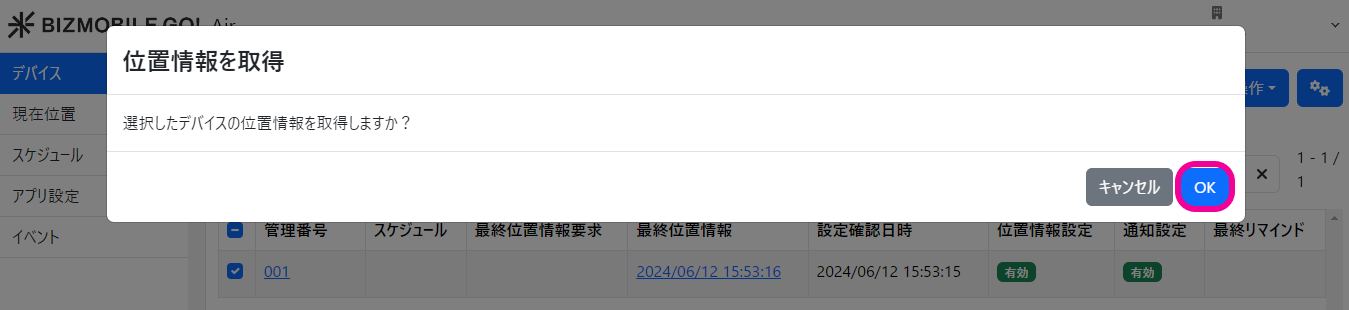
- When the message
Get location of the selected devices?appears, click [OK].
To view the retrieved location, see View location in the admin console.