Unassign Devices from a Custom Profile
By uploading a CSV file, you can unassign specific devices from an existing custom profile all at once.
-
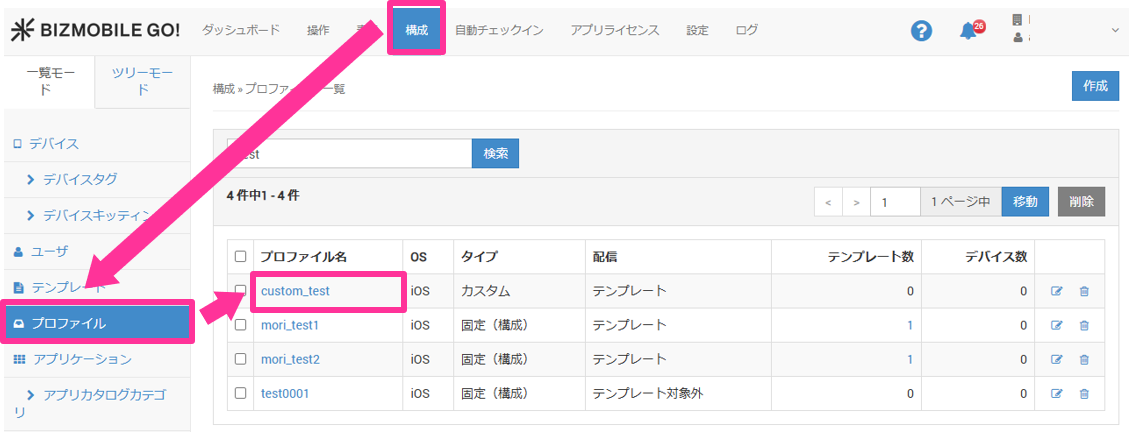
On the CONFIG → Profile screen, click the name of the profile from which you want to unassign devices.
-
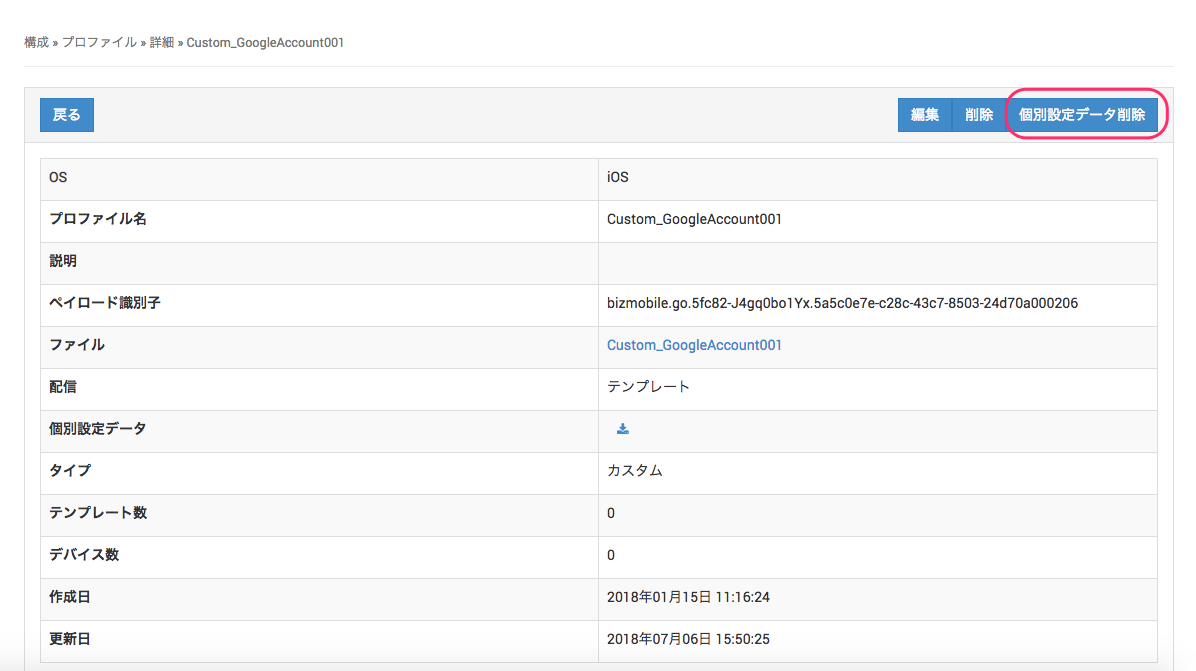
Click [Delete Custom Data].
-
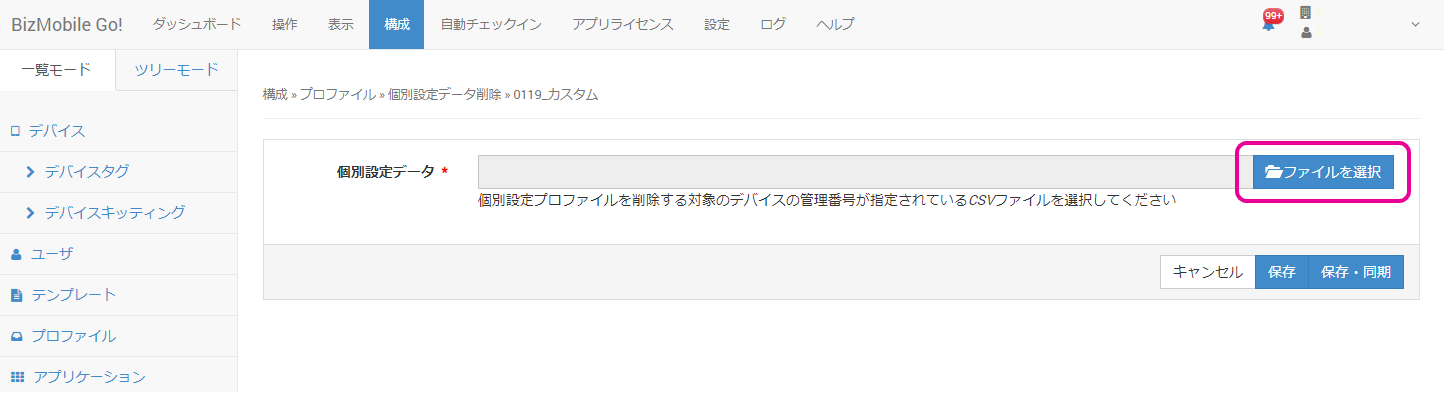
Click [Choose File] and select the CSV file to use for unassigning devices.
-
Click [Save].
After you delete the custom data, the profile is removed from the specified managed devices at the next sync. The profile is not redistributed to other managed devices assigned to the same template.
The CSV file for the upload uses only one header:device_identifier.
device_identifier
DeviceA
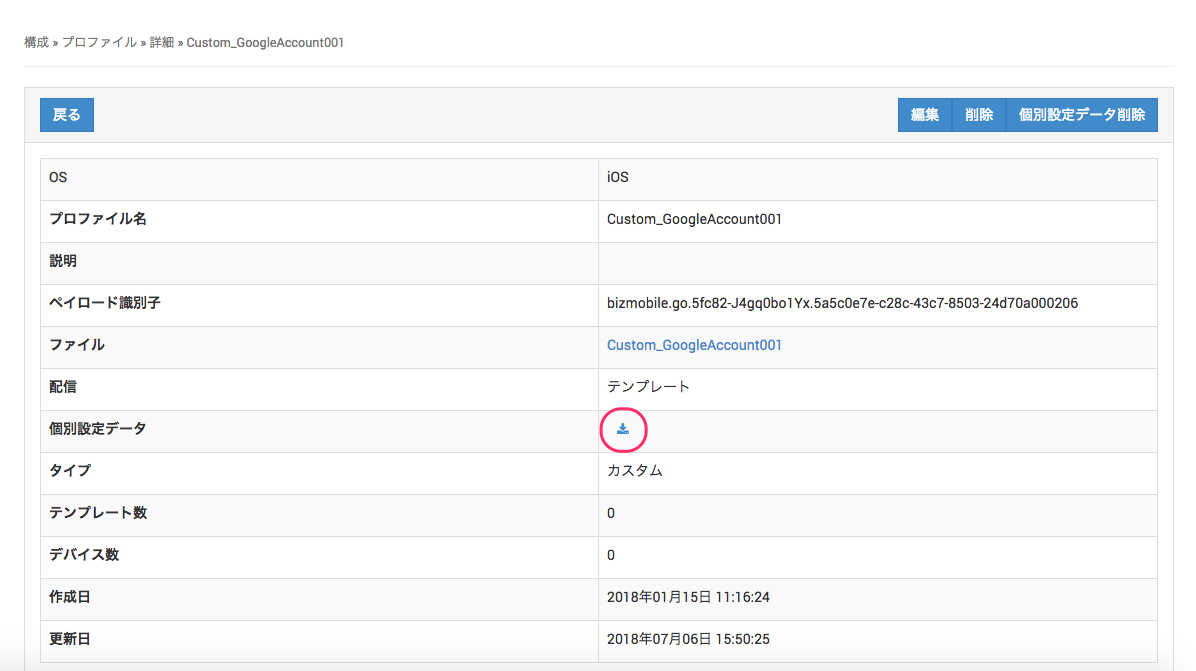
- To confirm that the specified managed devices have been removed from the custom profile assignments, click the CSV download icon on the profile details screen and download the CSV file of assigned devices.