Update a Custom Profile
By using a profile and a CSV file, you can distribute different setting values to each device. All information specified in the CSV file is distributed and overwrites the settings on the device.
To update the settings, upload a CSV file that contains only the changes. The updated setting values are then distributed to the managed devices.
This page explains how to update the following types of custom profiles.
- Custom profile (CSV file)
- Distributing authentication certificates
- Distributing a custom profile and certificates together
- Create a CSV file. Include only the information for the managed devices that you want to change.
device_identifier,SSID,PASSWORD
DeviceA,ABCDEF,passwordA
DeviceB,GHIJKL,passwordB
device_identifier,SSID,PASSWORD
DeviceB,ABCDEF,passwordA
-
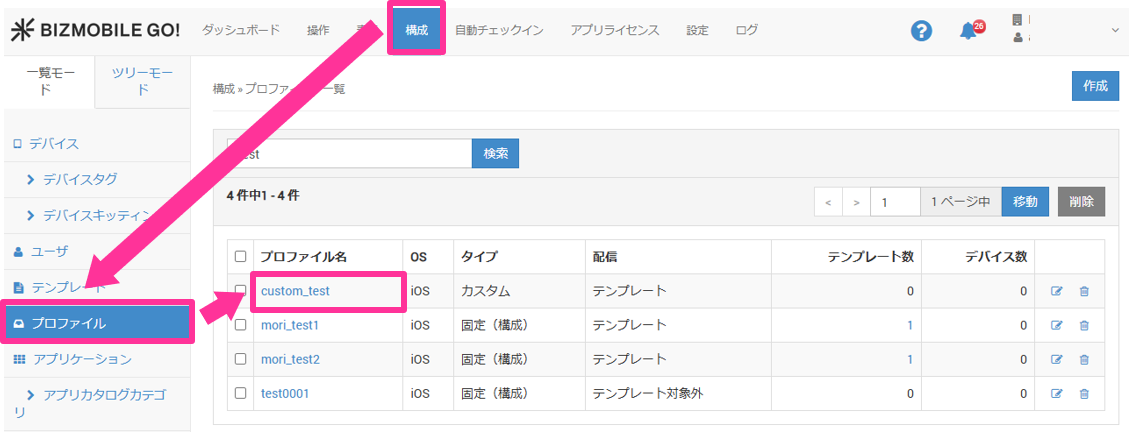
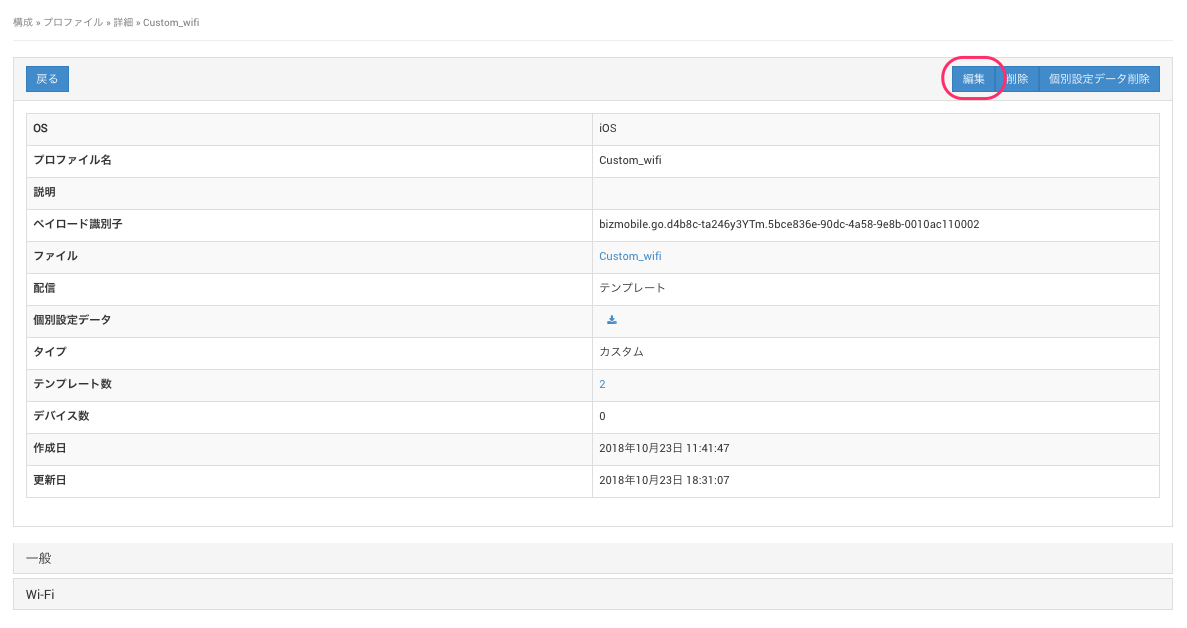
On the CONFIG → Profile screen, click the name of the custom profile you want to change to open the profile edit screen.
-
Enter the required information on the profile information screen.
Input items
Custom Data | Click Choose File and specify the CSV file you created in step 1. |
Certificate | (Displayed only when individual setting data has been uploaded) To update certificates, compress the certificates into a ZIP file. Click the Choose File button and specify the ZIP file. |
Template | To update the template, select a template. |
Profile settings | To update the profile settings, make the changes on each profile settings screen. Notes
|
- Click Cancel to discard your entries, or click Save to save them.
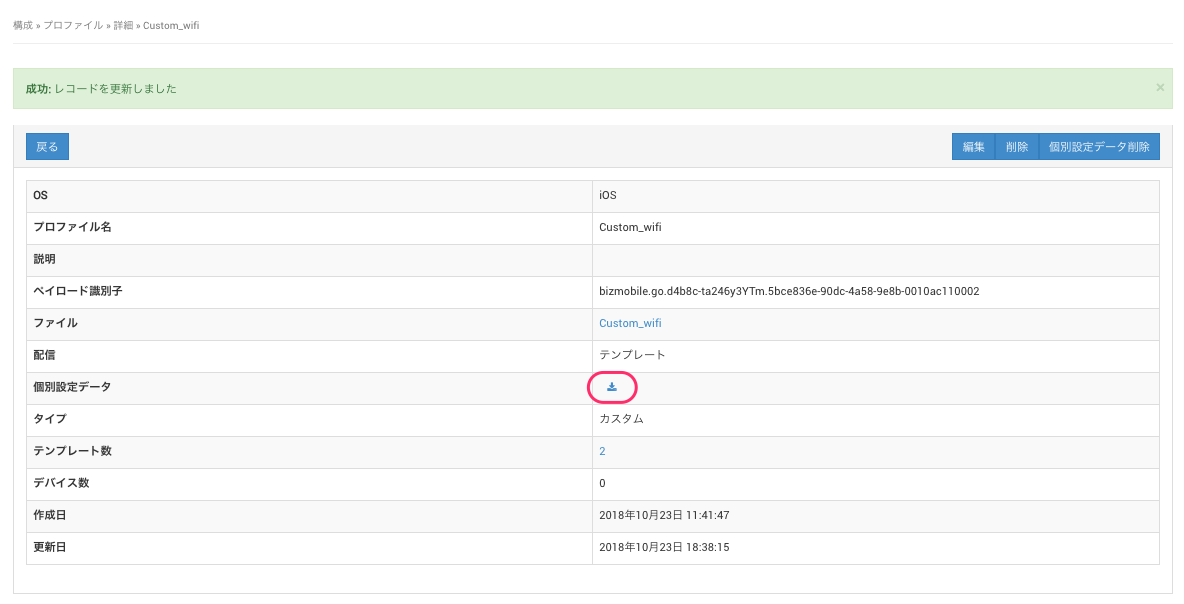
- To check whether the custom profile has been updated correctly for the specified devices, click the CSV download icon on the profile details screen and download the CSV file of assigned devices.