Customize the Device List Screen
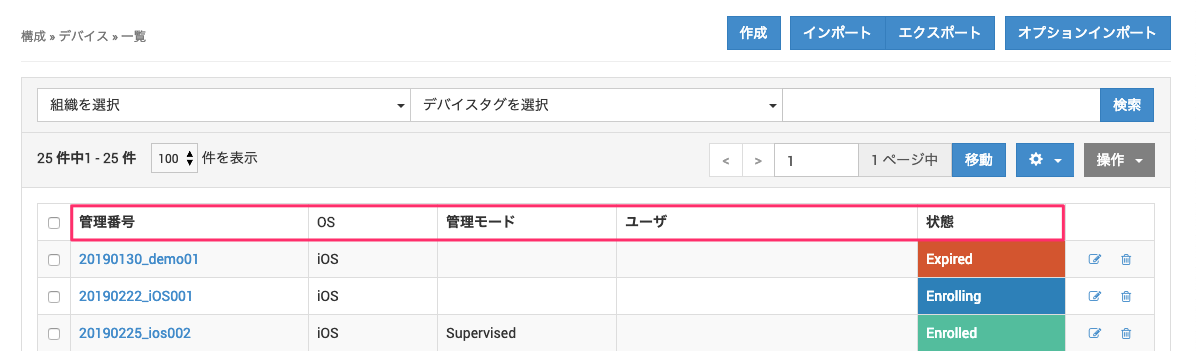
On the CONTROL and Device screens, you can display a list of managed devices based on information such as the identifier.
You can also hide items that you do not need, so that the admin console is easier to read.
By default, all items that can be displayed are shown.
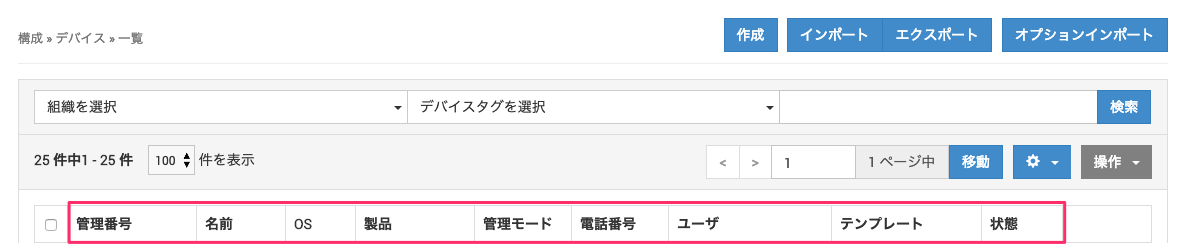
The [Management Mode] item has been added. When you add this item, the management mode of each managed device is displayed.
iOS: Displays Supervised or Unsupervised
Android: Displays Work Profile or Device Owner
Device screen
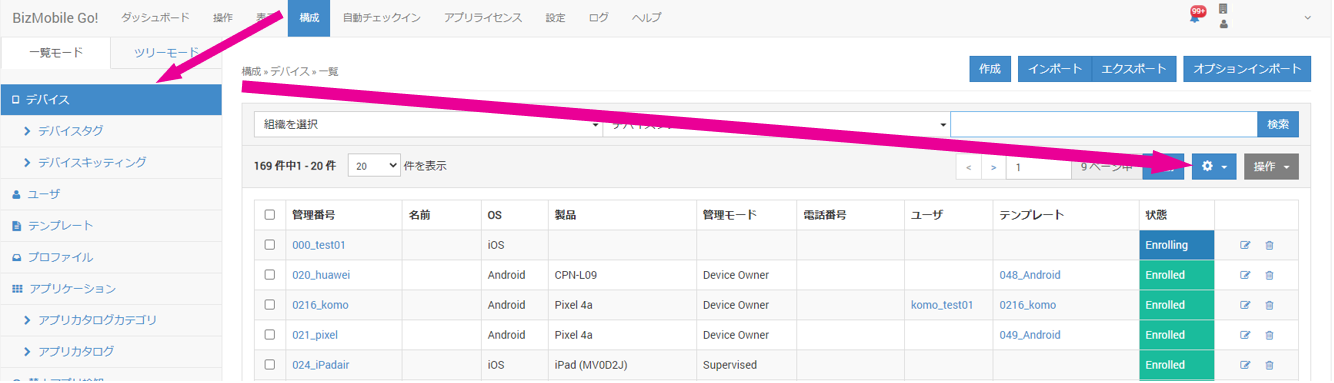
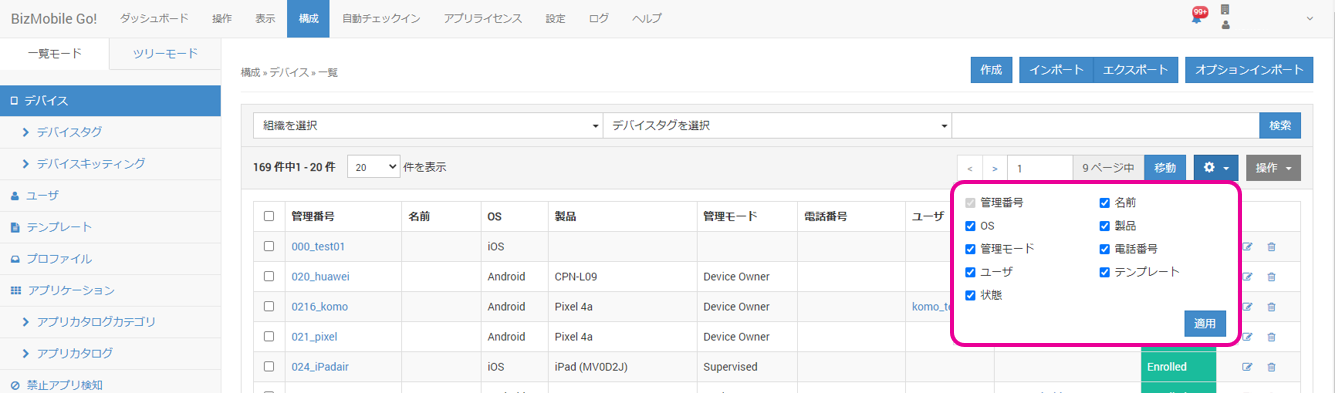
- Click CONFIG → Device →
 .
.
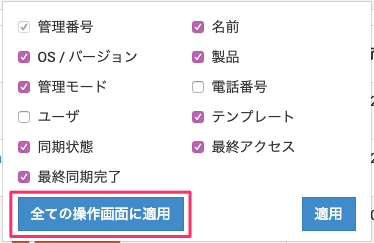
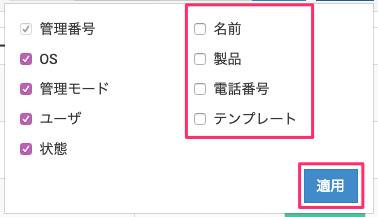
- Clear the check boxes of the items you want to hide, and then click [Apply].
- The items you cleared are hidden from the list screen.
CONTROL screens
You can set the displayed items for each CONTROL screen at once.
Click Apply To All Controls Pages to apply the same settings to all list items on the CONTROL screens.