Check the Status of an Individual Device
If a device is not synchronized after you distribute an app or edit a profile,
you can check its status individually.
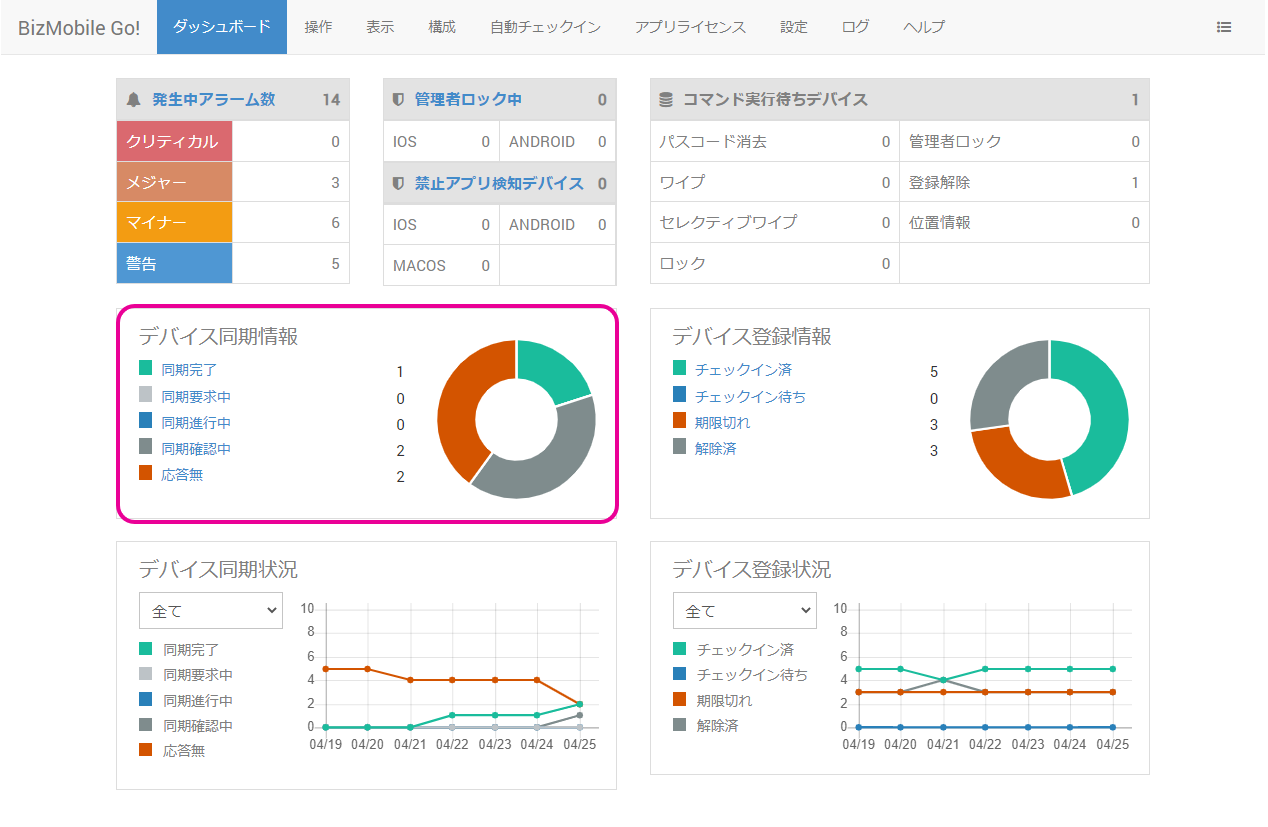
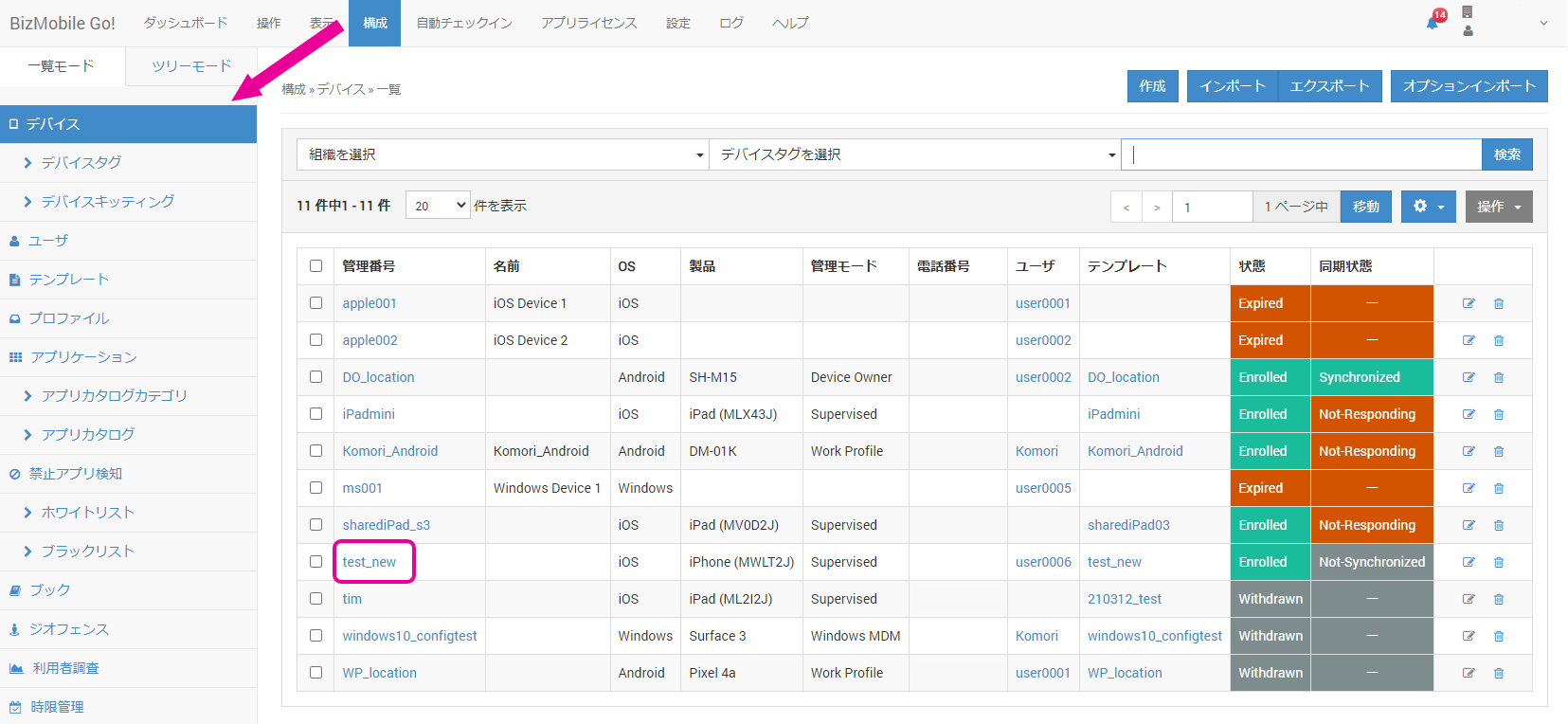
- Click an item under Dashboard > Sync Information, or select the device you want to check from the device list under CONFIG > Device.
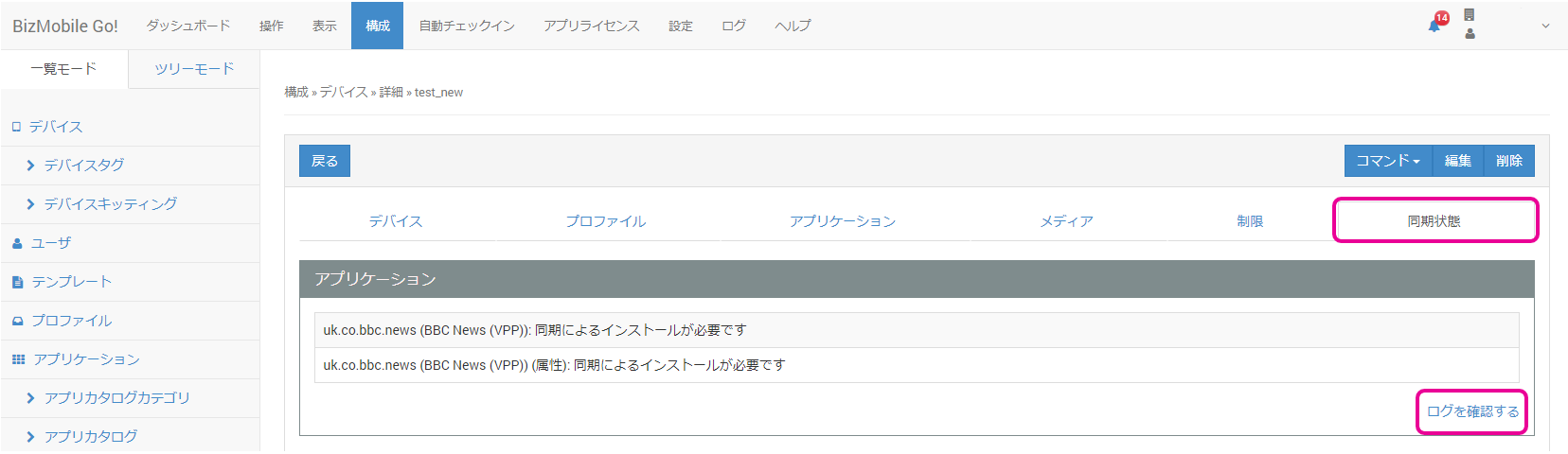
- Under Device > Details, click
View Logon theSync Statustab.
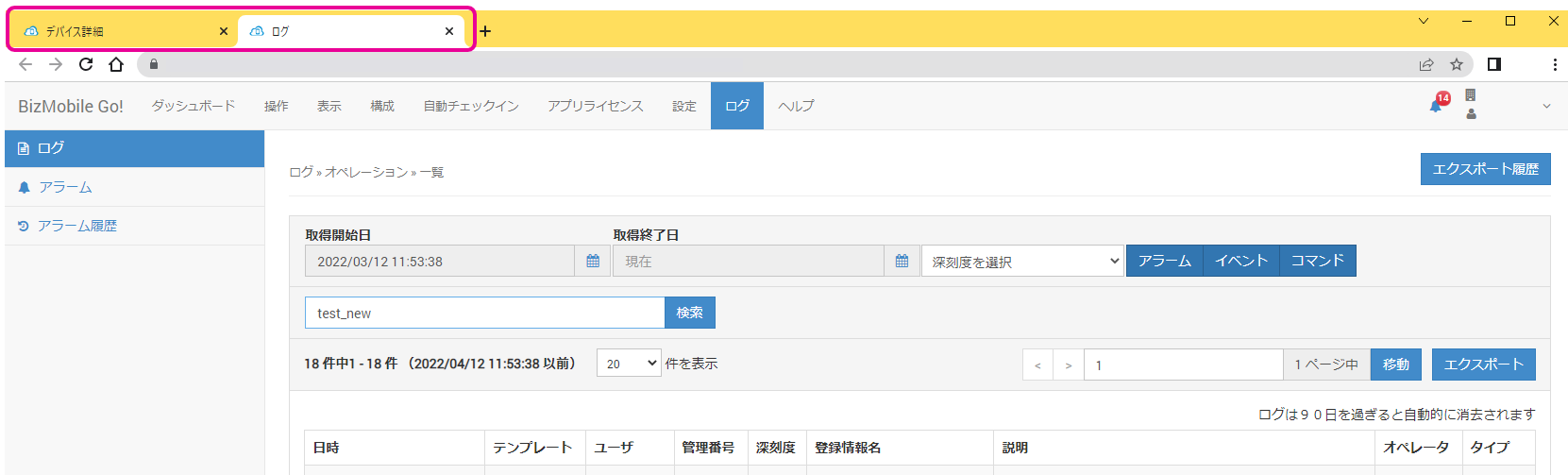
- A log list already filtered by the device opens in another tab, where you can check the details.