Filter Devices by Multiple Conditions
When you filter the devices listed on the CONTROL and Device screens, you can specify multiple conditions at once.
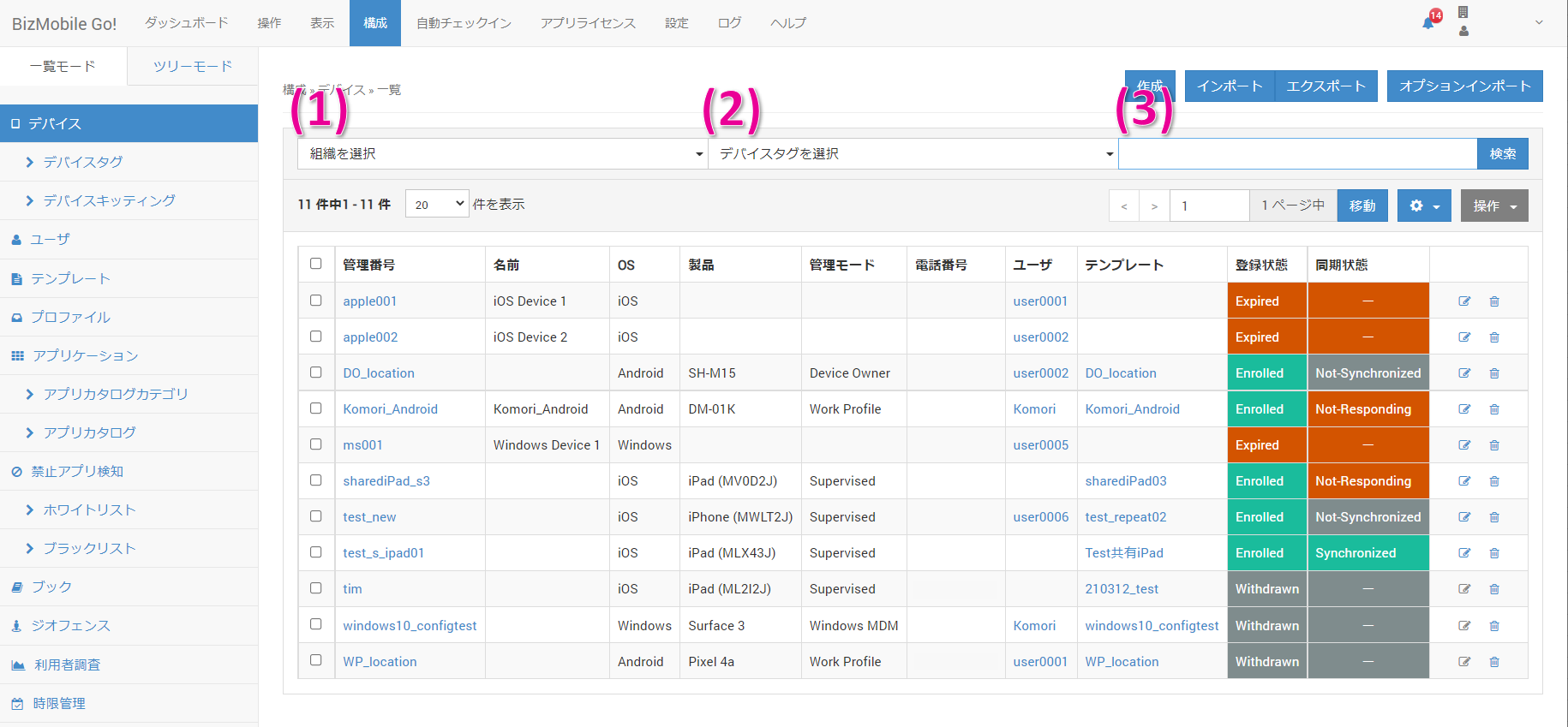
(1) Search by organization
(2) Search by device tag
(3) Search by free keyword
The search targets are identifier, name, description, user, template, enrollment status, sync status, OS, product, IMEI, MEID, name on device, serial number, UDID, ICCID, and phone number.
You can also combine (1) and (2) with (3) to filter the list.