Configure Notification Settings for the BizGo! Air App with a Profile
Use a profile to configure the "notification settings" required to use BizGo! Air.
warning
This procedure forces the specified notification settings to "Allow".
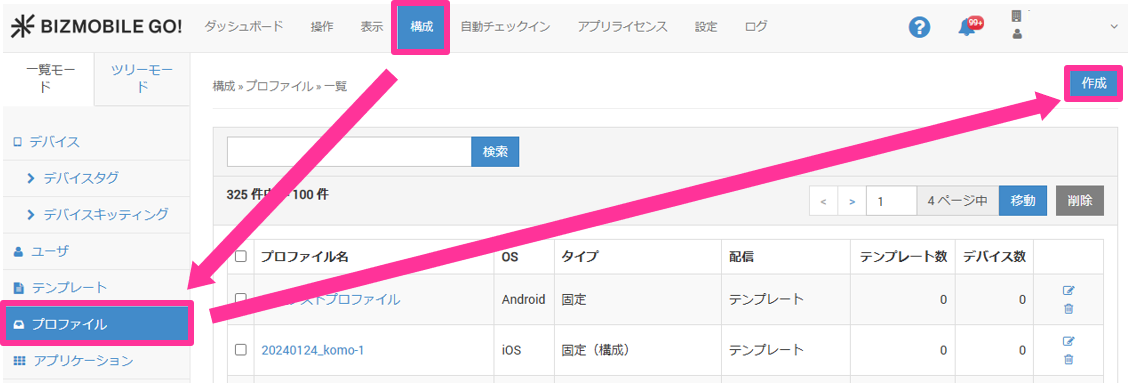
- Select CONFIG > Profile, and click [Create].
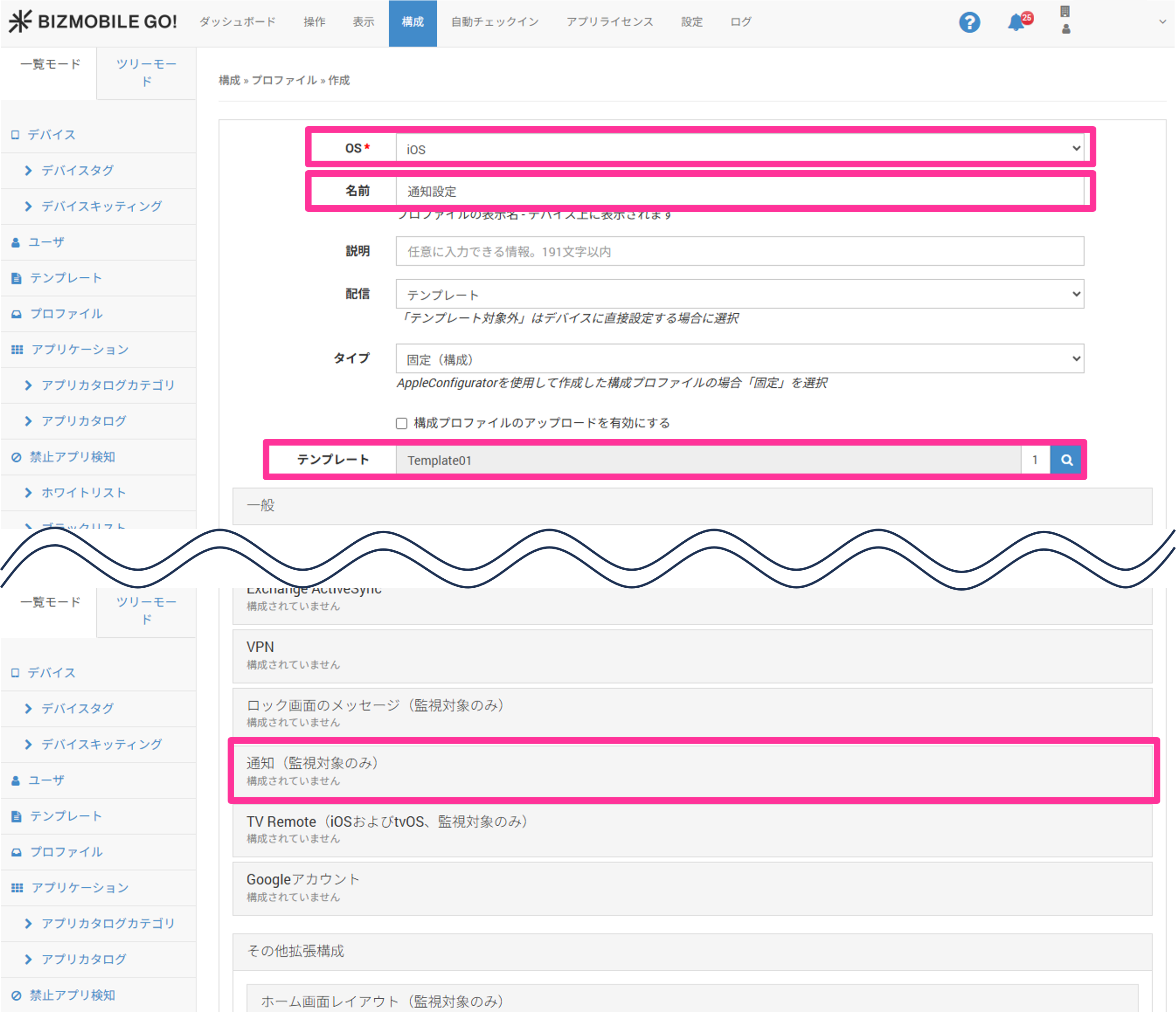
- Select "iOS" for "OS", specify "Name" and "Template", and then click "Notifications".
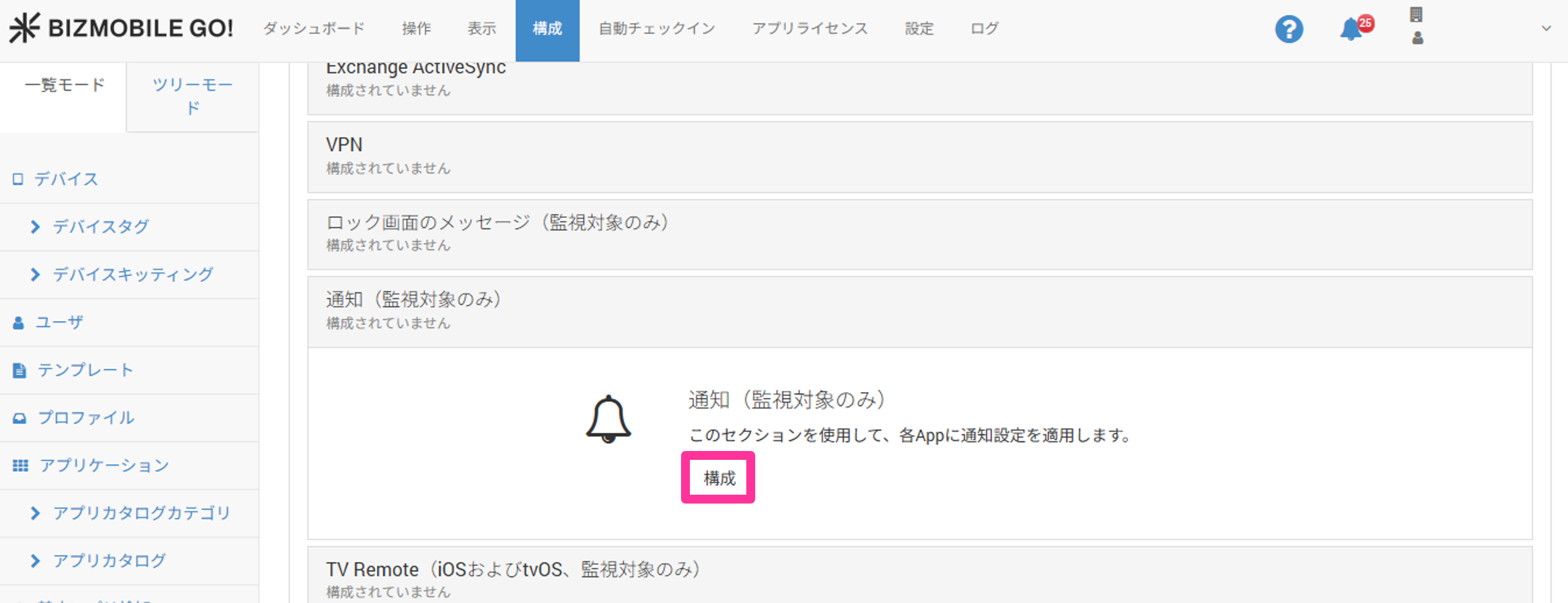
- Click "Configure".
- Click "Add Per App Settings".
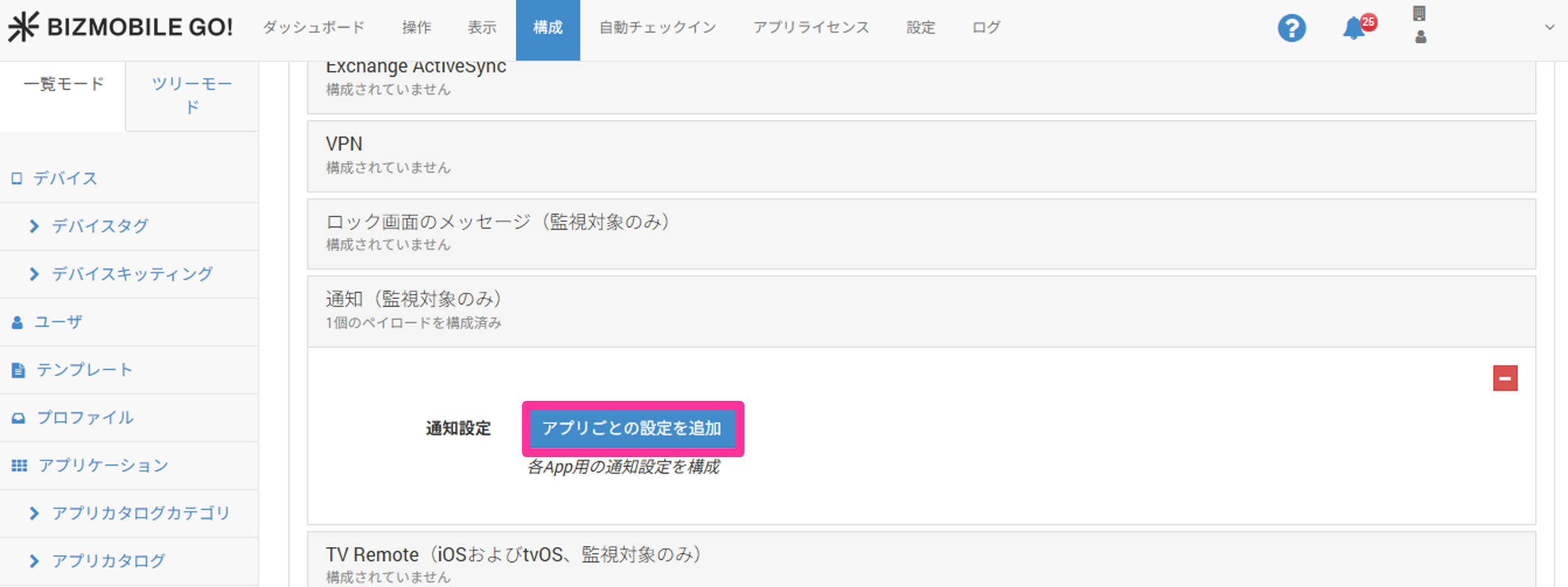
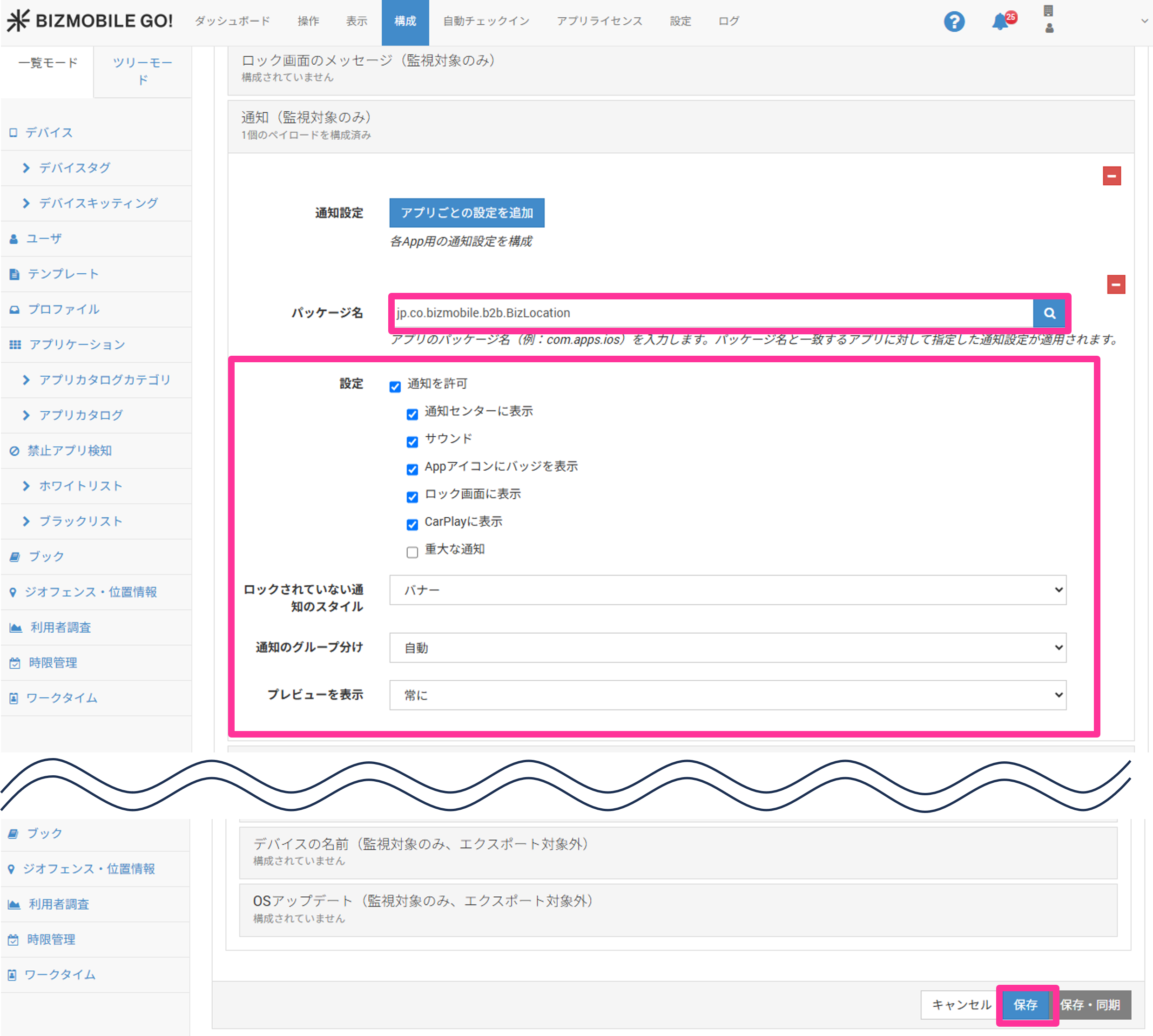
- Enter the following BizGo! Air app identifier in "Package Name", configure the required settings, and then click "Save".
| BizGo! Air app identifier: jp.co.bizmobile.b2b.BizLocation |