Edit or Delete a User
Edit a User
To edit user information, follow the procedure in "Register Users". If the user ID already exists, the information is overwritten.
Delete a User
-
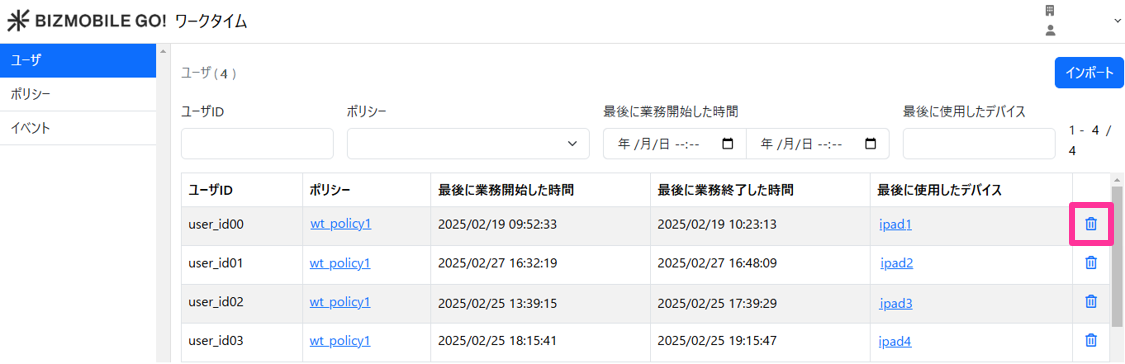
On the user screen, click the delete icon next to the user you want to delete.
-
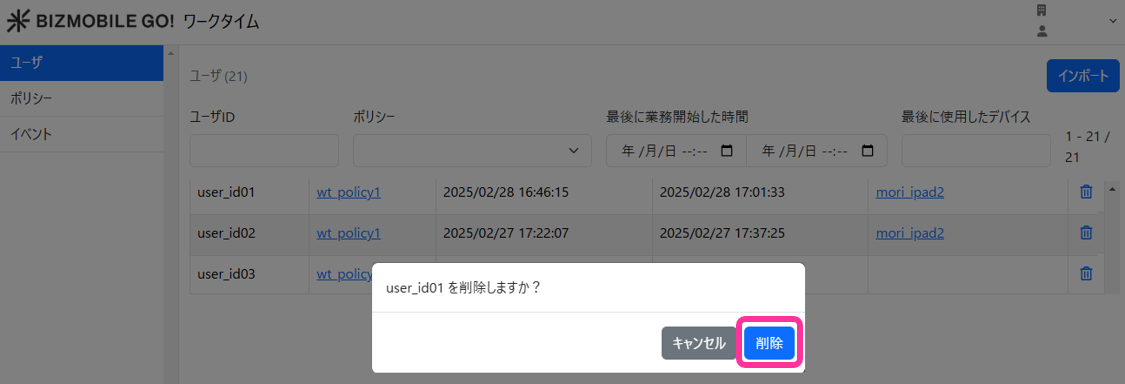
A confirmation pop-up is displayed. Click "Delete".