Enroll a Shared iPad Device
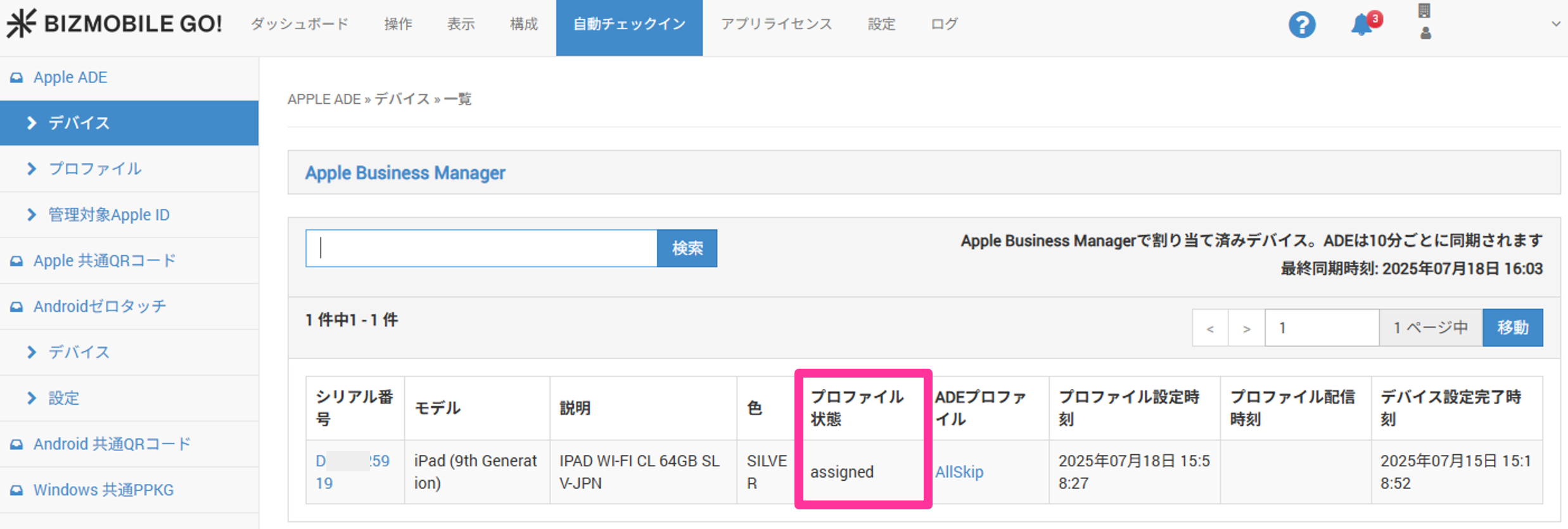
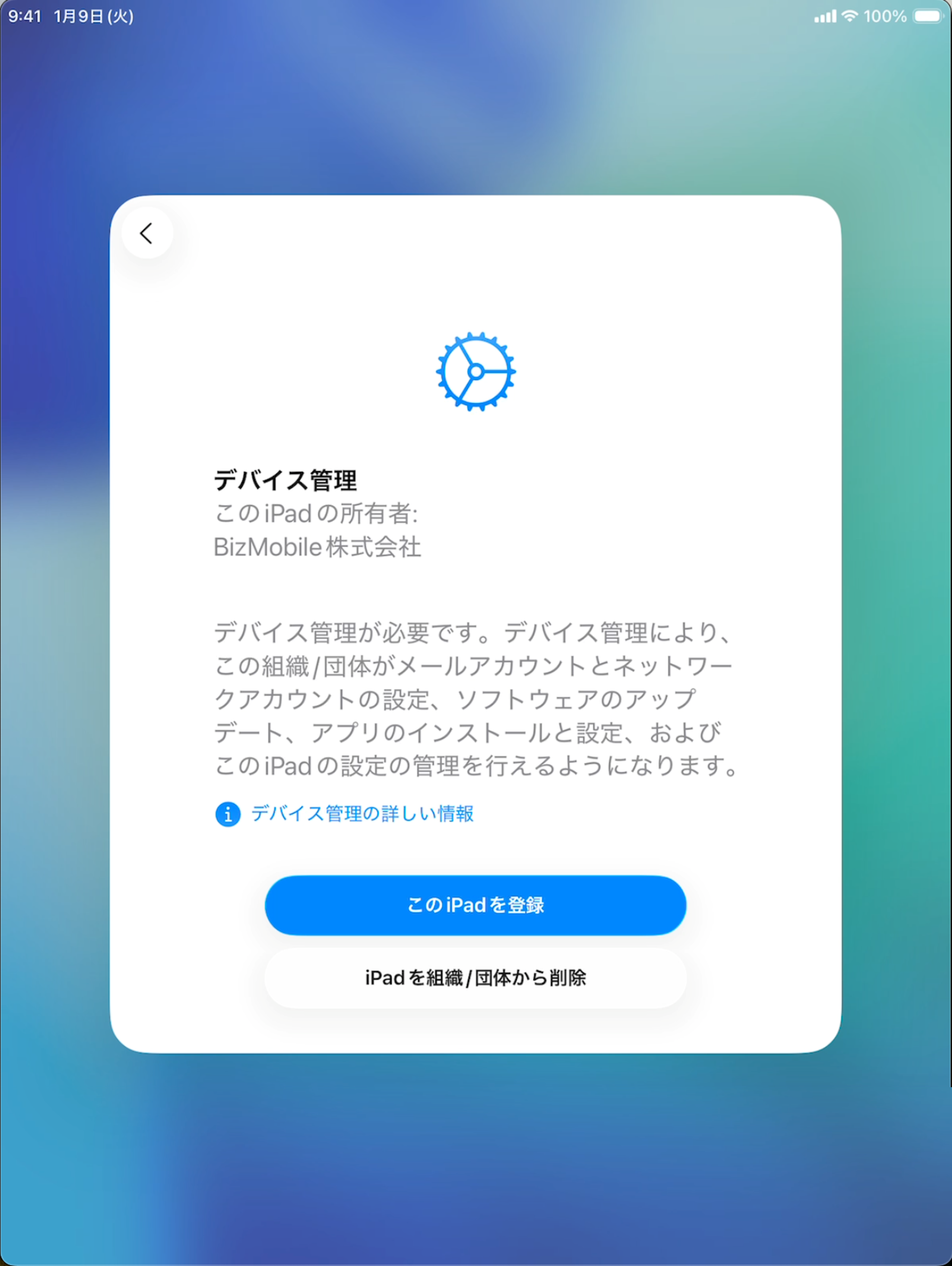
As the final step to make the device manageable, enroll it from the device. When enrollment is complete, registration in BizMobile Go! is complete and you can manage the device.
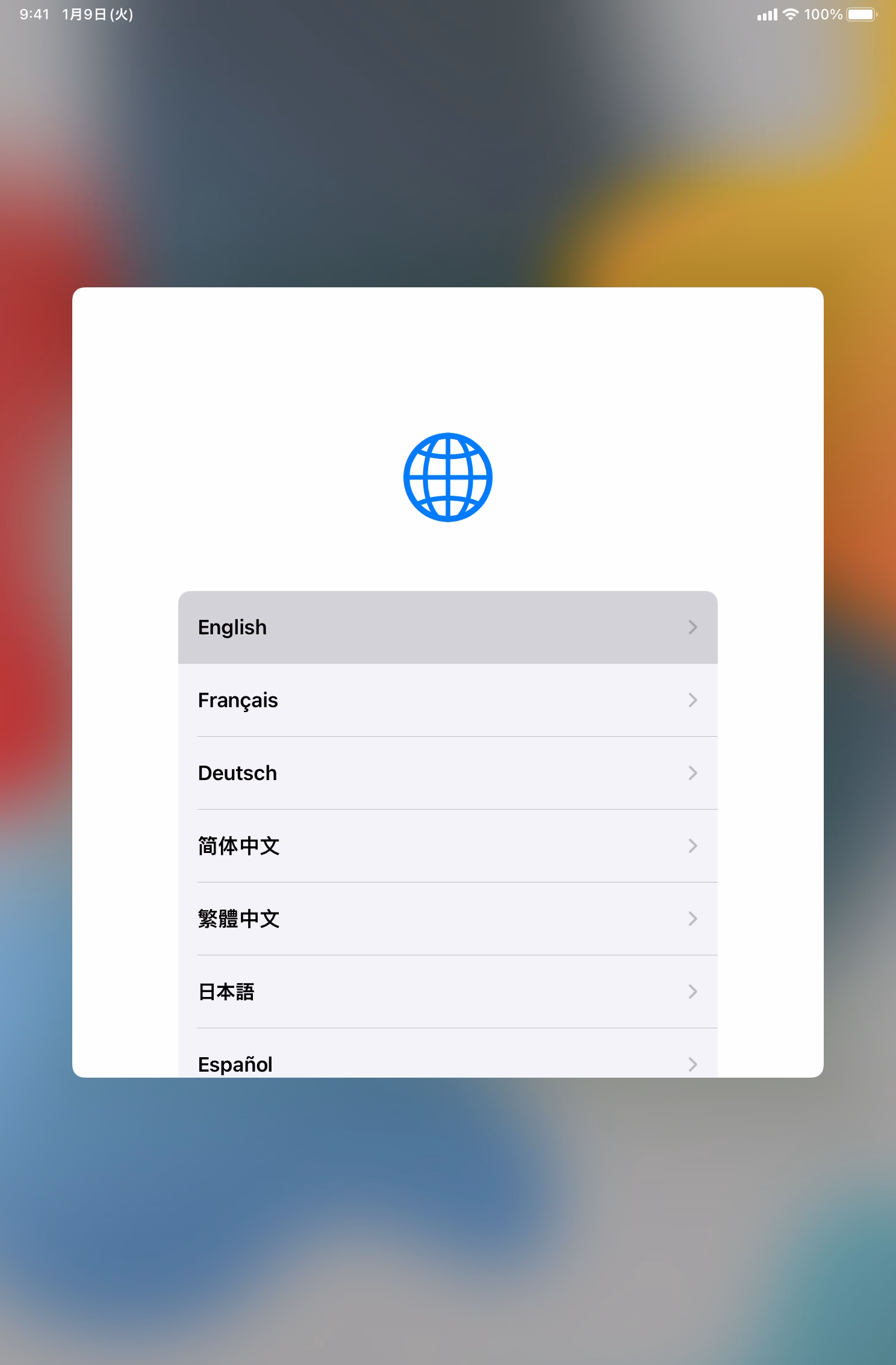
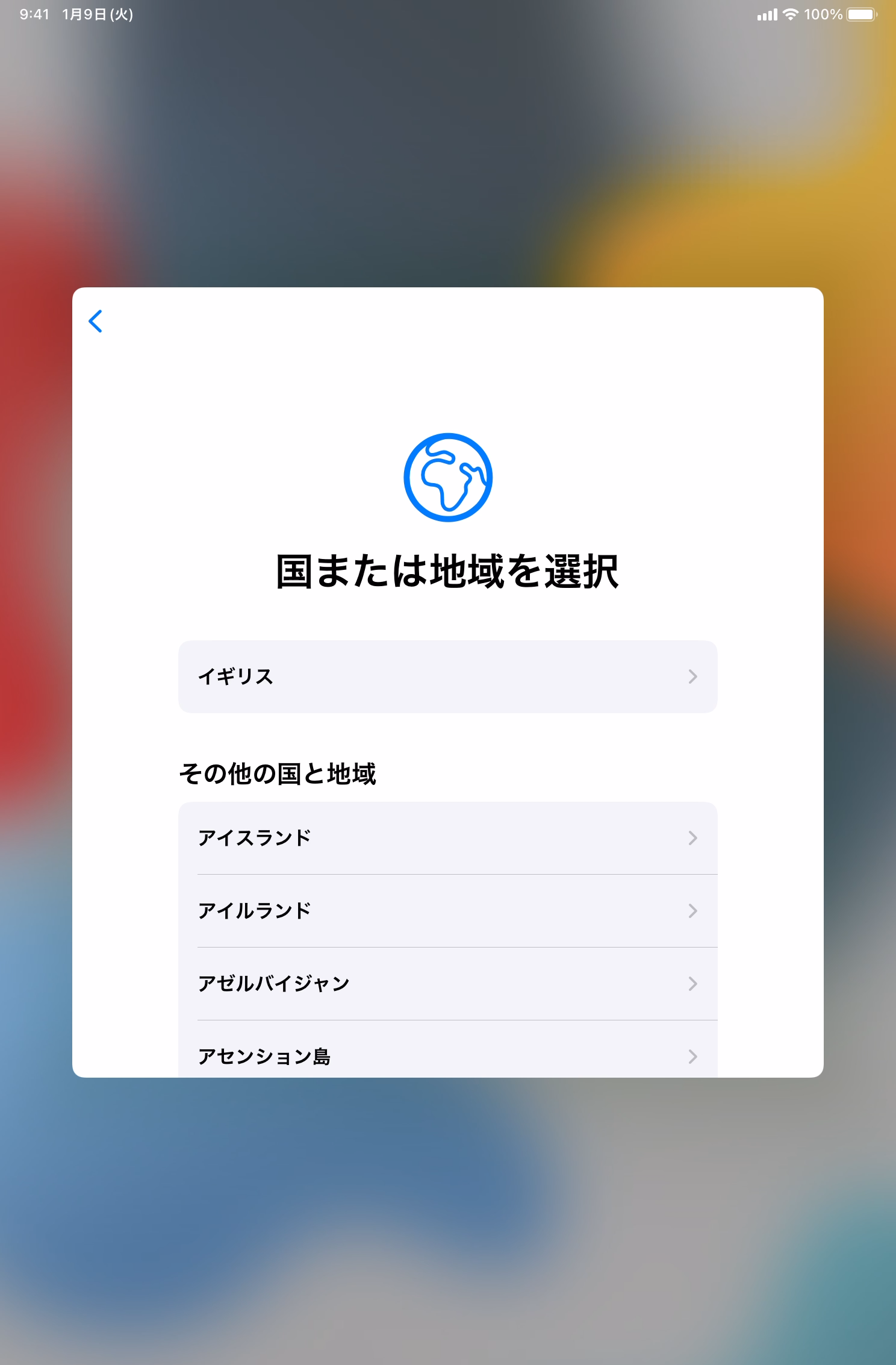
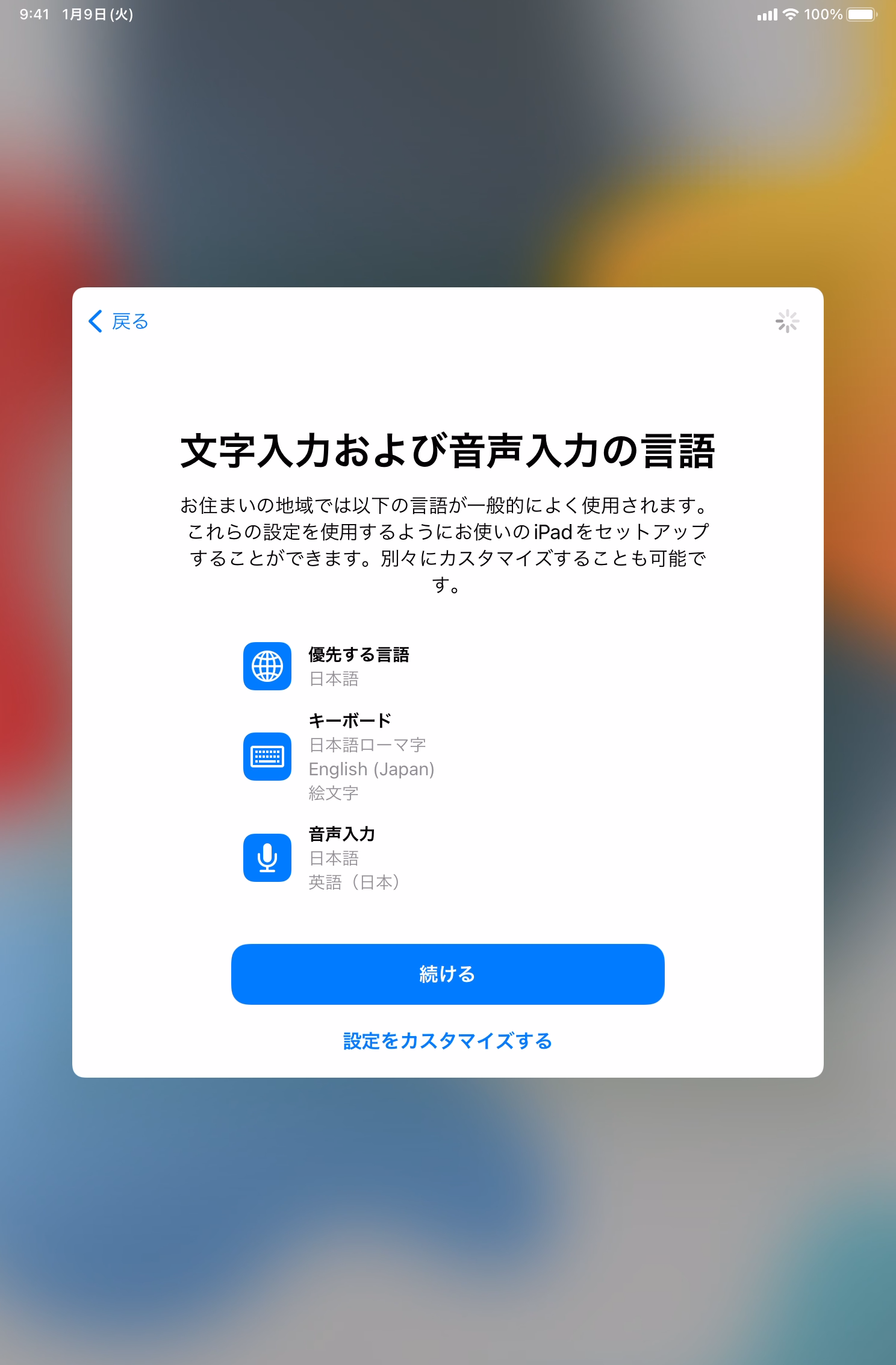
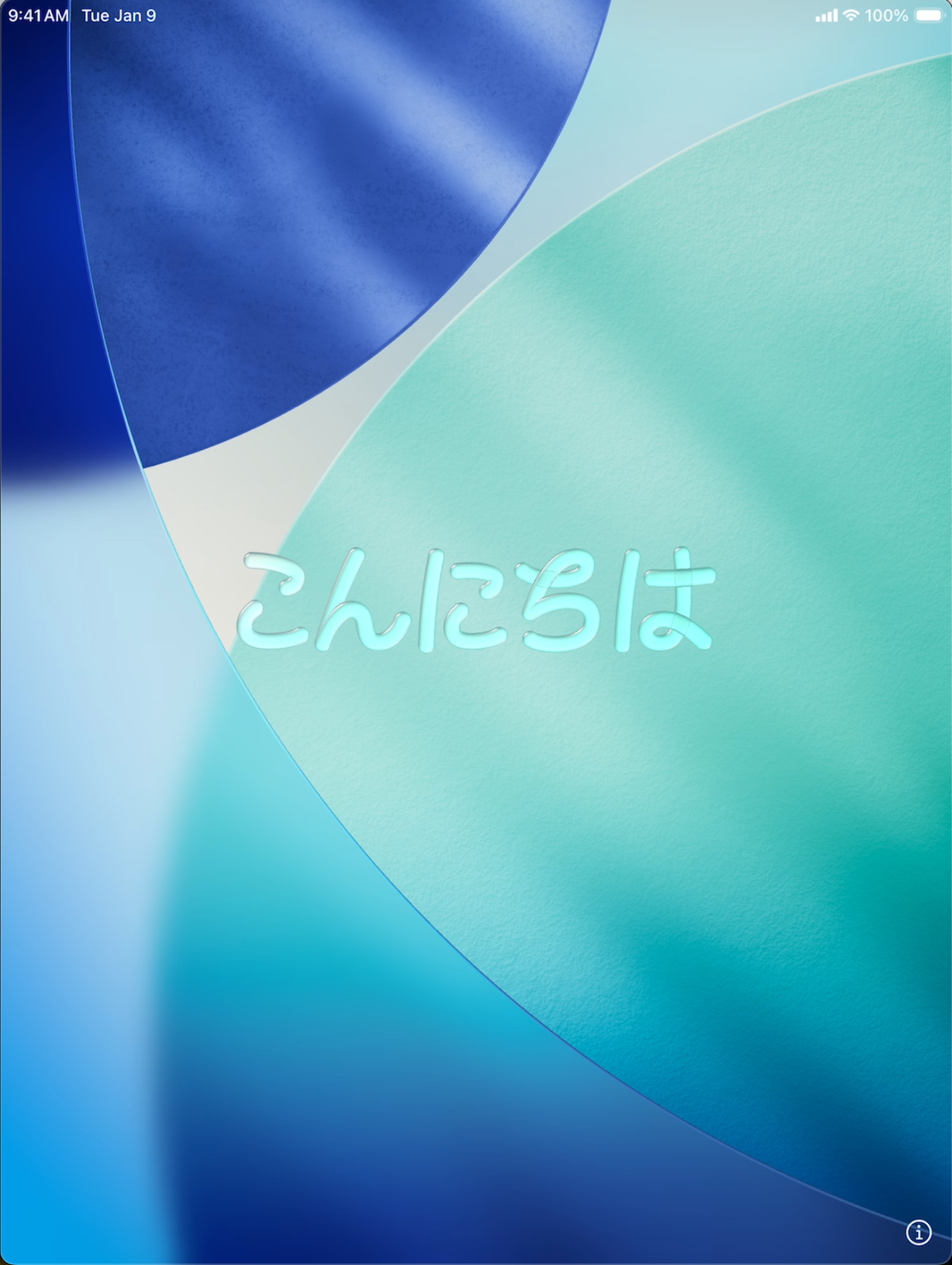
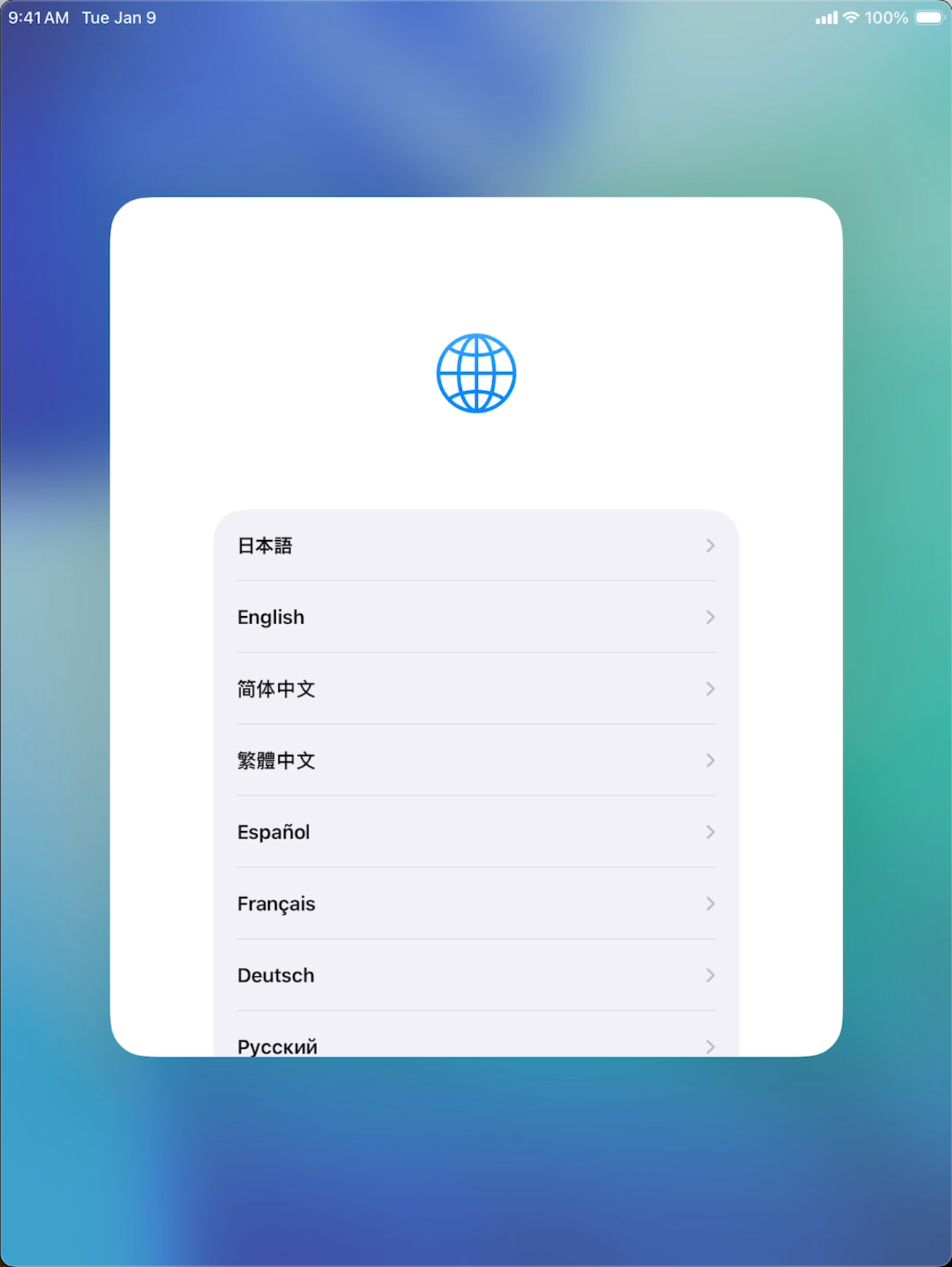
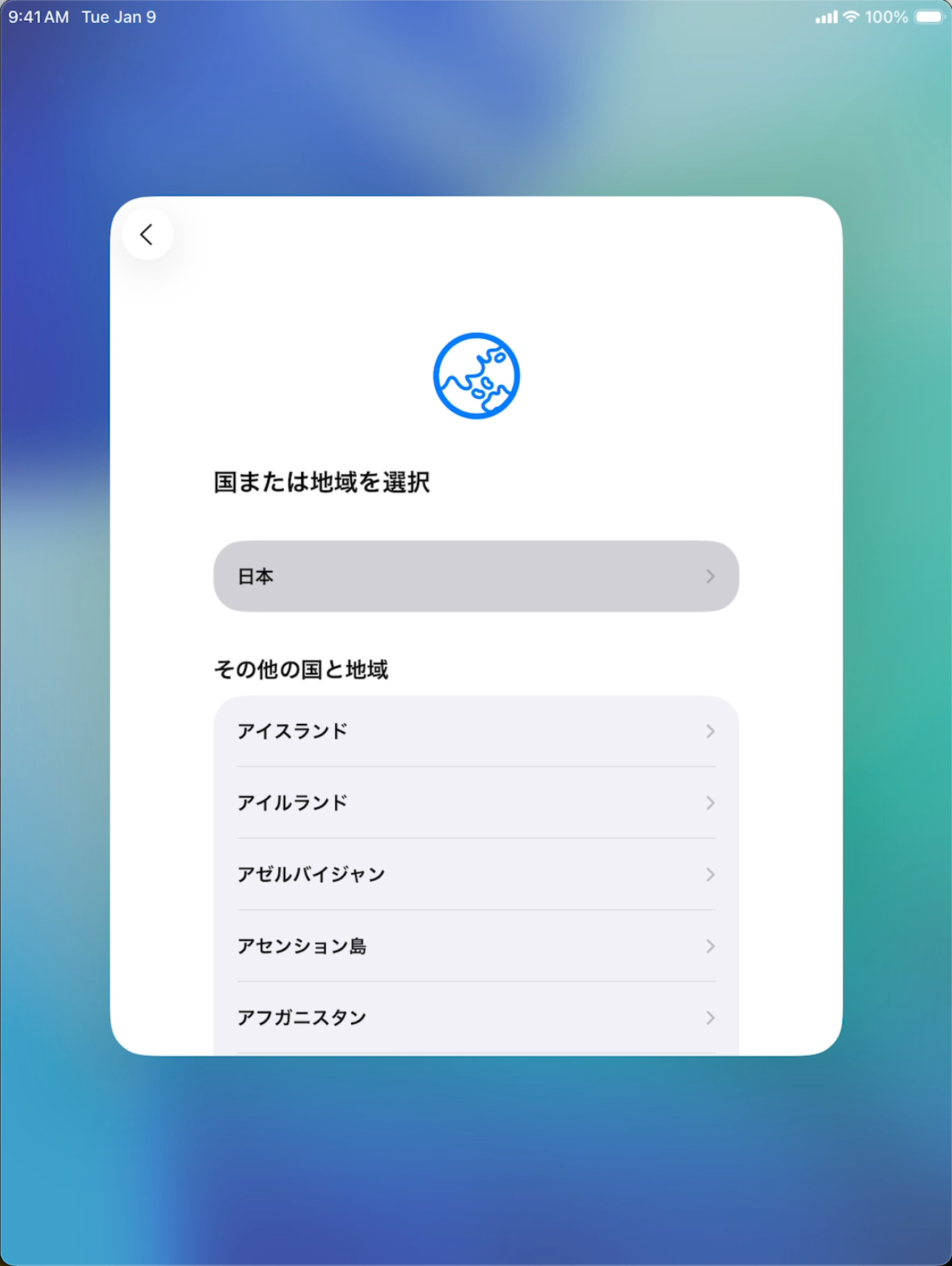
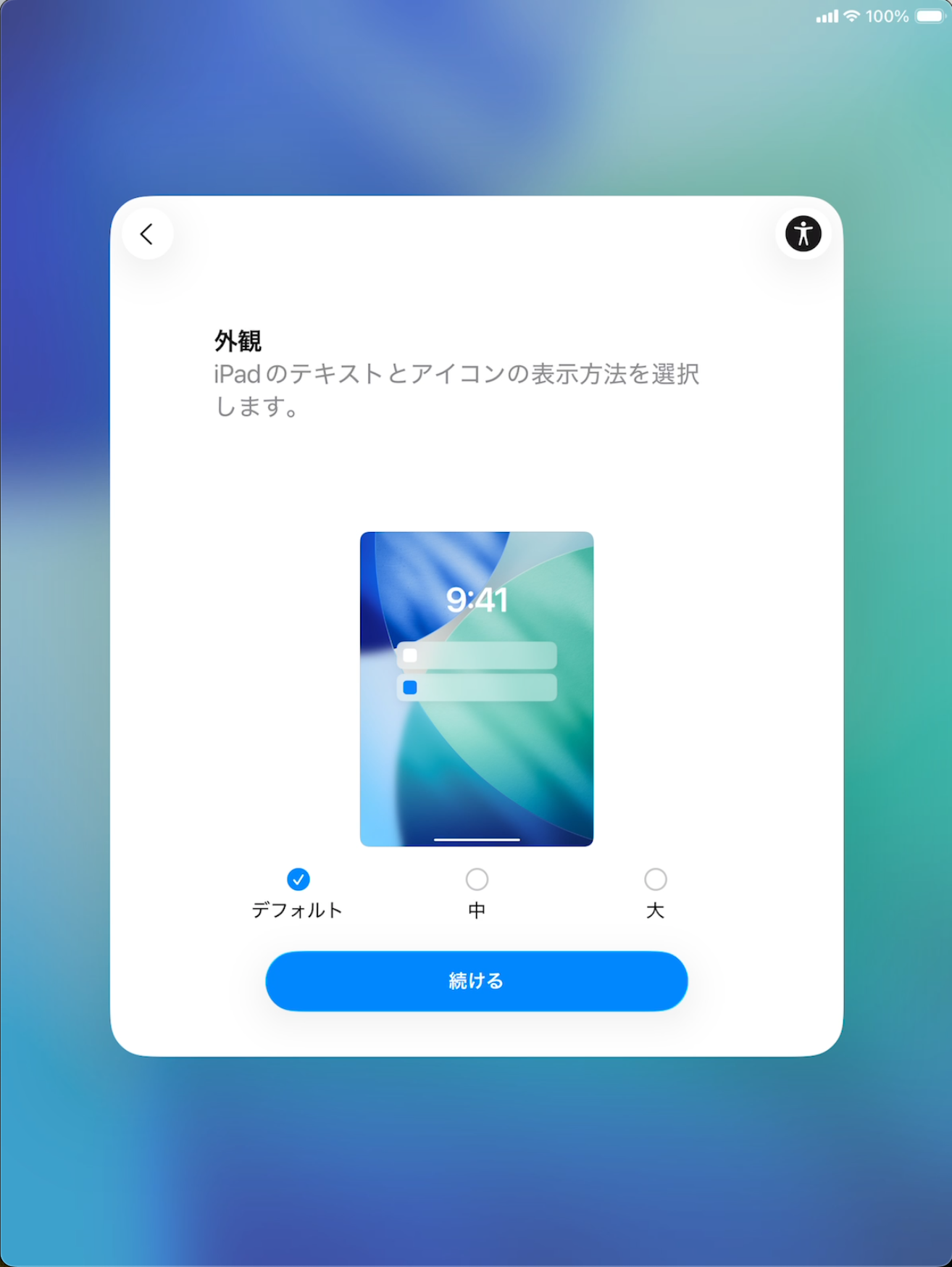
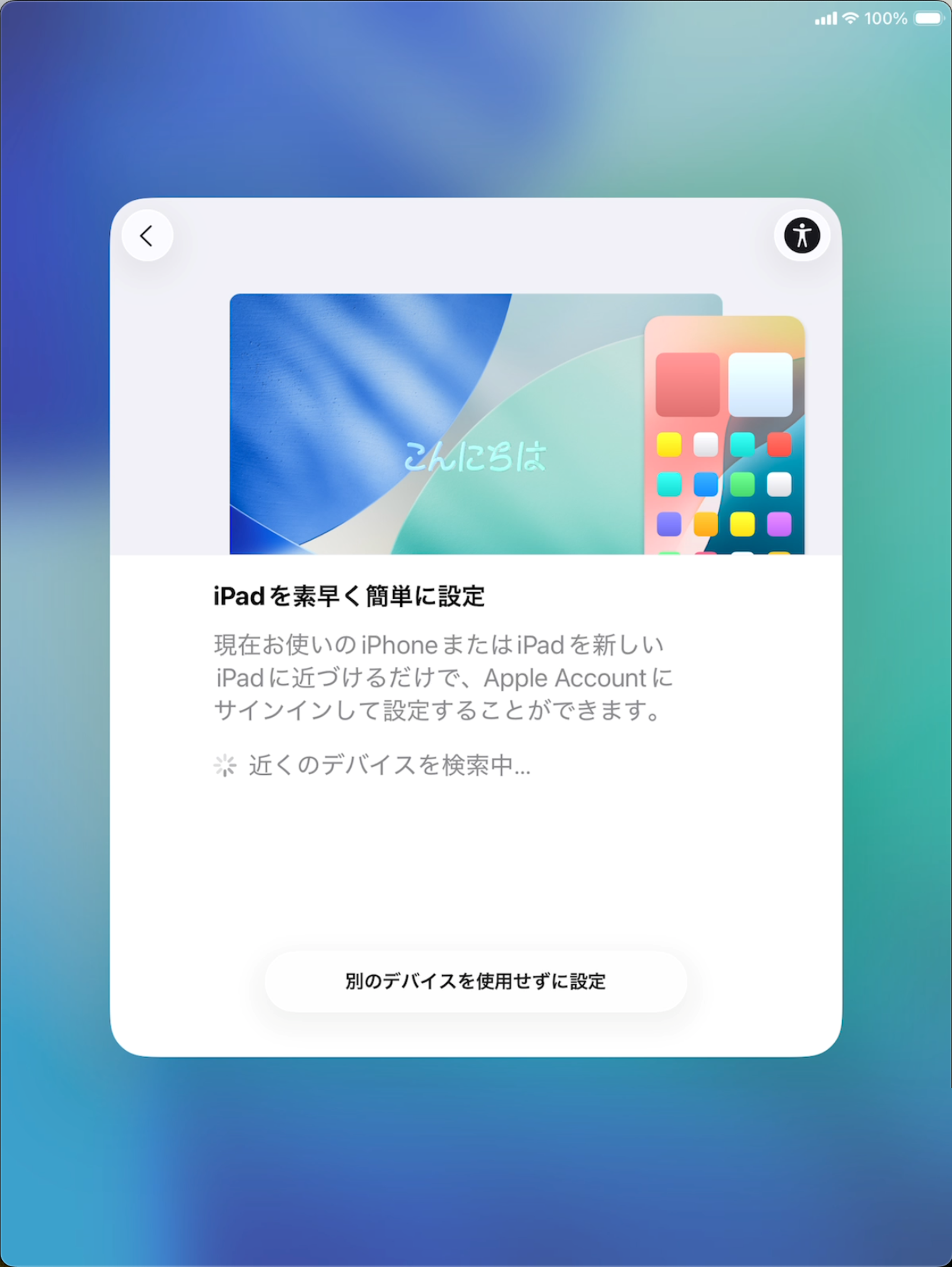
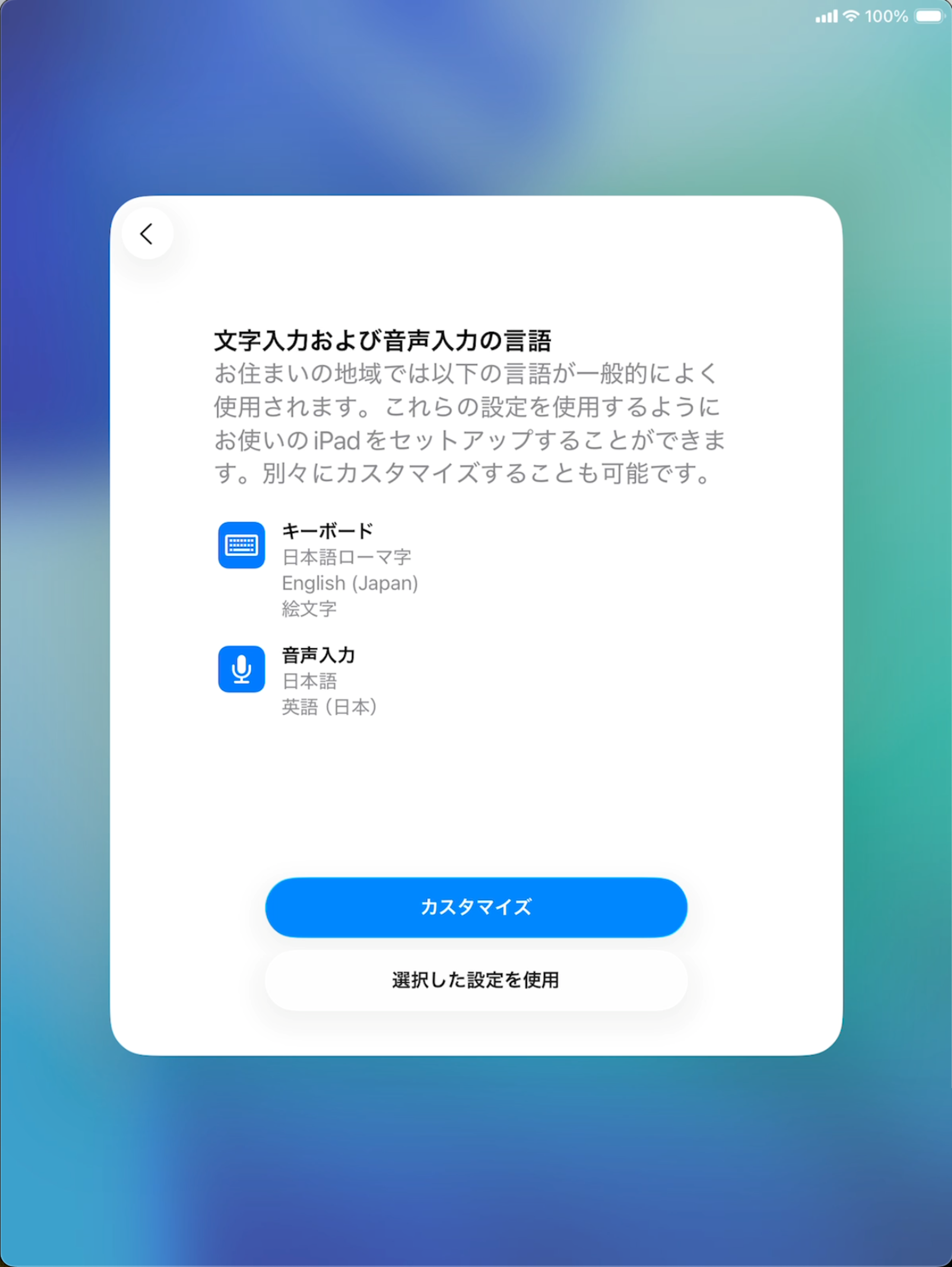
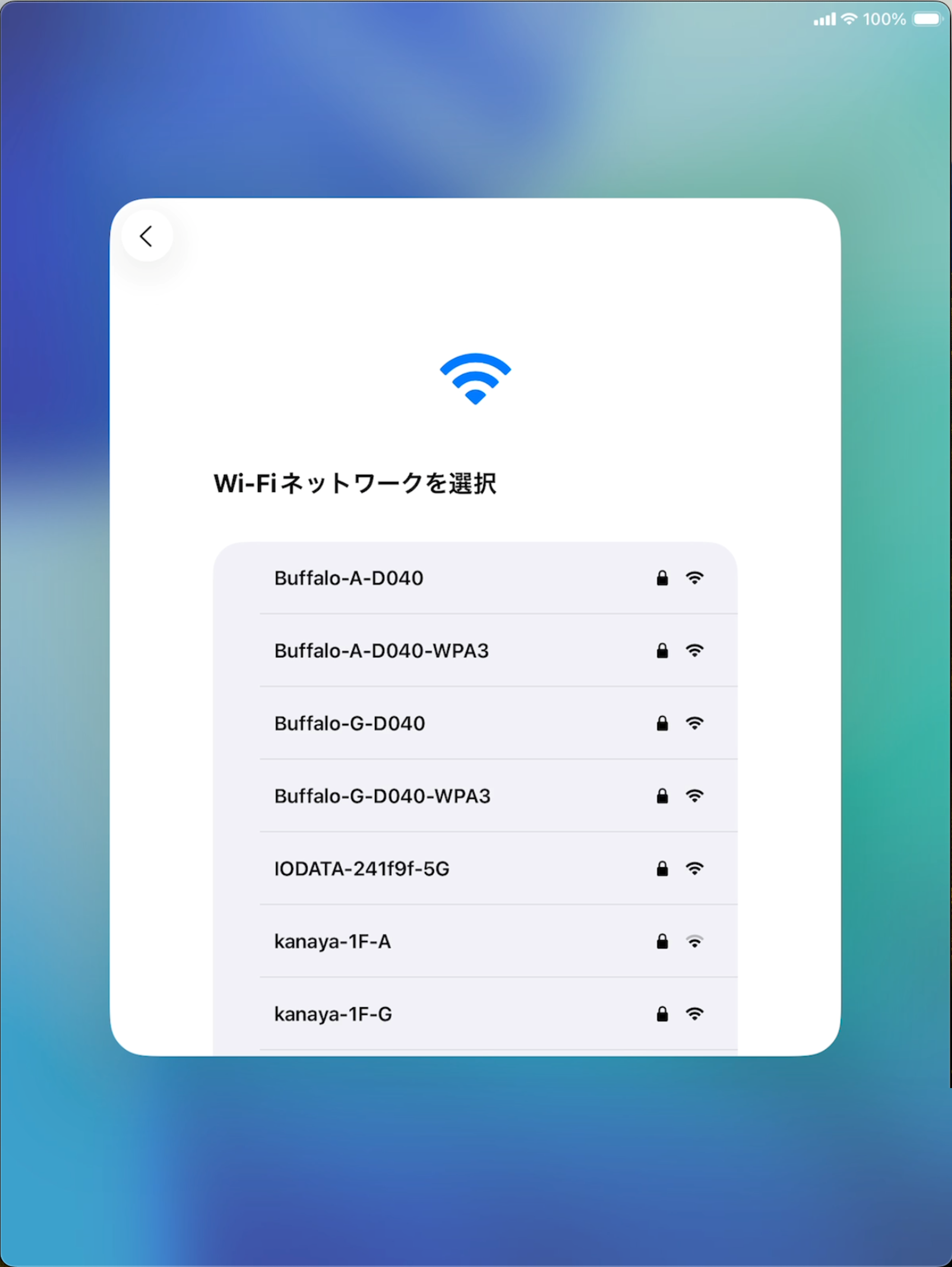
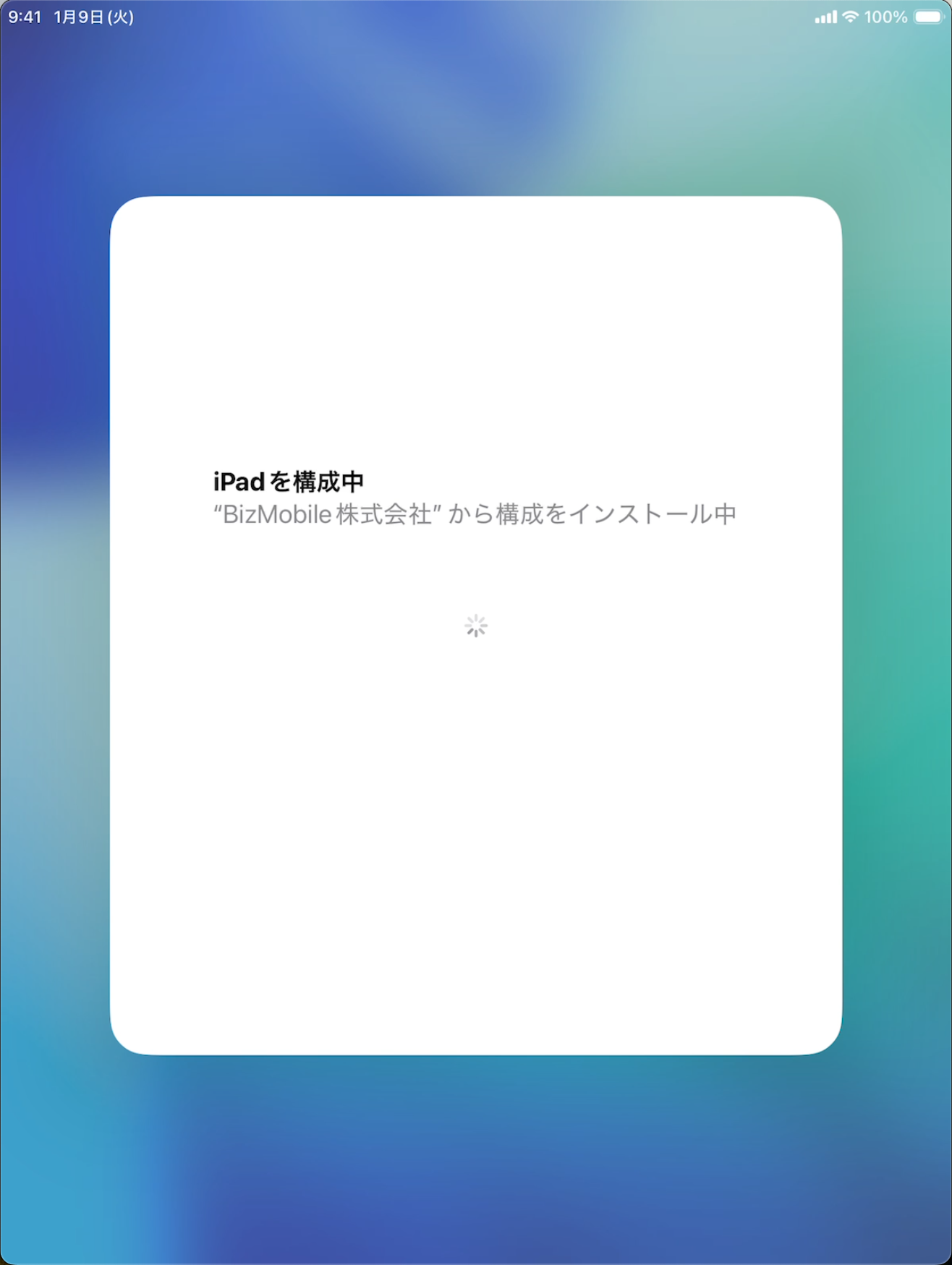
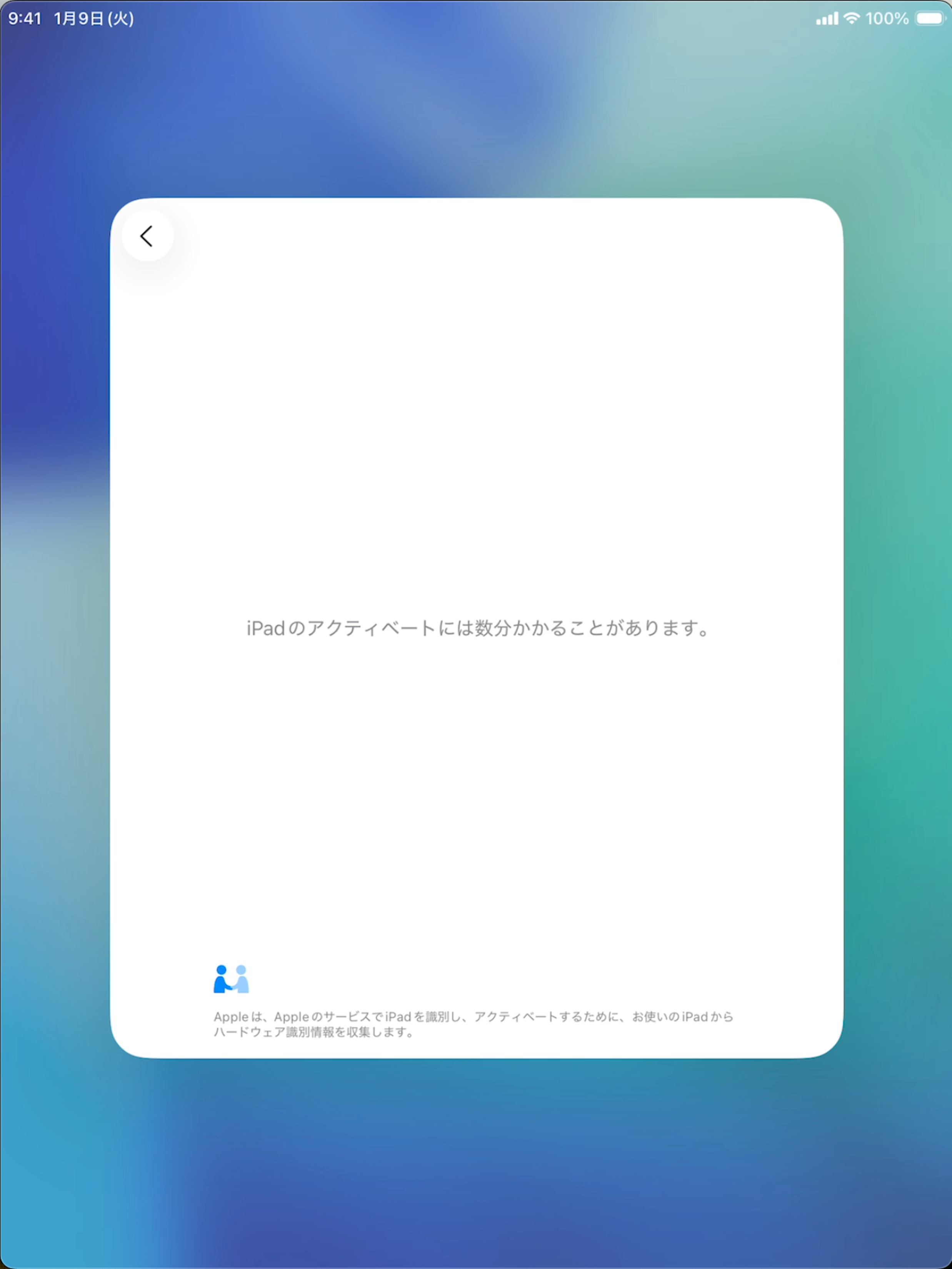
Enrollment of a Shared iPad (ADE device) is completed simply by erasing the device and then setting it up by following the instructions on the device screen (activation).
When enrollment is complete, registration in BizMobile Go! is complete. Content common to the users who sign in, such as the profiles and apps registered in advance in the same template as the device, is distributed to the device, and device setup (kitting) is completed automatically.
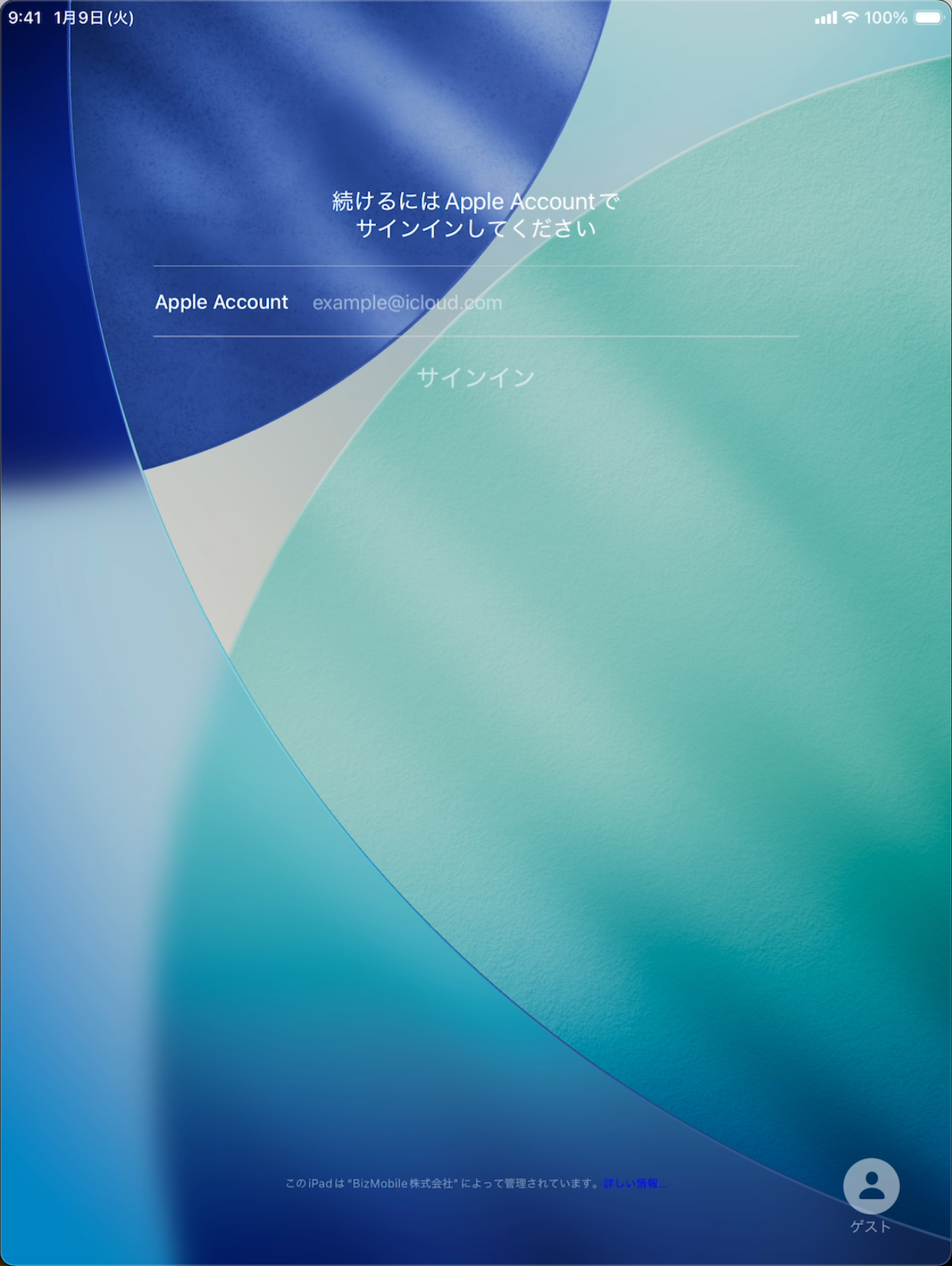
Settings for each signed-in user are distributed from BizMobile Go! when that user signs in.
|  |
| |
|  |
|  |
|  |
| |
| 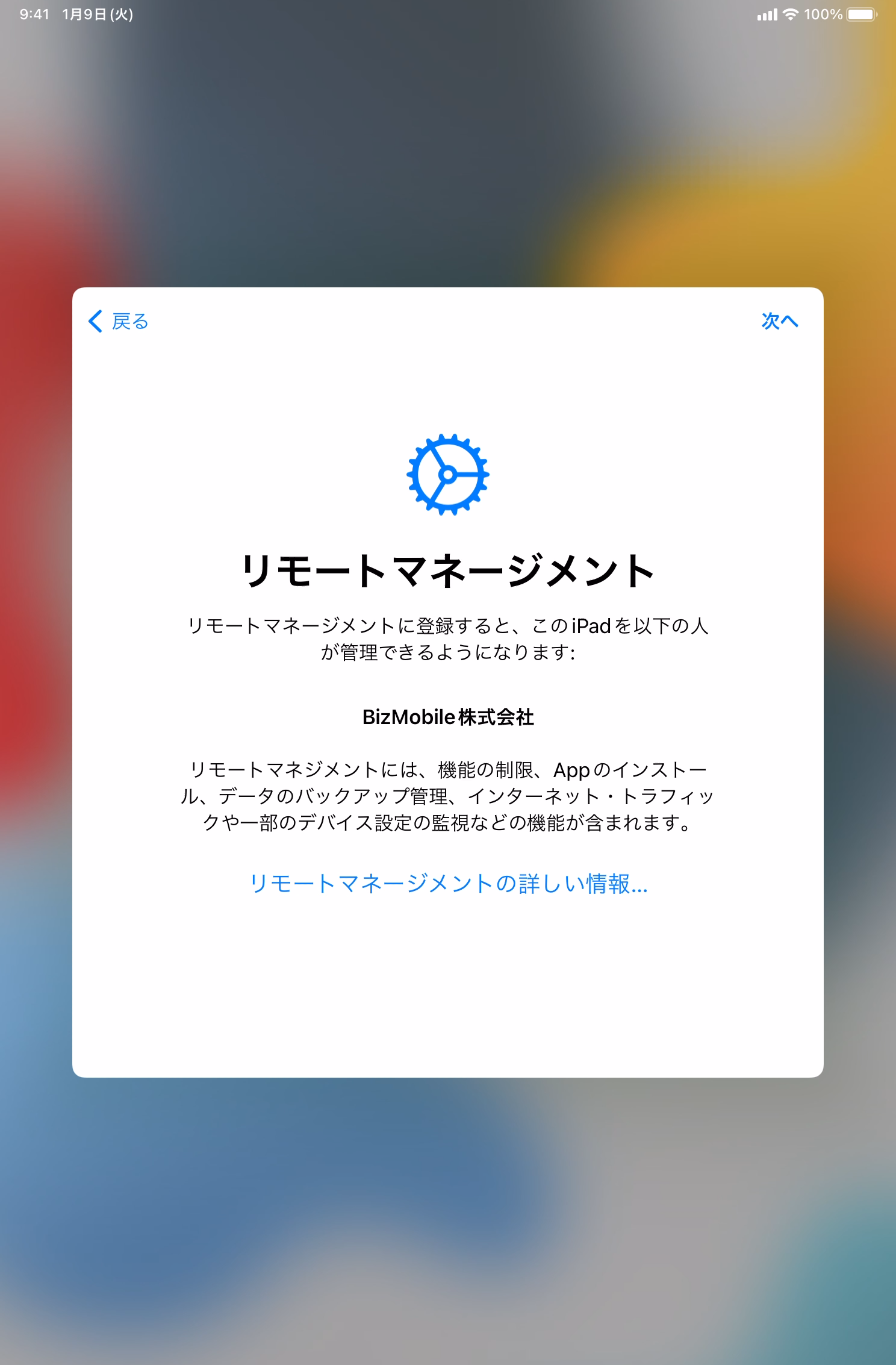 |
| 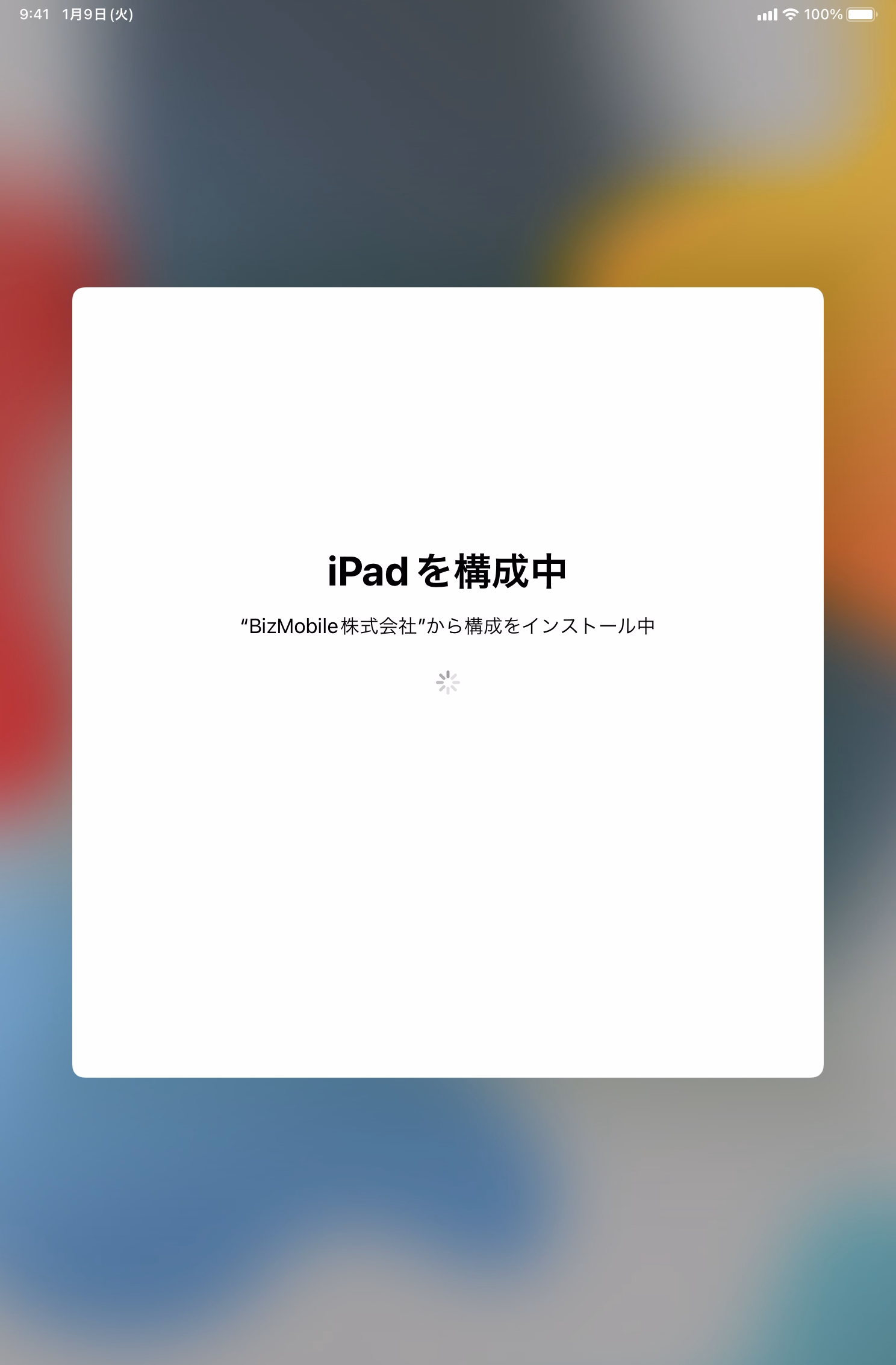 |
| 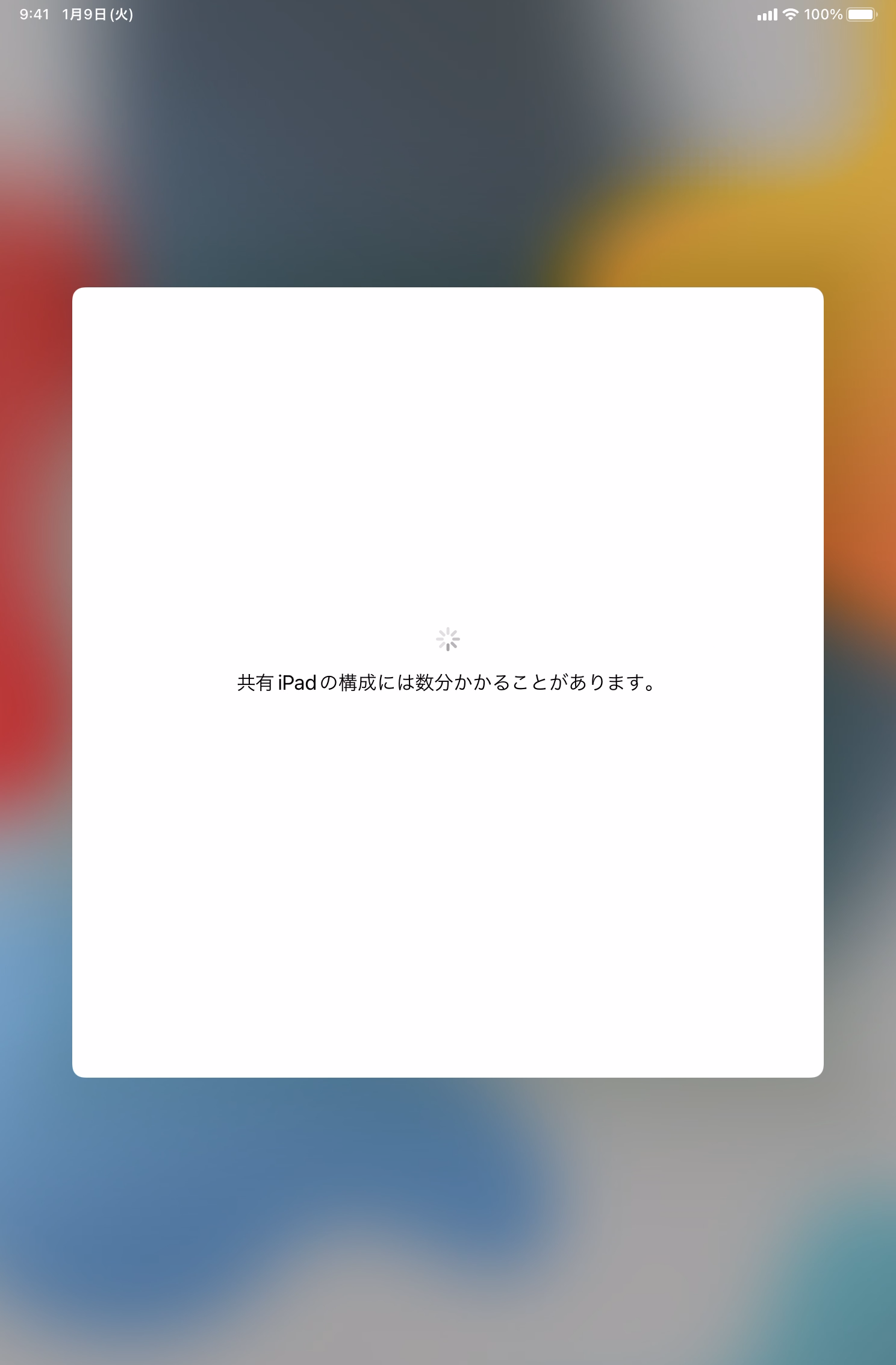 |
| 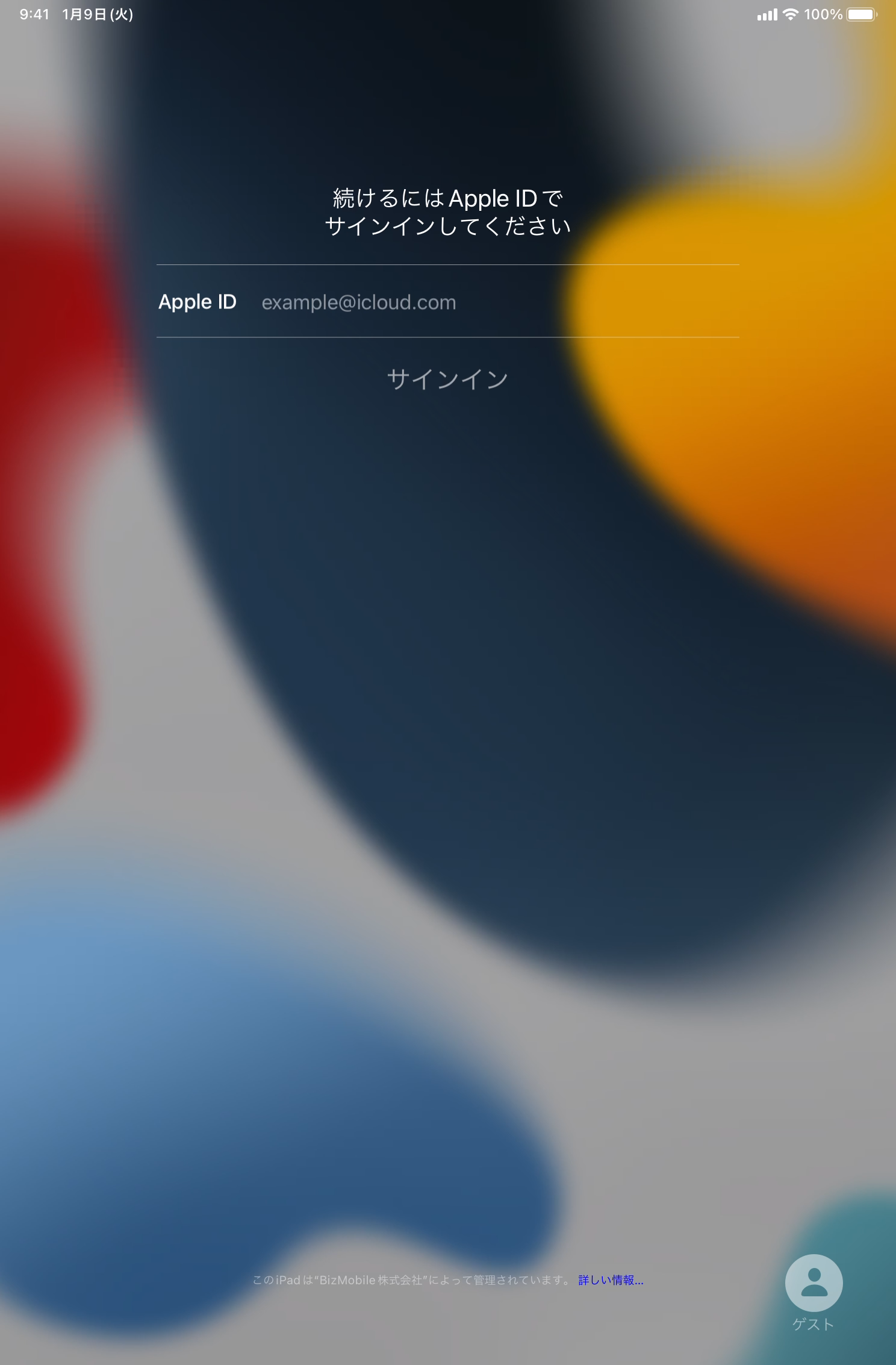 |
ADE Device Enrollment Procedure for OS Version 26 or Later
| |
|  |
|  |
|  |
|  |
|  |
|  |
|  |
|  |
|  |
|  |
|  |
Depending on the network conditions of the device setup (kitting) environment, it may take time until all the content common to the signed-in users, such as the profiles and apps registered in the template, is installed on the device.